Troubleshooting en-us
33
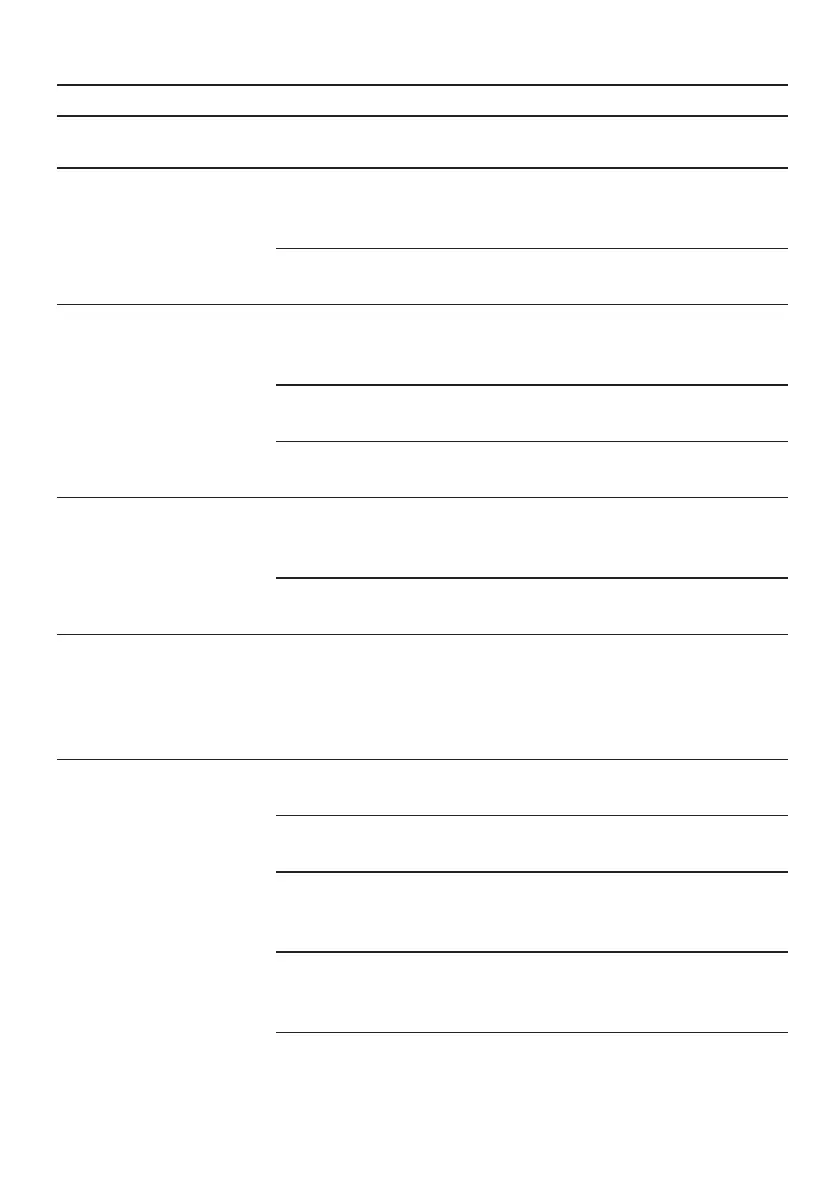
Issue Cause and troubleshooting
Coffee is too acidic.
▶ Use a coffee variety with a higher proportion of
Robusta beans.
Coffee is too bitter. Grinding level is set too fine.
▶ Set a coarser grinding level.
→
"Setting the grinding level", Page21
Type of coffee is not optimal.
▶ Change the type of coffee.
Coffee tastes burnt. Grinding level is set too fine.
▶ Set a coarser grinding level.
→
"Setting the grinding level", Page21
Type of coffee is not optimal.
▶ Change the type of coffee.
Brewing temperature is too high.
▶ Set the brewing temperature lower.
Coffee grounds are not
compact and are too
wet.
Grinding level is not set correctly.
▶ Adjust the grinder to a coarser or finer setting.
→
"Setting the grinding level", Page21
Coffee beans are too oily.
▶ Use a different type of bean.
Display shows "Please
insert the brewing
unit.".
Cover is inserted wrong.
1. Check whether the brewing unit is inserted correctly
and is securely locked.
2. Push the red lever up to the left.
3. Insert the brewing unit cover.
Display shows "Please
fill the water tank"
despite the water tank
being full.
Water tank is inserted wrong.
▶ Insert the water tank correctly.
Carbonated water is in the water tank.
▶ Fill the water tank with fresh drinking water.
Float is stuck in the water tank.
1. Remove the water tank.
2. Clean the water tank thoroughly.
New water filter was not rinsed as per instructions.
1. Rinse the water filter according to the instructions.
2. Place the water filter into operation.
Air in the water filter.
1. Immerse the water filter in water with the opening
facing upwards until no more air bubbles escape.



 To Next Page