39
Appliance settings
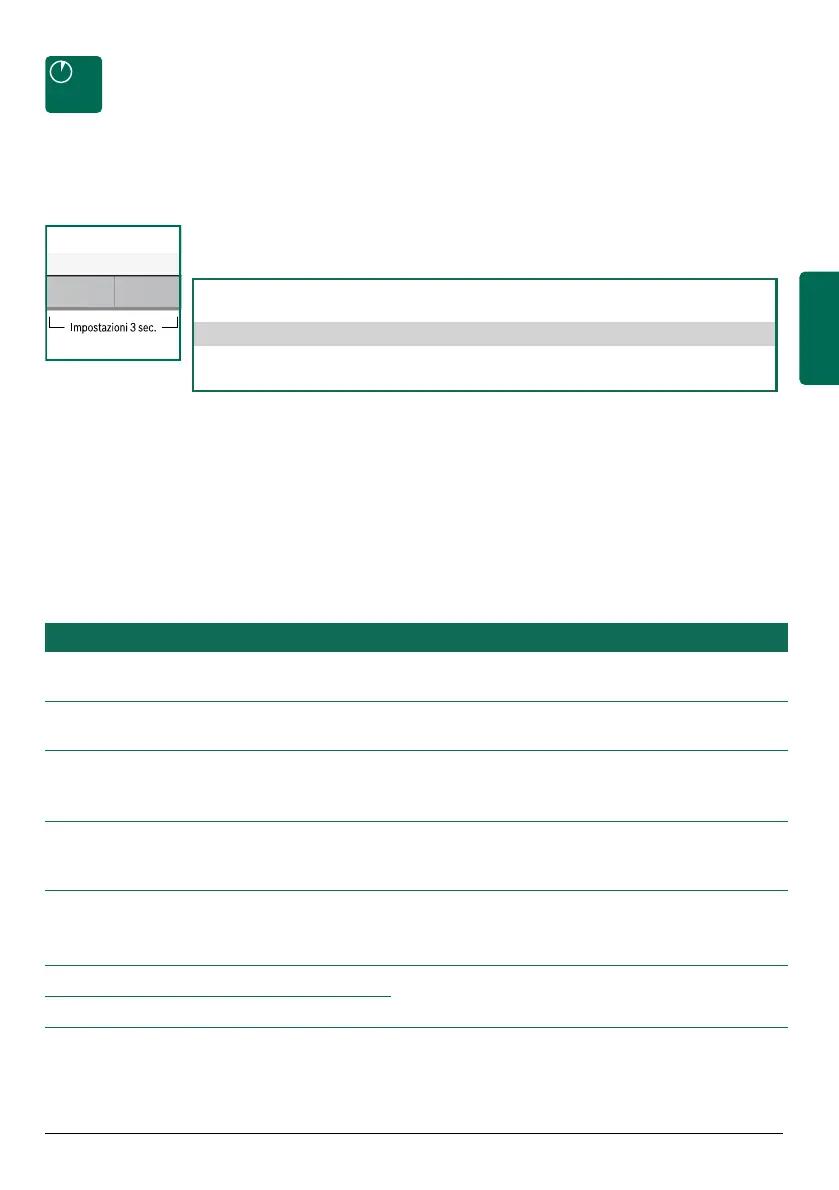
By pressing the Impostazioni 3 sec. (basic settings 3 sec.)
buttons, appliance settings can be changed, e.g. button signal.
Simultaneously hold down Impostazioni 3 sec. (basic settings
3 sec.) buttons for approx. 3 seconds:
Ø If the buttons are held down, the settings automatically run
through.
Ø Select Setting with the two left buttons.
Ø Select displayed value with the two right buttons (selection
acknowledged by a tick).
Ø Wait or hold down Impostazioni 3 sec. (basic settings
3 sec.) buttons again.
²
Settings are retained after appliance is switched off.
Language
end signal off
Â
button signal
Ö× Ö ×
Settings Set values Notes
end signal off – quiet – medium –
loud – very loud
Adjust volume of the end signal.
button signal off – quiet – medium –
loud – very loud
Adjust volume of the button signals.
Auto power-
off of the
appliance
in 15 – 30 – 60 min –
never
The appliance automatically switches off after ...
min. (= 0 kWh energy consumption); to switch
on, press main switch button
# .
language German
English
...
Change displayed language.
i-DOS i/w
content
Softener –
Detergent
Select dispenser contents.
i-DOS
i/w
10 ml – 200 ml Set basic dosage according to recommendation
of the detergent/softener manufacturer.
i-DOS
w
10 ml – 200 ml


 To Next Page