Getting to know your appliance en
9
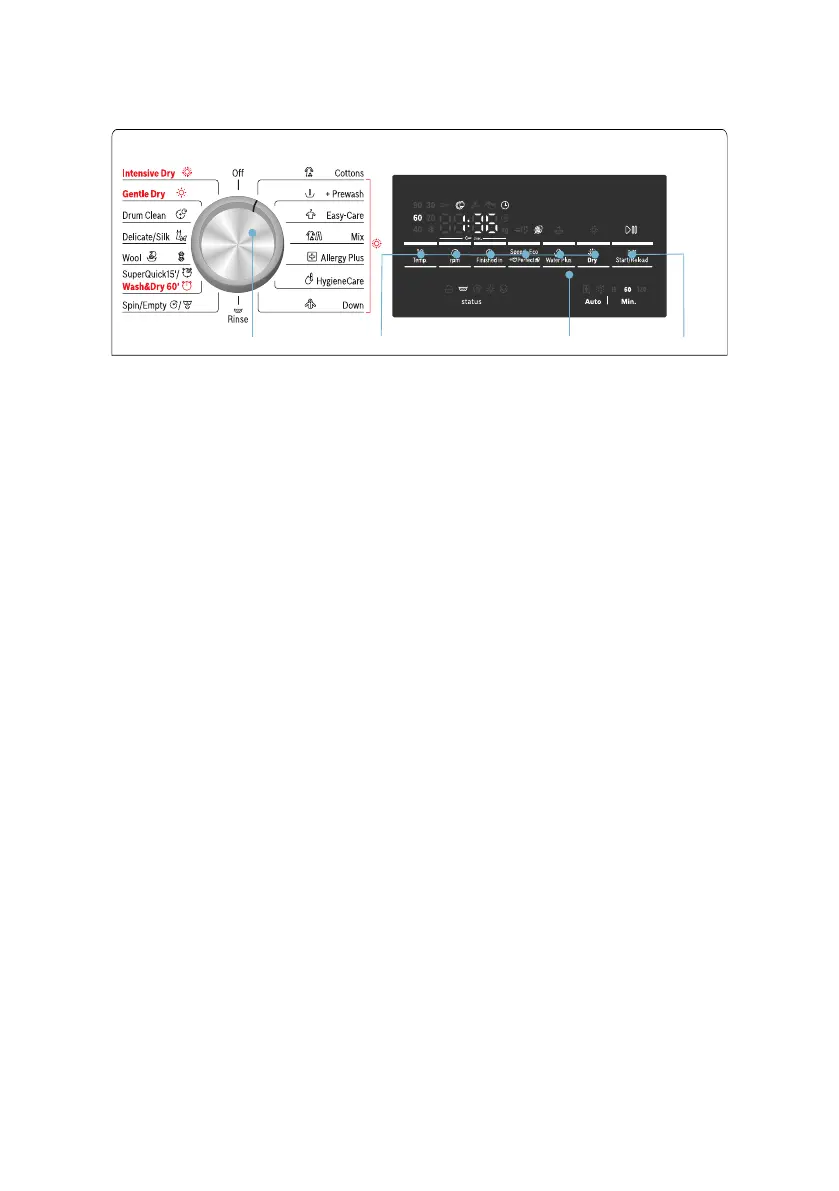
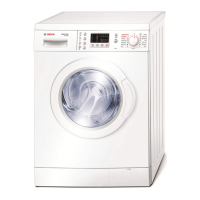
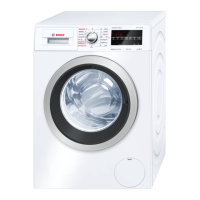
Control panel
Change the default settings for the
selected programme and select
additional functions:
#
( Select a programme. Can be
rotated in either direction. To
switch off the washer dryer, set the
programme selector to Off.
0 Select buttons °C Temp.
(Temperature), 0 rpm (Spin
speed), ñ Finished in and Š Dry
for changing default settings.
~ Page 24
Select buttons G Speed
Perfect/F Eco Perfect and Z
Water Plus for additional
functions.~ Page 26
8 Display panel for information.
~ Page 10
@ Start programme. Select the
Start/Reload
A button to start,
interrupt (e.g. reload laundry) and
cancel the programme.
~ Page 18





 To Next Page