EasyManua.ls Logo

Bose AE2I - User Manual

Bose AE2I
9 pages
Print Icon
To Next Page IconTo Next Page
Loading...
®
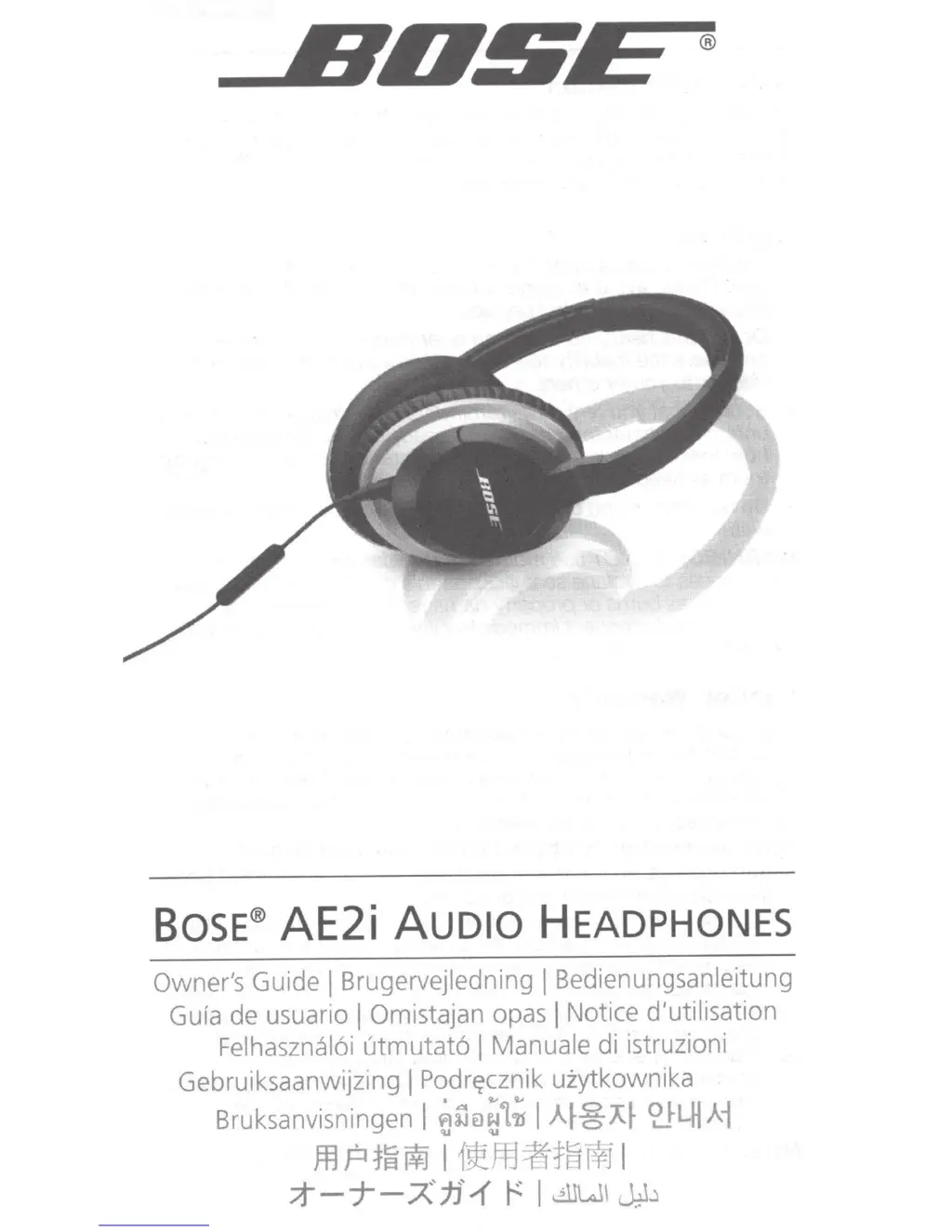
BOSE®
AE2i
AUDIO
HEADPHONES
Owner's Guide
I Brugervejledning
I
Bedienungsanleitung
Gula
de usuario
I Omistajan opas
I
Notice
d'utilisation
Felhasznal6i utmutat61 Manuale
di istruzioni
Gebruiksaanwijzing
I
Podr~cznik
uiytkownika
l
'i.'
i;
Bruksanvisningen
I
t}ijel~L1i
I
A~~A~
<liLHAi
m P
1~
f¥1
I
1~ffi
~t~
i¥1
I
;t-j--;A'jj'.{
r:
I
~WI~..)

Questions and Answers

  • B
    Brenda RodriguezJul 26, 2025
    What to do if there is no audio or audio in one earcup only on my Bose AE2I?
    • C
      Christine LucasJul 26, 2025
      If you're not getting any audio or only hearing it in one earcup of your Bose Headphone, ensure both ends of the audio cable are firmly seated. Also, try using a different audio device to rule out any issues with the original device.
  • C
    Christina SloanAug 2, 2025
    Why is my phone not responding to button presses on my Bose AE2I Headphone?
    • A
      Amanda BennettAug 2, 2025
      If your phone isn't responding to button presses on your Bose Headphone, first, ensure that the headset plug is securely connected to the headphone jack. If you're using multi-press functions, try varying the speed of your presses.
  • B
    Brittany JonesAug 7, 2025
    What to do if the microphone is not picking up sound on my Bose Headphone?
    • K
      Kyle HerringAug 7, 2025
      If the microphone on your Bose Headphone isn't picking up sound, ensure that the headset plug is securely connected to the headphone jack. Also, make sure the microphone is not being blocked or covered. The microphone is located on the back of the Answer/End button.
  • J
    johnwareAug 13, 2025
    How to fix a mis-shaped cushion on my Bose AE2I Headphone?
    • M
      Megan JohnsonAug 13, 2025
      If you have a mis-shaped cushion on your Bose Headphone, the high-density earcup foam will regain its shape after a few minutes in a neutral position.
  • I
    Ian RobertsAug 19, 2025
    Why is there distorted bass on my Bose AE2I?
    • H
      harriskariAug 19, 2025
      If you're experiencing distorted bass with your Bose Headphone, make sure that both ear cushions are firmly secured.

Summary

Safety Information

Wearing the Headphones

Connecting to Apple Device

Using Headphones with Apple Device

Headphone Controls

Basic and Call Functions

Controls for volume adjustment and managing calls with the remote.

Media Playback Functions

Controls for playing music or videos, including skipping and fast-forwarding.

Troubleshooting

No Audio or Single Earcup Audio

Solutions for no audio or audio in only one earcup.

Microphone Issues

Steps to fix issues where the microphone is not picking up sound.

Remote Button Response

Troubleshooting for the remote buttons not responding.

Apple Product Remote Incompatibility

How to address Apple product issues with the headphone remote.

Limited Warranty Details

Bose AE2I Specifications

General IconGeneral
Dimensions (WxDxH)152 x 38 x 191 mm
Connectivity technologyWired
Product typeHeadphones
Product colorBlack
Weight and Dimensions IconWeight and Dimensions
Weight140 g

Related product manuals