EasyManua.ls Logo

Bose OE2i - Troubleshooting

Bose OE2i
11 pages
Print Icon
To Next Page IconTo Next Page
To Previous Page IconTo Previous Page
Loading...
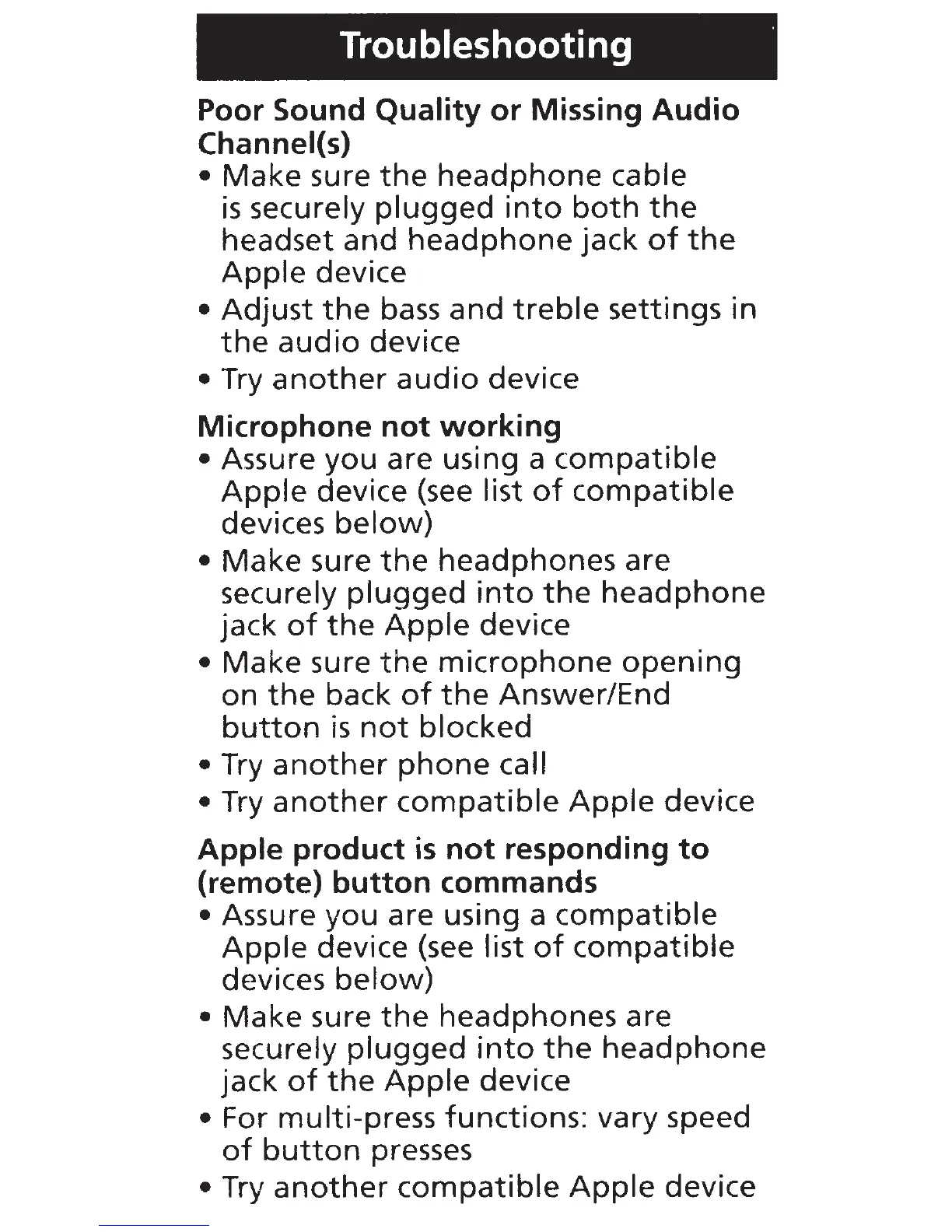
Troubleshooting ·
Poor Sound
Quality
or
Missing
Audio
Channel(s)
•
Make
sure
the
headphone
cable
is
securely
plugged
into
both
the
headset
and
headphone
jack
of
the
Apple
device
•
Adjust
the
bass
and
treble
settings
in
the
audio
device
• Try
another
audio
device
Microphone
not
working
• Assure
you
are using a
compatible
Apple
device (see list
of
compatible
devices
below)
•
Make
sure
the
headphones
are
securely
plugged
into
the
headphone
jack
of
the
Apple
device
•
Make
sure
the
microphone
opening
on
the
back
of
the
Answer/End
button
is
not
blocked
• Try
another
phone
call
• Try
another
compatible
Apple
device
Apple
product
is
not
responding
to
(remote)
button
commands
• Assure you are using a
compatible
Apple
device (see list
of
compatible
devices
below)
•
Make
sure
the
headphones are
securely
plugged
into
the
headphone
jack
of
the
Apple
device
• For multi-press functions: vary speed
of
button
presses
•
Try
another
compatible
Apple
device