8
|
ENG
CONTENTS
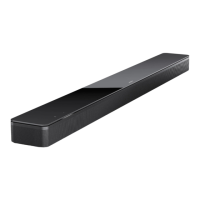
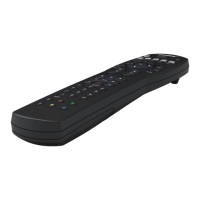
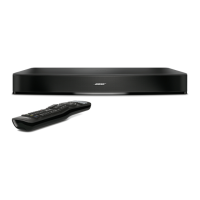
WHAT’S IN THE BOX
Contents ........................................................................................................................................................................... 12
DOLBY ATMOS® TECHNOLOGY .............................................................................................................. 13
SOUNDBAR PLACEMENT
Recommendations ....................................................................................................................................................... 14
Wall mount the soundbar .......................................................................................................................................... 15
Adjust audio for wall mounting ..................................................................................................................... 15
SET UP THE SOUNDBAR
Connect the soundbar to power ............................................................................................................................ 16
Network standby ........................................................................................................................................................... 16
BOSE APP SETUP
Download the Bose app ............................................................................................................................................. 17
EXISTING BOSE APP USERS
Add the soundbar to an existing account........................................................................................................... 18
Connect to a dierent Wi-Fi® network ................................................................................................................ 18
ADAPTIQ AUDIO CALIBRATION
Run ADAPTiQ audio calibration .............................................................................................................................. 19
SOUNDBAR CONTROLS
Remote functions ......................................................................................................................................................... 20
Power on/o ......................................................................................................................................................... 21
Auto-wake (optical connection only) ......................................................................................................... 21
Sources ................................................................................................................................................................... 22
Media playback and volume .......................................................................................................................... 23
Voice assistant controls ............................................................................................................................................. 24
Adjust the audio............................................................................................................................................................. 24

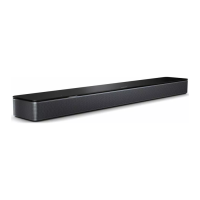
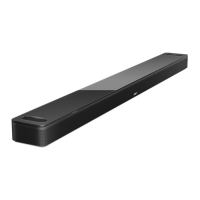
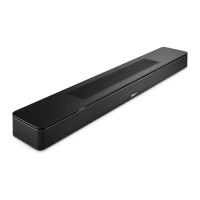
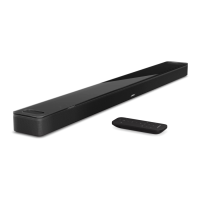


 To Next Page