Bosean Electronic Technology Co.,Ltd www.bosean.com
Tel:86-371-86533226 Email: sales03@bosean.com
4.2 Turn off
Under the detector is in the normal detection state, press
button, the LCD screen will prompt the user to shut down the
interface as shown in Figure 2. The user selects whether to shut
down through button. If select sure, the screen no longer
displays any information, and the detector enters Off state.
4.3 Button function
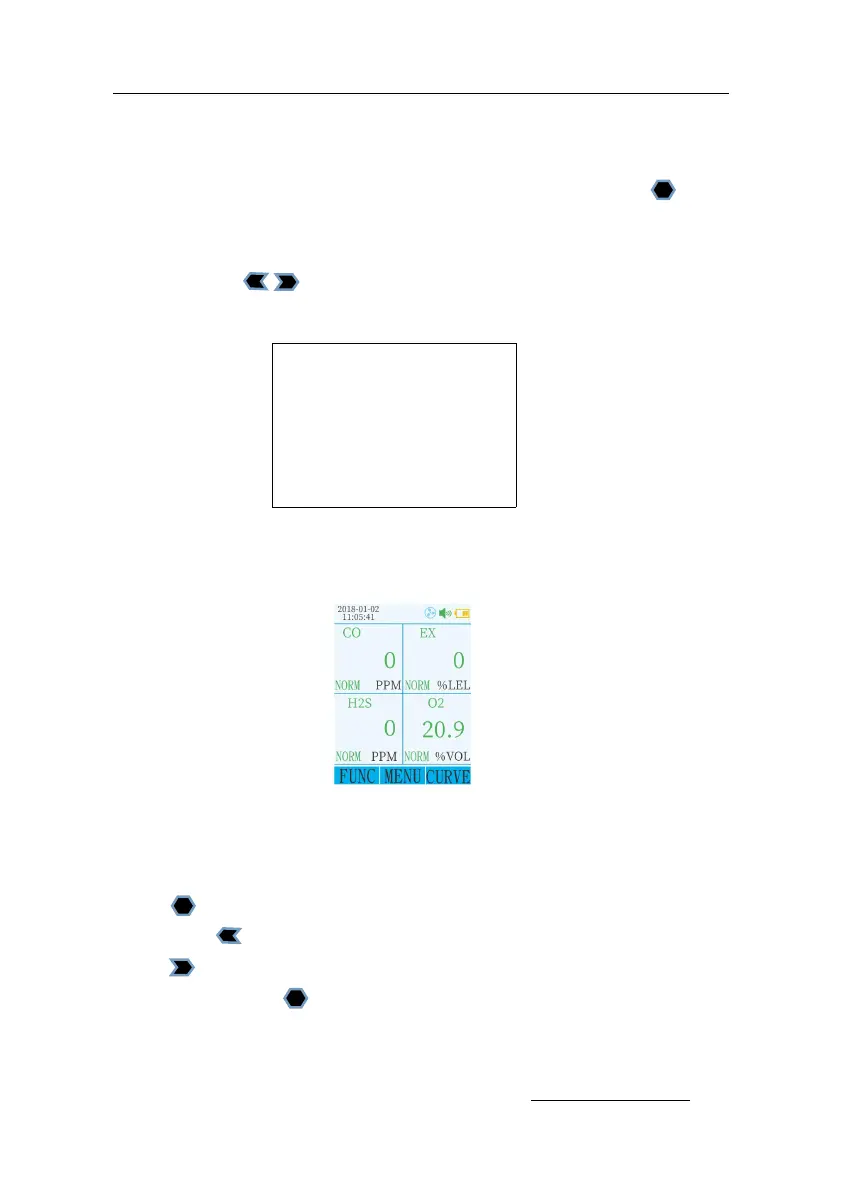
Detector in the normal detection state as shown in Figure 3:
Press any key to turn on the backlight (user can set the backlight
time)
Press to enter the function menu;
Press the button to turn the gas sampling pump on or off.
Press to enter the gas concentration curve display interface;
meanwhile press to view the concentration curve of different
gases.


 To Next Page