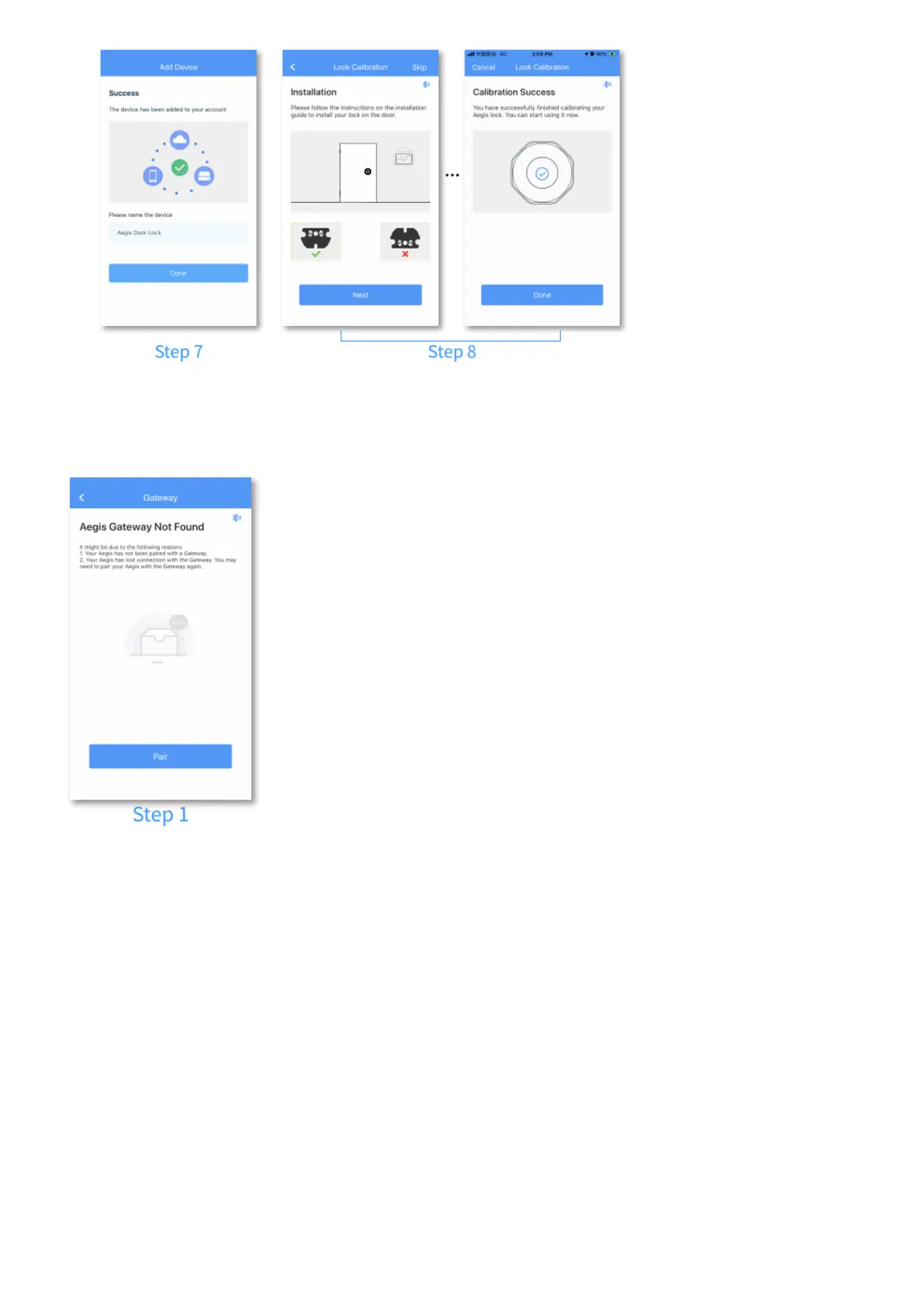
ADDING GATEWAY
Step 1: Enter device settings and tap “Gateway” to enter Gateway settings, then tap “Pair”.
Step 2: Power up the Gateway, long-press the Pairing Button on the Gateway and the Main Button on
Aegis until you see a flashing blue light on the Gateway and a flashing green light on Aegis. The
pairing process will run automatically, and when all lights stop flashing, the pairing process is
completed.
Step3: Tap “Network Configuration” after the Gateway is successfully added.



 To Next Page