EasyManua.ls Logo

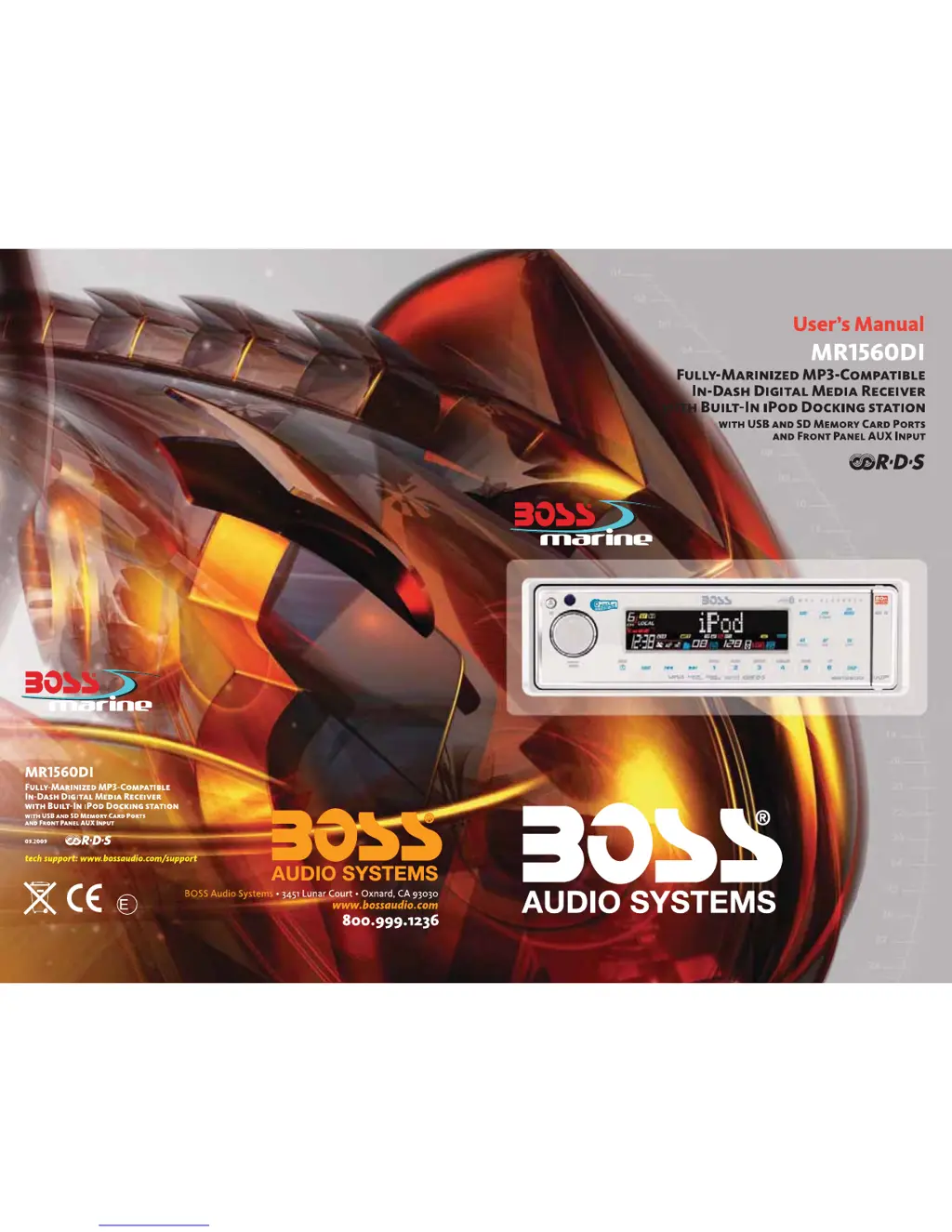
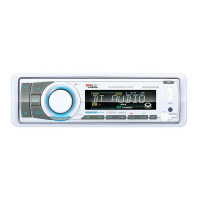
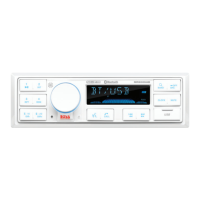
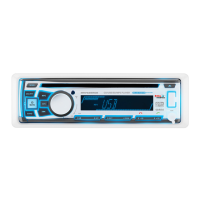
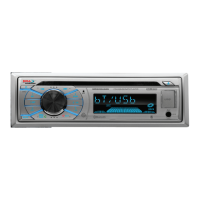
Boss Audio Systems MR1560DI - User Manual

Boss Audio Systems MR1560DI
29 pages
Print Icon
To Next Page IconTo Next Page
Loading...
4
10 R - 02 0896

Questions and Answers

  • D
    dmullenAug 12, 2025
    Why isn't the radio working on my Boss Audio Systems Car Receiver?
    • S
      Shane GoodmanAug 12, 2025
      If the radio or automatic station selection isn't working on your Boss Audio Systems Car Receiver, make sure the antenna cable is firmly inserted. If the signals are too weak, try selecting a station manually.
  • N
    Nathan CruzAug 15, 2025
    Why is my Boss Audio Systems Car Receiver showing 'No Power'?
    • J
      James JohnsonAug 16, 2025
      Your Boss Audio Systems Car Receiver might not be getting power because the car ignition isn't on. Ensure the power supply is properly connected to the car accessory terminal and switch the ignition key to 'ACC'. Also, check if the fuse is blown and replace it if necessary.
  • J
    Jermaine McintyreAug 19, 2025
    What to do if my Boss Audio Systems MR1560DI has no sound?
    • A
      Anthony ArnoldAug 19, 2025
      If your Boss Audio Systems Car Receiver isn't producing any sound, first, make sure the volume isn't set to the minimum; adjust it to a desired level. Secondly, check the wiring connections to ensure they are properly connected.
  • B
    Brandon HowardAug 23, 2025
    What does 'Memory Full' mean on my Boss Audio Systems MR1560DI Car Receiver?
    • M
      melissacombsAug 25, 2025
      A 'Memory Full' message on your Boss Audio Systems Car Receiver indicates that the media device's memory is full, preventing further copying. You can either replace the media device or erase some unused files to free up space.
  • S
    sarahgarciaAug 27, 2025
    What does 'Read Error' mean on Boss Audio Systems Car Receiver and how to fix it?
    • J
      justinlittleAug 27, 2025
      A 'Read Error' message on your Boss Audio Systems Car Receiver means the unit is unable to play the file from the media device. To resolve this, try replacing the media device or formatting the flash memory.
  • L
    Lori SmithAug 31, 2025
    What does 'Write Error' mean on Boss Audio Systems MR1560DI and how to fix it?
    • S
      Sheila LoweryAug 31, 2025
      A 'Write Error' message on your Boss Audio Systems Car Receiver indicates that the unit is unable to copy or record to the media device. Try replacing the media device or formatting the flash memory to fix this.
  • I
    imartinezSep 4, 2025
    How to fix unresponsive operation keys on Boss Audio Systems MR1560DI?
    • B
      Barbara HowardSep 4, 2025
      To fix unresponsive operation keys on your Boss Audio Systems Car Receiver: - Press the RESET button. - Ensure the front panel is properly fixed into its place.
  • L
    Linda ChapmanSep 7, 2025
    What to do if my Boss Audio Systems MR1560DI Car Receiver shows 'No File'?
    • S
      Shaun BurchSep 7, 2025
      If your Boss Audio Systems Car Receiver displays a 'No File' message, it means the file format isn't supported for playback on the file or media device. Try replacing the file or media device.

Boss Audio Systems MR1560DI Specifications

General IconGeneral
BluetoothYes
USB PortYes
Aux InputYes
Built-in EqualizerYes
AM/FM TunerYes
TypeDigital Media Receiver
DIN SizeSingle DIN
Display TypeLCD
SD Card InputNo
Remote ControlYes
Marine UseYes
RMS Power45 Watts x 4

Related product manuals