EasyManua.ls Logo

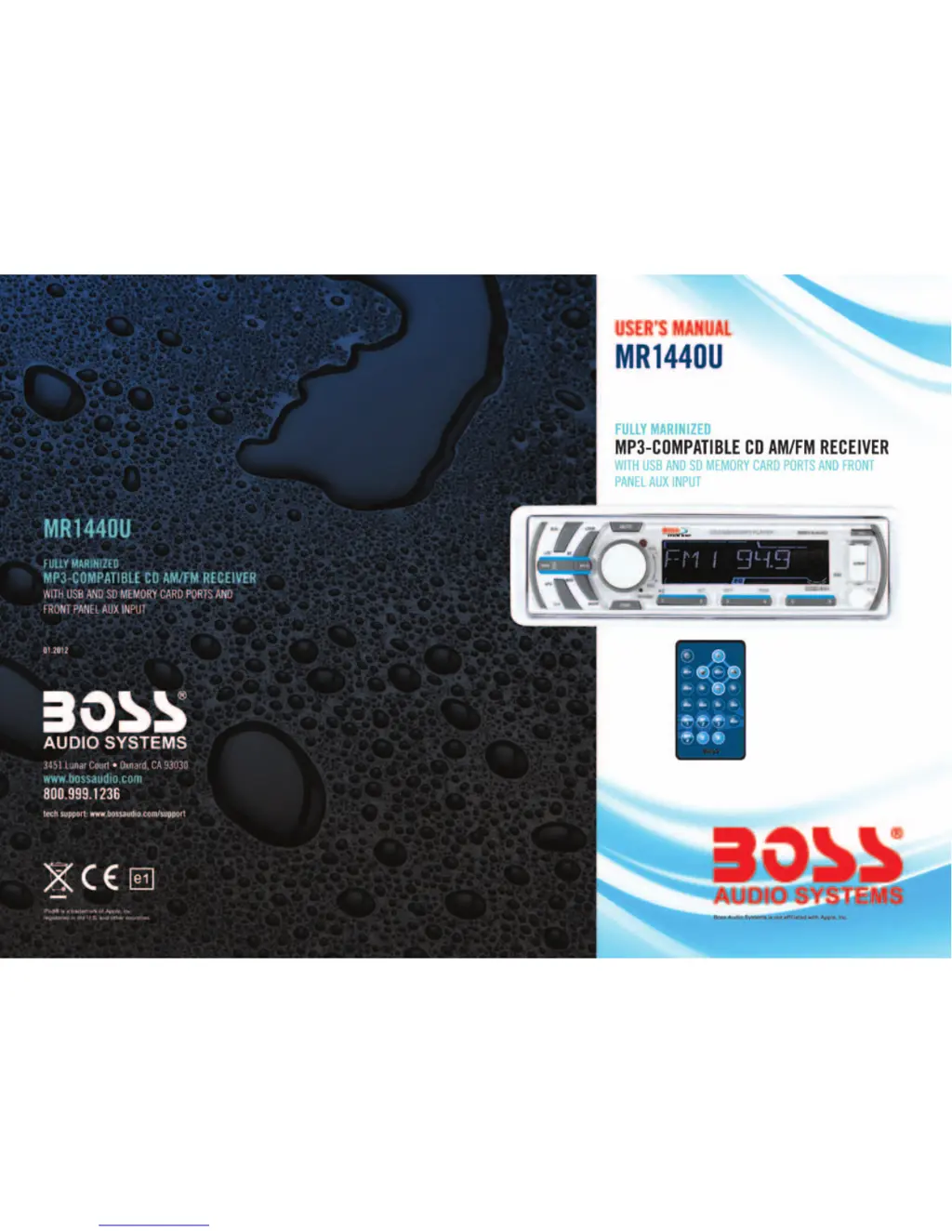
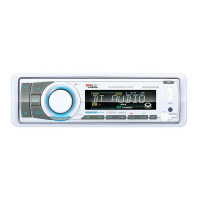
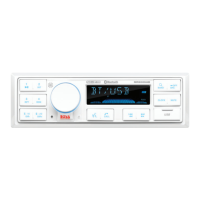
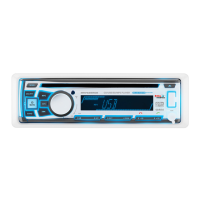
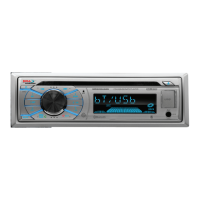
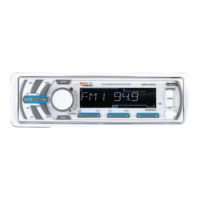
Boss Audio Systems MR1440U - User Manual

Boss Audio Systems MR1440U
8 pages
Print Icon
To Next Page IconTo Next Page
Loading...

Questions and Answers

  • G
    gmatthewsAug 14, 2025
    What to do if there is no sound from Boss Audio Systems MR1440U Car Receiver?
    • H
      Henry AlvaradoAug 14, 2025
      If you're not getting any sound from your Boss Audio Systems Car Receiver, try the following: * Make sure the volume isn't set too low; increase it to a suitable level. * Check that the device is correctly connected, paying attention to the power and earth connections as shown in the wiring diagram.
  • S
    Samuel KnightAug 17, 2025
    Why is there no radio reception on my Boss Audio Systems MR1440U?
    • A
      Ashlee BarkerAug 17, 2025
      If you're experiencing no radio reception on your Boss Audio Systems Car Receiver, make sure the antenna cable is firmly inserted into the antenna socket of the device.
  • A
    allison33Aug 20, 2025
    What to do if in automatic search mode the radio does not stop at a transmitting station on Boss Audio Systems Car Receiver?
    • S
      Sean RiceAug 20, 2025
      If your Boss Audio Systems Car Receiver doesn't stop at a transmitting station in automatic search mode, it could be due to weak transmission signals. Try tuning in to a radio station manually.
  • C
    Catherine WellsAug 25, 2025
    How to fix no power on my Boss Audio Systems MR1440U Car Receiver?
    • M
      Michael WilsonAug 25, 2025
      If your Boss Audio Systems Car Receiver has no power, there are a couple of things to check: * First, ensure the car ignition is switched to "ON" or "ACC", assuming the power supply is properly connected to the car accessory. * Second, verify the fuse. If it has blown, replace it with another one according to the wiring diagram.
  • A
    Alyssa NelsonAug 27, 2025
    What to do if the operation keys do not work on Boss Audio Systems Car Receiver?
    • B
      Brittany WilliamsAug 27, 2025
      If the operation keys on your Boss Audio Systems Car Receiver aren't working, here are a few things you can try: * First, switch the device off and on again. Alternatively, press the RESET button to restart the program. * Second, check if the front panel is properly fixed into its place and reinstall it, if necessary.
  • M
    Martha PhillipsAug 31, 2025
    Why does the sound of the CD player skip on my Boss Audio Systems Car Receiver?
    • A
      Aaron CrossAug 31, 2025
      If the CD player sound skips on your Boss Audio Systems Car Receiver, consider these potential causes: * Ensure the installation angle is less than 30 degrees. Adjust if needed. * If the road is uneven, wait until it becomes smoother before playing the CD. * The CD might be dirty or damaged. Clean the CD or try a different one. If another CD works, the first one is likely damaged.
  • J
    Justin MortonSep 3, 2025
    What to do if my Boss Audio Systems MR1440U does not work correctly (EJECT, LOAD, PLAY)?
    • J
      Justin PageSep 3, 2025
      If your Boss Audio Systems Car Receiver isn't working correctly with EJECT, LOAD, or PLAY functions, check the following: * Ensure the compact disc is inserted with the label facing upward. * The CD might be extremely dirty or damaged. Clean the CD or try a different one to see if it works. If it does, the first CD is likely damaged. * If the temperature inside the car is too high, cool off the car until the ambient temperature returns to normal.
  • S
    Stephen CastroSep 6, 2025
    Why are the CDs loaded only halfway into the CD tray of my Boss Audio Systems MR1440U Car Receiver?
    • A
      Alexa HarrisonSep 6, 2025
      If CDs are only loading halfway into the CD tray of your Boss Audio Systems Car Receiver, it's likely that the transport screws haven't been removed. Make sure to remove them before using the device.
  • J
    Joseph LewisSep 9, 2025
    What to do if the CDs cannot be loaded into Boss Audio Systems MR1440U Car Receiver?
    • P
      proySep 9, 2025
      If CDs cannot be loaded into your Boss Audio Systems Car Receiver, check if there is already a CD disc inside the player. If so, remove the disc and then put a new one in.

Summary

Product Specifications

General Unit Specifications

General specifications including voltage, current, power output, and dimensions.

Radio and CD Player Specs

Technical specifications for FM/AM reception and CD player functionality.

Control Panel Overview

Front Panel Operation

Instructions for opening the front control panel and using the SEL button/VOL knob.

Unit Controls and Features

Power On;Off and Media Navigation

Procedures for powering the unit on/off and navigating tracks during playback.

Radio Tuning Functions

Controls for tuning radio stations and selecting desired frequencies.

Troubleshooting Common Issues

Installation Guide

Wiring and Connections

Unit Ports, Controls, and Indicators

Remote Control Usage

Boss Audio Systems MR1440U Specifications

General IconGeneral
TypeCar Receiver
DIN SizeSingle DIN
DisplayLED
BluetoothYes
USB PortYes
SD Card SlotYes
Auxiliary InputYes
Radio TunerAM/FM
WeatherproofYes
Marine UseYes
Video PlaybackNo
Rear Camera InputNo
CompatibilityUniversal
Audio PlaybackMP3, WMA
Preamp Outputs2-channel
RMS Power Output50 Watts x 4

Related product manuals