2
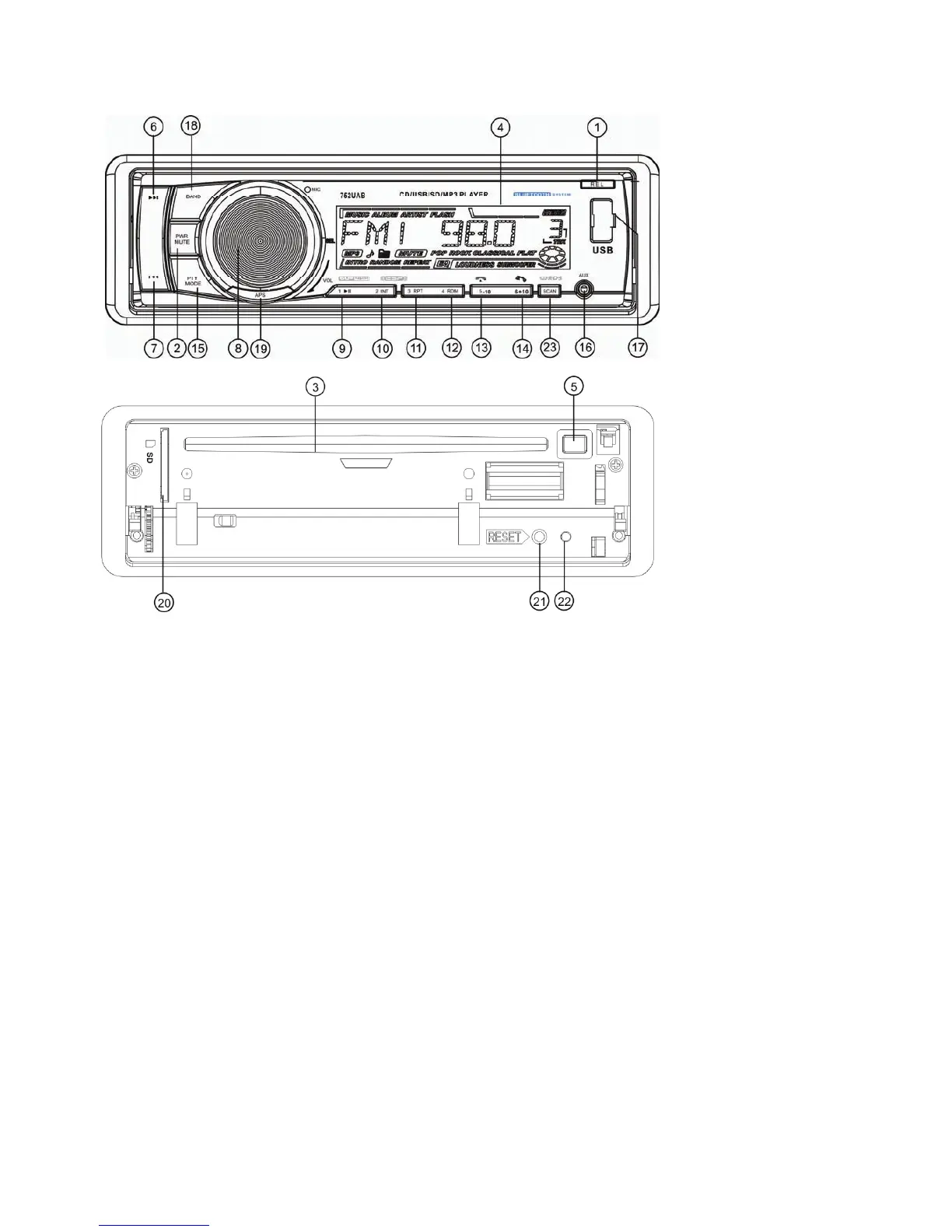
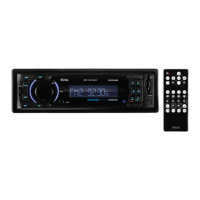
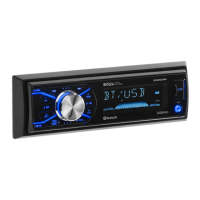
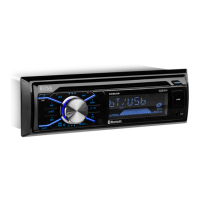
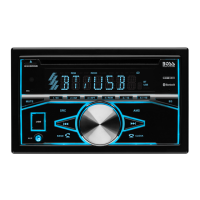
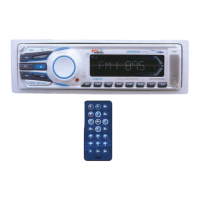
LOCATION AND FUNCTION OF CONTROLS
1. RELEASE BUTTON
2 .POWER/MUTE BUTTON
3. CD slot
4. LCD
5. EJECT button
6&7. >>| or |<< buttons
8、SEL button and VOL knob
9. 1/TOP/>|| button
10. 2/INT button
11. 3/RPT button
12. 4/RDM button
13. 5/ HANG UP button
14. 6/ TEL button
15. PTY/ MODE
16. AUX INPUT Jack
17. USB Port
18. BAND button
19.APS button
20. SD Card slot
21. RESET button
22.LED Indicator
23.SCAN button
Common Operation:
1. To turn on/off the unit
Press any button except the EJECT/ RELEASE button to turn on the unit. The unit will also turn on
when a disc, SD card or USB stick is inserted.
Press
and hold the power button for more than 0.5 seconds to turn off the unit.
2. To select playback mode
Press MODE button to select RADIO(TUNER), DISC, CARD(after inserting SD card), USB(after
inserting USB stick) and AUX mode.


 To Next Page