8
Bluetooth Wireless APP Control
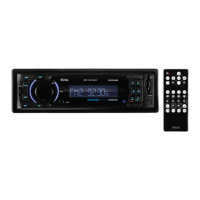
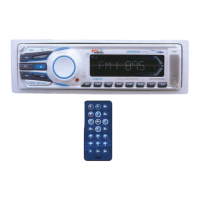
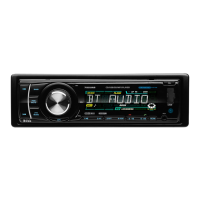
A new and innovative method to control your 752UAB, is from the Boss Audio Radio Stream APP.
It enables you to control your music library and all the sources right from your Android* device
conveniently and safely through the free app. *Minimum Required Android OS: 2.0
To download follow these easy steps...
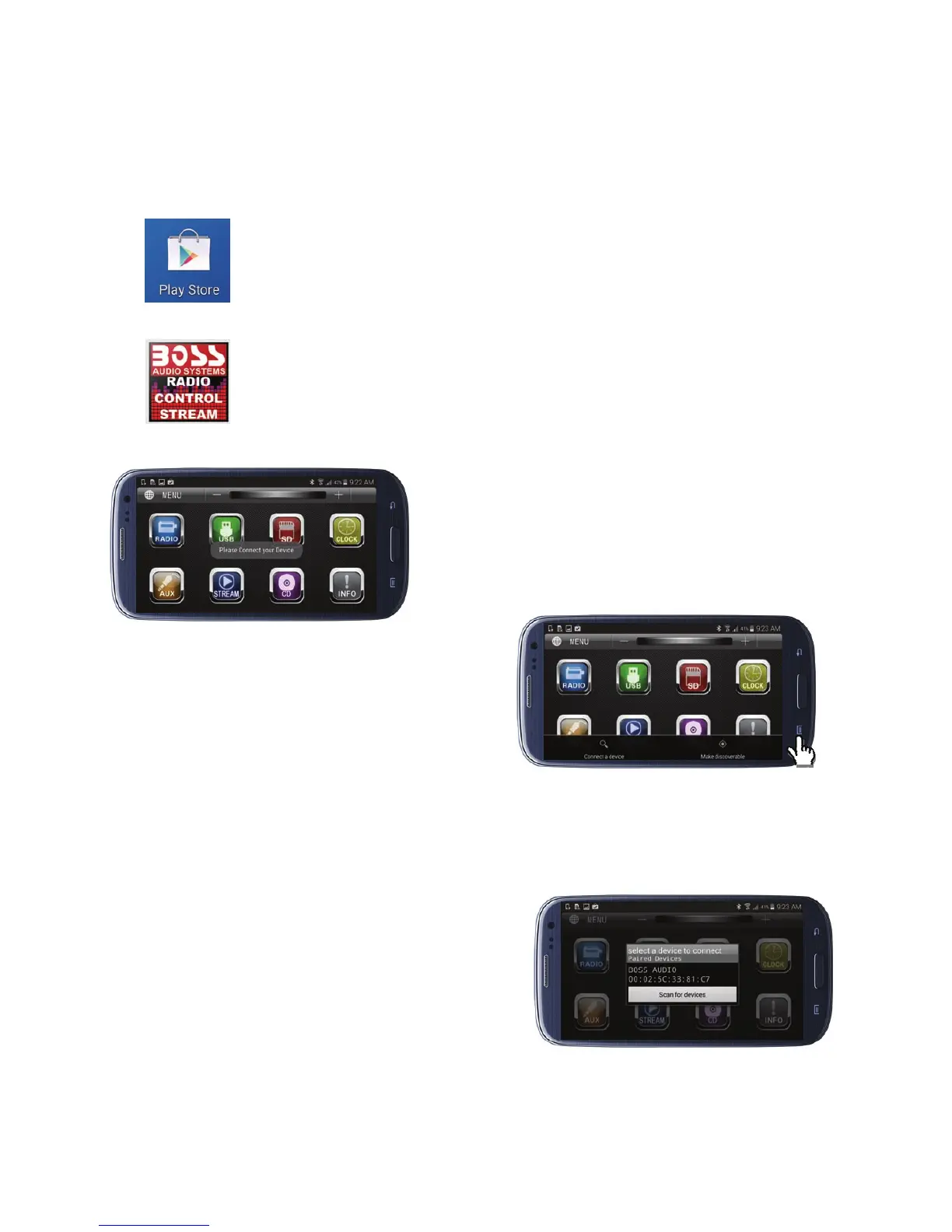
1.Go to the Google Play
2. Search for “Boss Audio Systems” & Install
Launching Boss Radio Control Stream
Press the “Options” button (varies on device) to find
the 752UAB
Once found, it will populate (below)
*Please note the 752UAB must be powered On.
Once the APP is open “Please
Connect Your Device” will appear…
This message will appear every time
you open the APP to connect to the
752UAB.


 To Next Page