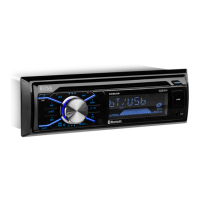
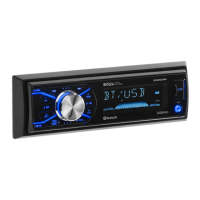
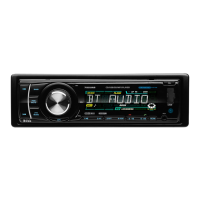
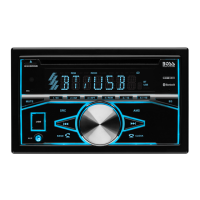
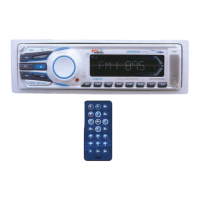
UNIT KEYS
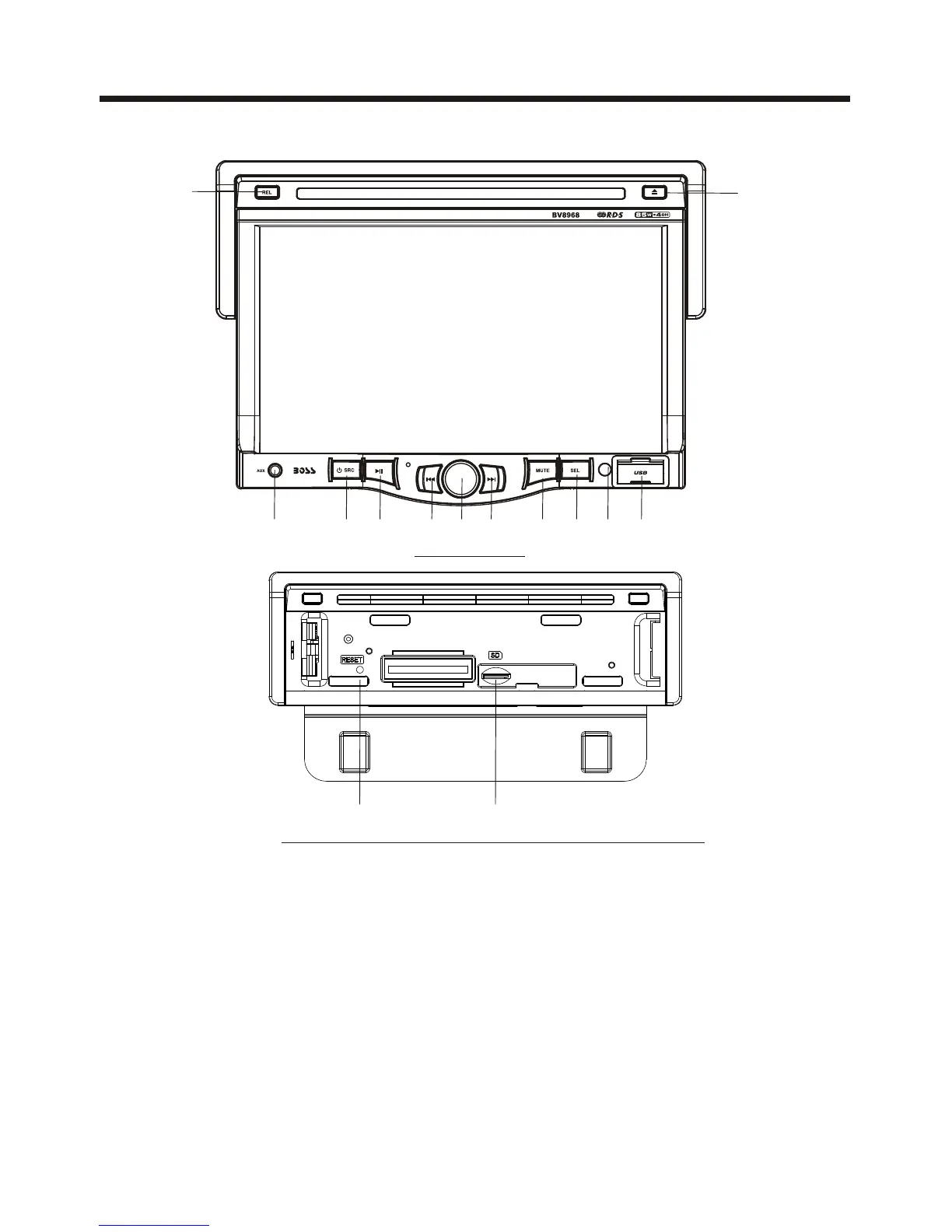
Control Panel
2 12
1314
8 36
5 7
941
10
11
Control Panel
Sliding Plate diagram after remo ving Control Panel
1. AUXILIARY INPUT JACK
Insert an external device to this AUX jack in order to have audio output of the
device through the unit.
3. VOL KNOB
In normal mode, knob is used to increase or decrease the volume.
2. SEL BUTTON
switch between BASS,TREBLE,BALANCE, FADE,COLOR,
RIGHTNESS, CONTRAST, TINT, press and hold the button to display REG
(in radio mode), PI(in radio mode), TA(in radio mode), AF(in radio mode),
LOUD, SWF, EQ, TIME 12H/24H, CLOCK, BEEP,EUR/USA FREQ, ANIMATION.
After switching on the desired mode above, rotate VOL knob to set it.
Press the SEL
the VOL
IR



 To Next Page