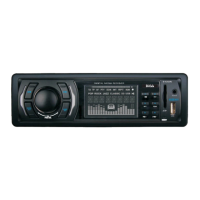
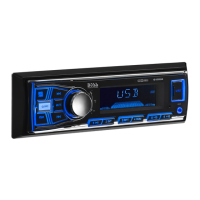
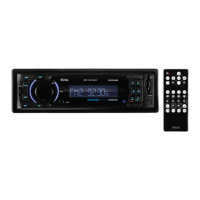
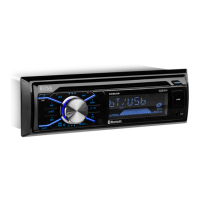
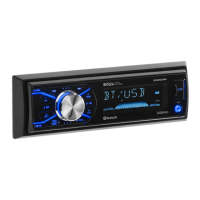
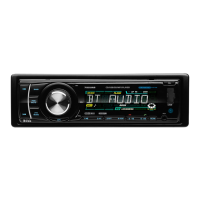
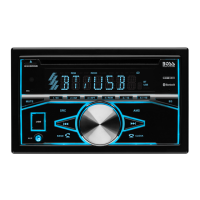
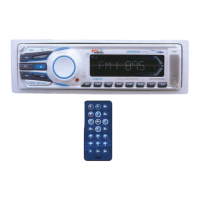
Control Panel
4. /SRC BUTTON
In power off mode, press it to turn on the unit.
In power on mode, short press it repeatedly to select one mode of the RADIO,
DISC, USB, CARD, AUX and AV; long p to turn off the unit.ress it
5/6. >>| and |<< BUTTONS
In radio mode,
7
(EJECT) BUTTON
Insert the disc, label side facing up, until the mechanism senses its presence
and draws the disc in. Press it to eject the disc.
12.
For information about connecting a USB device, please see USB operation.
SD CARD SLOT
RESET BUTTON
Press this button to return to factory settings.
long pressing |<< or >>| button can automatically search down
or up for an available station beginning from the current frequency; Briefly
pressing |<< or >>| button can manually search down or up for a your desired
station beginning from the current frequency.
In media mode, pressing |<< or >>| button can play the previous or next track;
continuously and long pressing |<< or >>| button can fast backwards or
forwards at the following multiple of normal speed: x2, x4, x8, x20.
. MUTE BUTTON
Press it button to switch of the loudspeakers for a short period. The word MUTE
flashes in the display. Press it again to cancel the mute function. This function
can also be cancelled by rotating the VOL multifunction button.
8. >II BUTTON
In DISC/USB/SD mode, During playing, press >II button to pause the current
playback, press again to continue play;
9. IR sensor
10. REL BUTTON
Press it to detachable the front panel.
11.
USB PORT
13.
14.



 To Next Page