91
About the Rhythm Guide
Section 3
Switching the Rhythm Guide
mode
The Rhythm Guide mode switches each time [ARRANGE/
PATTERN/OFF] is pressed.
[ARRANGE/PATTERN/OFF]: Lit
(Arrangement Mode)
Performance and programming of arrangements is enabled.
Press [PLAY] to start the performance of the arrangement.
* You cannot play back or record during programming.
[ARRANGE/PATTREN/OFF]: Flashing
(Pattern Mode)
Performance and programming of patterns is enabled.
Press [PLAY] to start the performance of the pattern.
* You cannot play back or record during programming.
[ARRANGE/PATTERN/OFF]: Unlit (OFF)
The Rhythm Guide does not play.
Performing arrangements
and patterns
Selecting arrangements
This procedure selects the arrangement to be played with the
Rhythm Guide.
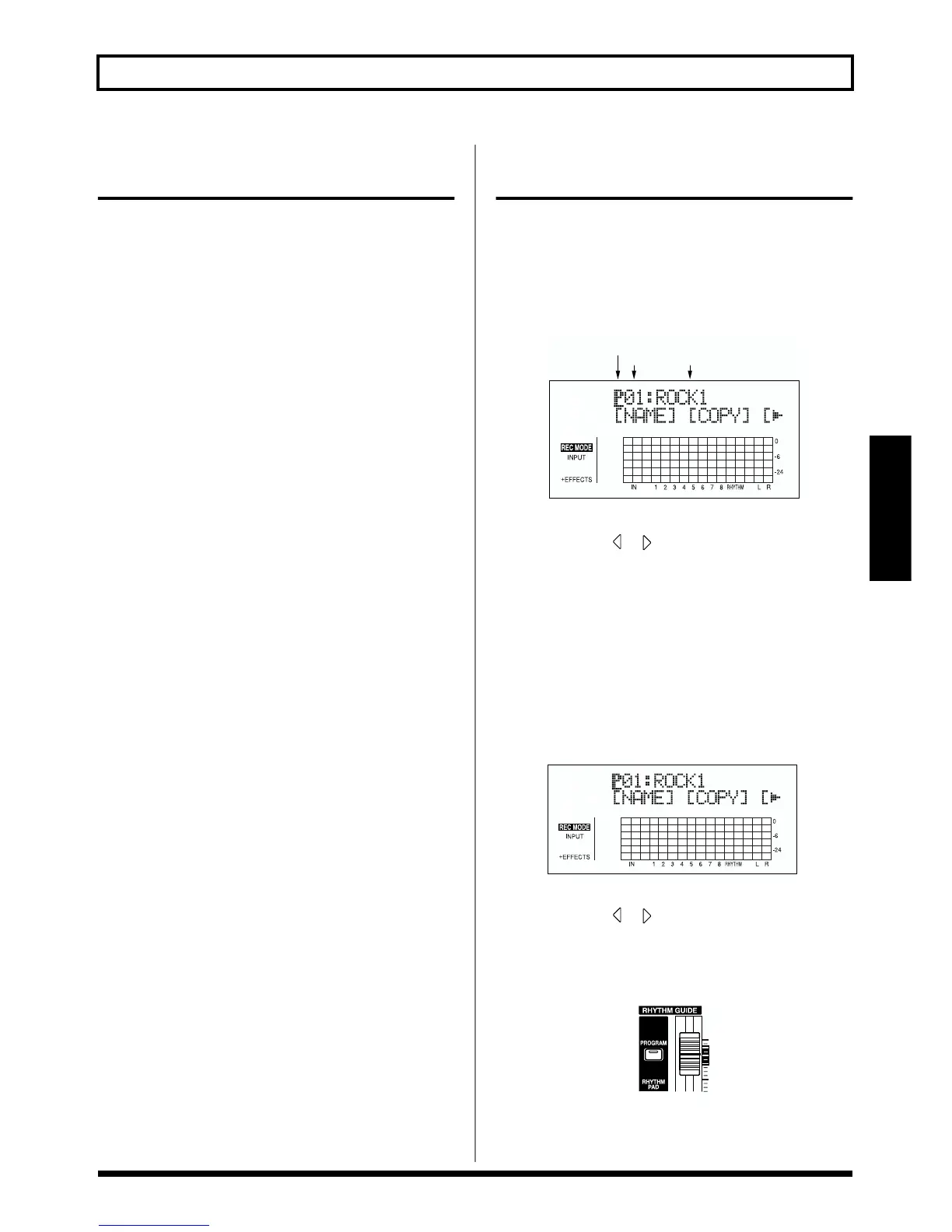
1. Press [ARRANGE/PATTERN/OFF] repeatedly until the
indicator is lit.
fig.03-201d
2. Select the arrangement.
Use CURSOR [ ] [ ] and the TIME/VALUE dial to
select the Preset/Song and number.
P01–P50: Preset arrangements 1–50
S01–S05: Song arrangements 1–5
3. Press [EXIT] to return to the Play screen.
Performing arrangements
1. Make sure performance of the song is stopped, then
press [ARRANGE/PATTERN/OFF] repeatedly until the
indicator is lit.
fig.03-202d
2. Select an arrangement.
Use CURSOR [ ] [ ] and the TIME/VALUE dial to
select the Preset/Song and number.
3. Move the RHYTHM GUIDE fader to the positions
shown in the figure below.
fig.03-203
4. Press [ZERO] to reset the play position back to the
beginning of the song, then press [PLAY].
The selected arrangement is performed.
P: Preset / S: Song
Arrangement NameNumber



 To Next Page