BASIC OPERATION
-14-
RATING
Select to turn Parental Control on or off.
changes to the Parental Control
menu below .)
Key in “0000” and then turn to rating
then you can setting as follow:
KID SAFE -> G -> PG -> PG-13
-> PG R -> R ->NC-17 -> ADULT
RADIO
ST/MONO: To select stereo or mono.
LOCAL: To select local or distant.
REGION: To select radio frequency
as USA or EUROPE.
WALLPAPER
To select wallpaper .
ABOUT
To show the version information.
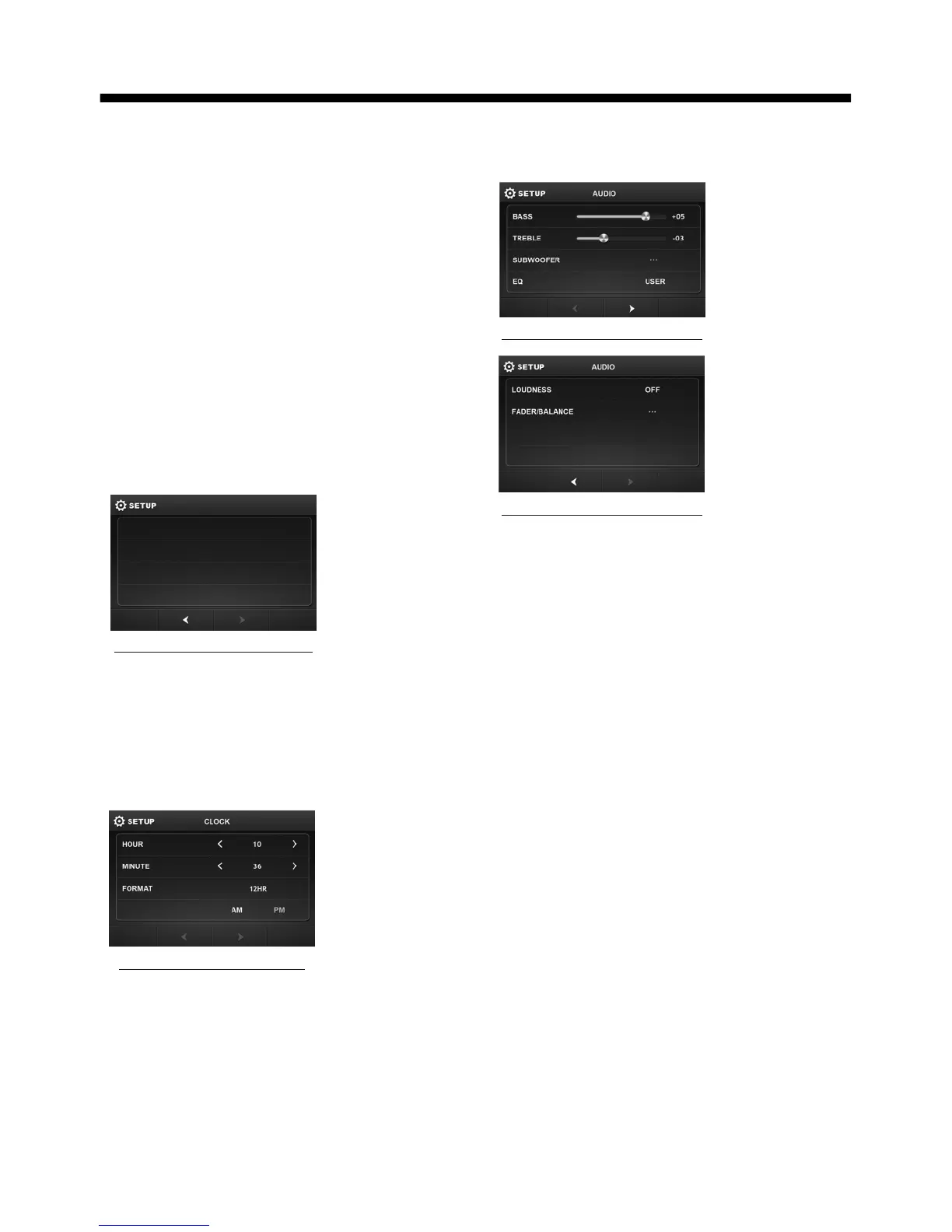
CLOCK SETUP
To adjust the time and time format.
The factory default password is 0000.
(The password must be used to make
General setup interface2
GENERAL
WALLPAPER ...
ABOUT ...
clock setup interface
AUDIO SETUP
To turn to audio quality adjustment.
TREBLE: -7 to +7
To adjust treble level .
BASS: -7 to +7
To adjust bass level .
SUBWOOFER: To adjust subwoofer
volume and frequency.
EQ: To select audio mode as follow:
USER -> JAZZ -> CLASSIC -> POP -> ROCK
LOUDNESS: To to select loudness
effect as :OFF -> LOW -> MID -> HIGH
FADER/BALANCE:
BALANCE: R 0-10 to L 0-10
Adjust sound balance between left
and right speakers .
FADE: F 0-10 to R 0-10
Adjust sound balance between front
and rear speakers .
audio setup interface2
audio setup interface1



 To Next Page