EasyManua.ls Logo

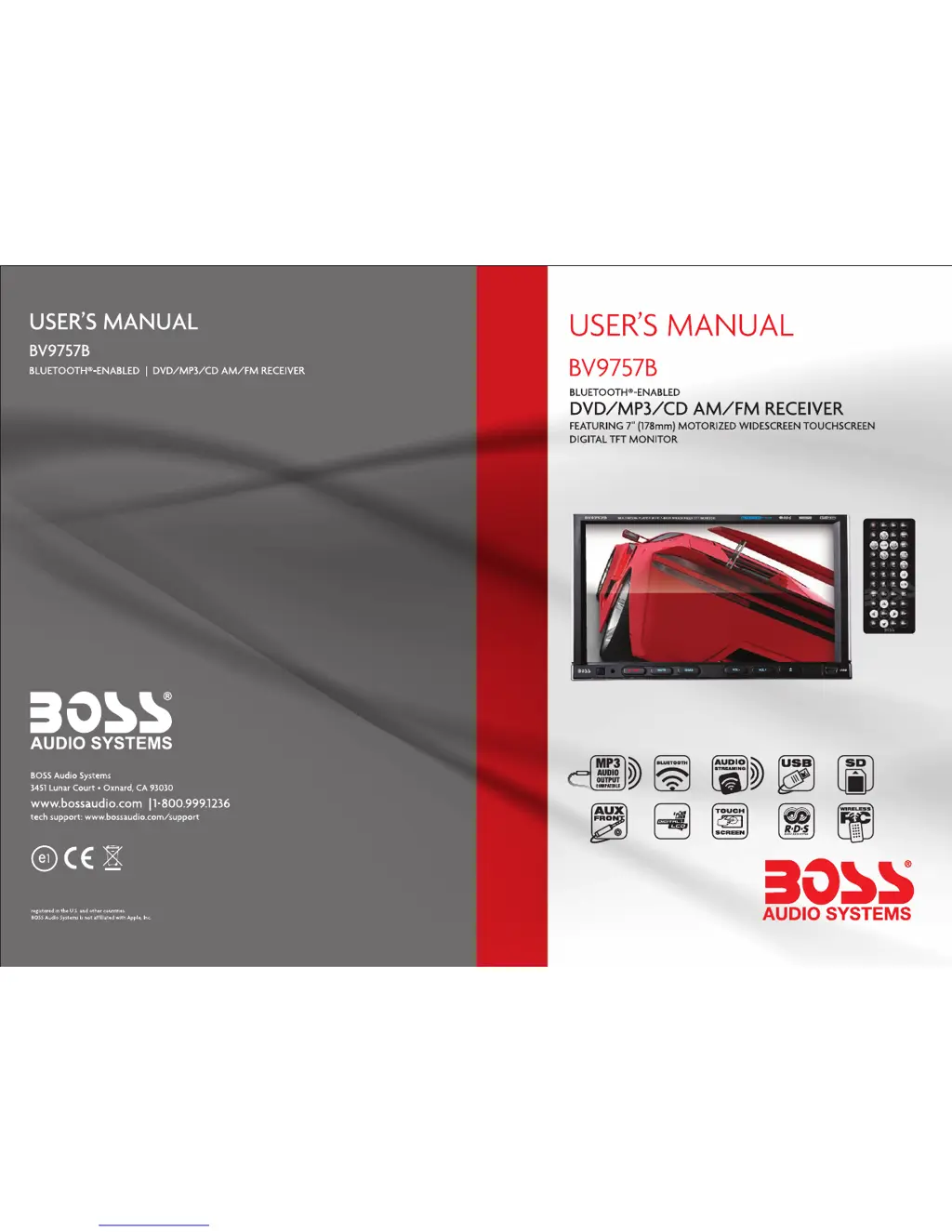
Boss BV9757B - User Manual

Boss BV9757B
12 pages
Print Icon
To Next Page IconTo Next Page
Loading...
0514

Questions and Answers

  • J
    Jill WilliamsAug 13, 2025
    Why does my Boss Car Receiver lose settings after turning off the ignition?
    • B
      Brandon SalasAug 13, 2025
      If your Boss Car Receiver loses all setting information after the ignition switch is turned off, it could be due to changing the battery or fuse R. In this case, reset the information and save it.
  • S
    Steven Bell IIAug 17, 2025
    How to fix a Boss BV9757B Car Receiver that cannot power on?
    • K
      Kaitlin WoodsAug 17, 2025
      If your Boss Car Receiver won't power on, first check fuse C and replace it with a fuse of the same type. If that doesn't work, it could be due to incorrect MPU P operation. Try pressing the RES button on the panel with a penpoint and then power it on.
  • L
    Laurie HammondAug 20, 2025
    What to do if my Boss Car Receiver cannot play a disc?
    • C
      Clayton NguyenAug 20, 2025
      If your Boss Car Receiver cannot play a disc, there might be a few reasons. First, the disc could be scratched, so try a new one. Also, make sure you're inserting the disc with the labeled side up. Finally, the lens might be dirty; clean it with a lens cleaning disc.
  • K
    Kelly ChavezAug 25, 2025
    What to do if there is no image on my Boss Car Receiver?
    • A
      Alex MarquezAug 25, 2025
      If there is no image on your Boss Car Receiver, it may be due to incorrect MPU P operation. Try pressing the RES button on the panel with a penpoint, then power on the device.
  • K
    Kyle PaulAug 27, 2025
    What to do if my Boss BV9757B cannot load a disk?
    • J
      James WarrenAug 28, 2025
      If your Boss Car Receiver cannot load a disc, check if there is already a disc inside. If so, remove the existing disc before inserting a new one.
  • B
    Brandy Nelson DVMAug 31, 2025
    Why is the radio reception poor on my Boss Car Receiver?
    • R
      Ralph KimAug 31, 2025
      If your Boss Car Receiver has poor radio station performance, it might be due to a weak signal M. Try moving the car to another location and then searching for stations again.
  • P
    Phillip StevensonSep 4, 2025
    Why cannot I watch images on my Boss BV9757B Car Receiver while driving?
    • E
      Erika EvansSep 4, 2025
      Watching images while driving is not permitted. To watch an image on your Boss Car Receiver, park the car in a safe place, put the car in 'P' position, pull up the hand brake, and ensure the parking brake wire is grounded.
  • A
    angela12Sep 8, 2025
    Why can't I switch language or subtitles on my Boss Car Receiver?
    • D
      Donna MckinneySep 8, 2025
      If your Boss Car Receiver cannot switch language or subtitles, it is because the disc only has one language or subtitle option available. If the disc doesn't have multiple language/subtitle options, it cannot switch.

Summary

Unit Panel and Accessories

Panel Introduction

Identifies and describes the function of each button on the player's front panel.

Accessories List

Lists the included accessories with their quantities.

DVD Parental Control Function

Details the procedure for setting DVD parental control levels using a password.

Specifications and Basic Operation

Specifications

Details technical specifications including power, tuner, and player capabilities.

Basic Function

Explains fundamental operations like power, mute, volume, and disc eject.

System Connections and Troubleshooting

Wiring Diagram

Illustrates base unit connections and provides wiring color codes.

Trouble Shooting

Provides solutions for common operational problems encountered with the device.

User Interface and Calibration

Touch Screen Calibration

Guides on calibrating the touch screen for accurate input.

Remote Control Operation

Explains how to use the various functions of the remote control.

Advanced Settings and Functions

Version Information

Shows how to check the software version numbers of the unit's components.

Access Setup Interface

Details how to navigate and use the general, audio, video, and language settings.

Radio Operation

Explains how to use the radio tuner, including band selection and station search.

Disc Operation

Covers playing DVDs, VCDs, CDs, and MP3/JPEG/MPEG4 discs.

BT Operation

Explains Bluetooth pairing, phone calls, and music streaming.

Boss BV9757B Specifications

General IconGeneral
BrandBoss
ModelBV9757B
CategoryCar Receiver
LanguageEnglish

Related product manuals