EasyManua.ls Logo

Boss BV9755 - User Manual

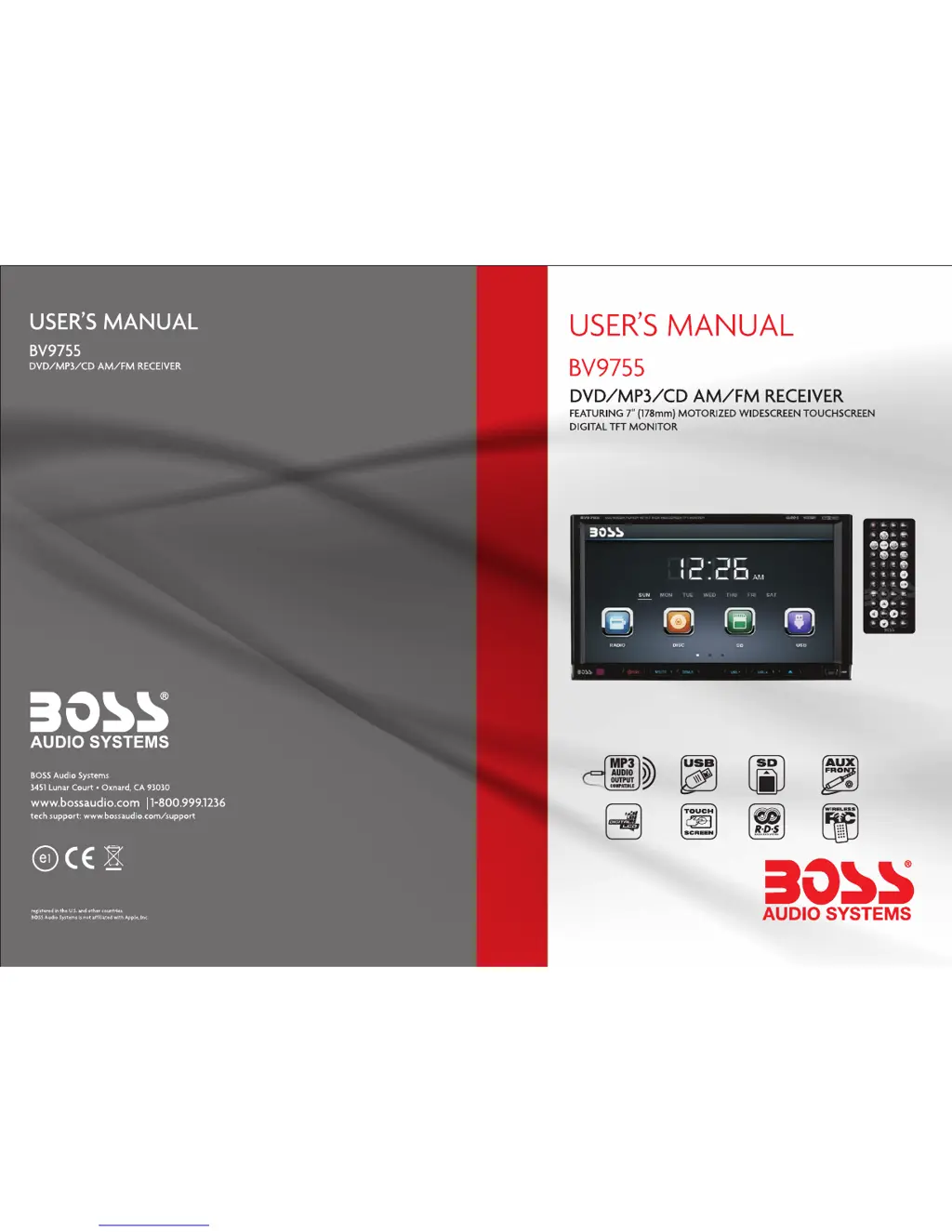
Boss BV9755
10 pages
Print Icon
To Next Page IconTo Next Page
Loading...
0814

Questions and Answers

  • B
    Barry DuncanJul 26, 2025
    How to improve poor radio station performance on a Boss BV9755?
    • J
      Jessica FoleyJul 26, 2025
      If your Boss Car Receiver has poor radio station performance, this could be due to a weak signal. Try moving the car to another location and then research for available stations.
  • W
    wilsonnicoleJul 30, 2025
    How to fix a Boss BV9755 that cannot power on?
    • S
      Shannon DuncanJul 30, 2025
      If your Boss Car Receiver won't power on, start by checking the fuse and replacing it with one of the same type. If the issue persists, press the RES button on the panel with a penpoint and then try powering it on again, as some factors may cause a wrong operation.
  • D
    Douglas Jimenez MDAug 4, 2025
    What to do if my Boss BV9755 Car Receiver cannot play a disc?
    • Y
      yreyesAug 4, 2025
      If your Boss Car Receiver won't play a disc, the disc may be scratched, so try a new disc. Ensure the disc is inserted correctly with the label side up. Alternatively, the lens may be dirty; try cleaning it with a lens cleaning disc.
  • K
    Katherine HowellAug 8, 2025
    What to do if there is no image on my Boss BV9755 Car Receiver?
    • G
      Gloria LewisAug 8, 2025
      If there is no image on your Boss Car Receiver, it might be due to some factors causing a wrong operation. Try pressing the RES button on the panel with a penpoint, and then power the unit on.
  • K
    Kyle CollierAug 12, 2025
    What to do if my Boss BV9755 cannot load a disc?
    • L
      Leroy HodgeAug 12, 2025
      If your Boss Car Receiver cannot load a disc, it might be because there is already a disc inside. Remove the existing disc before inserting another one.
  • J
    Jason MooreAug 16, 2025
    Why can't I watch images while driving with my Boss Car Receiver?
    • H
      hernandeztamaraAug 16, 2025
      You cannot watch images while driving with your Boss Car Receiver because it is not allowed. Park the car in a safe place, put the car stall in “P” position, pull up the hand brake, and ensure the parking brake wire is grounded.
  • R
    Robert ReedAug 21, 2025
    Why can't I switch the language or subtitle on my Boss BV9755 Car Receiver?
    • T
      Tracy WilsonAug 21, 2025
      If you cannot switch the language or subtitle on your Boss Car Receiver, it's likely because the disc only contains one language or subtitle option. If the disc does not have multi-language/subtitle options, switching will not be possible.

Summary

Basic Function Overview

SRC Button

Controls power, source cycling, and display off.

Reset Button

Resets the unit to its initial state.

USB Port Functionality

Connects USB devices for audio/video playback.

AUX Input Functionality

Inputs external audio signals.

Remote Control Operation Details

Power Button

Turns the unit on or switches it off.

Mute Button

Turns audio output on/off and resumes volume.

Source Button

Cycles through different input modes.

Setup Button

Accesses different setting options.

Battery Change

Instructions on how to change the remote control battery.

Unit Operation

Turn On;Off Unit

Instructions on how to turn the unit on or off.

Access Main Interface

How to return to the main interface and access functions.

USB;SD Card Operation

Steps for connecting, disconnecting, and playing files from USB/SD cards.

Radio Operation

How to access and use the radio functions.

Radio Station Search & Save

How to find and store radio stations.

Radio Reception Settings

Adjusting reception modes and traffic information.

Traffic Information (TA)

Enables/disables traffic information reception.

Alternative Frequencies (AF)

Manages alternative frequencies for continuous reception.

Disc Playback Functions

Disc Play and Eject

Instructions for inserting, playing, and ejecting discs.

DVD;VCD Disc Playback

Controls for playing DVD and VCD discs.

CD Disc Playback

How to play standard audio CDs.

Advanced Operations

Rear View Safety Warning

Important safety information regarding rearview system use.

System Setup Interface

Touch Calibration

Calibrates the touchscreen for accuracy.

Calibration and Troubleshooting

Touch Screen Calibration Steps

Detailed step-by-step instructions for touch screen calibration.

Troubleshooting Common Issues

Common problems and their solutions.

Boss BV9755 Specifications

General IconGeneral
Display Size6.75 inches
TouchscreenYes
BluetoothYes
SD Card SlotYes
Rear Camera InputYes
Steering Wheel Control CompatibleYes
Apple CarPlayNo
Android AutoNo
Audio Output4 x 50W
Display Resolution800 x 480
Video PlaybackYes
AUX InputYes
AM/FM RadioYes
GPS NavigationNo
DVD PlayerYes
CD PlayerYes
Wi-FiNo
Compatible FormatsMP3, WMA
Pre-Amp Outputs3
RMS Power50W
Expandable StorageYes

Related product manuals