BASIC OPERATION
-16-
RADIO OPERATION
Listening to Radio
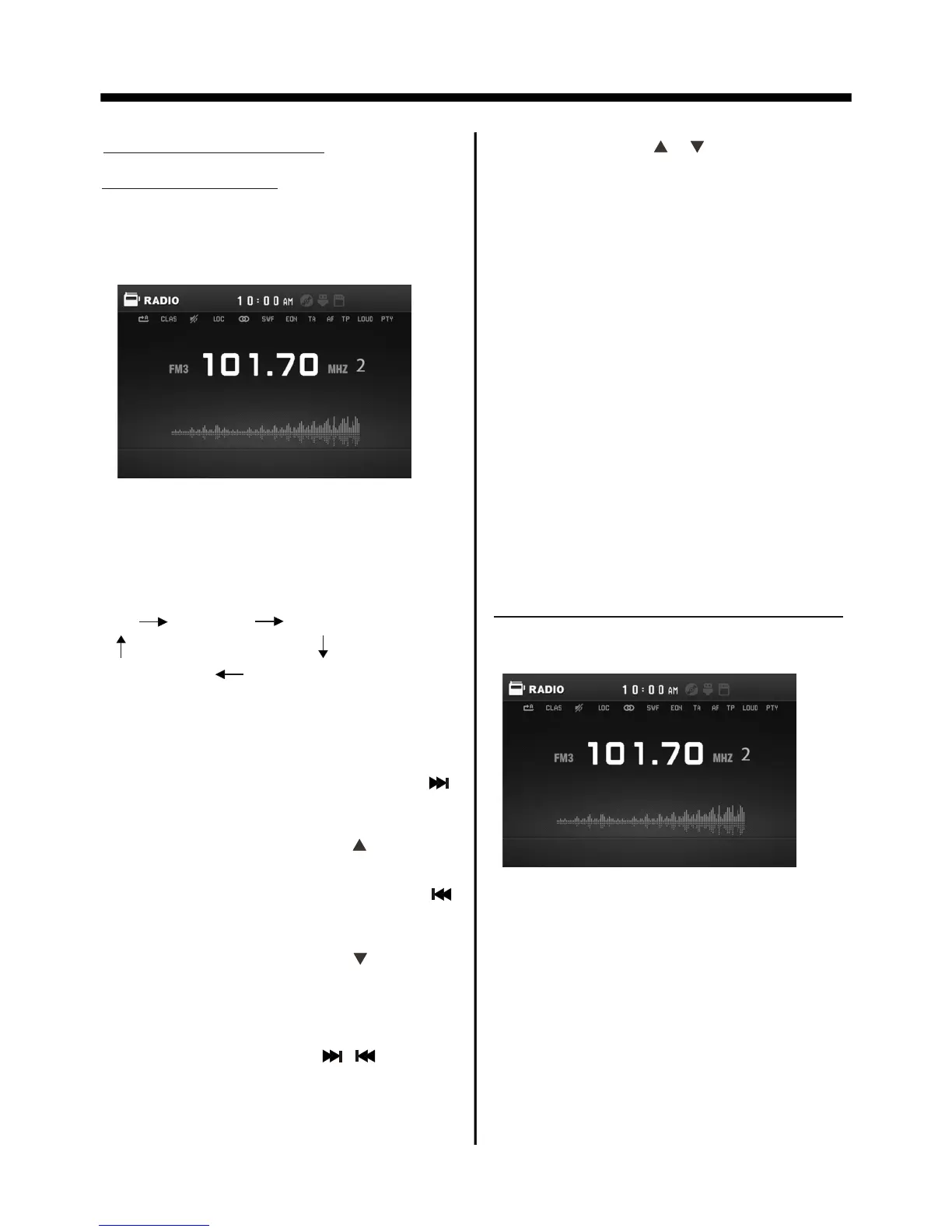
Press the SRC repeatedly to select the
RADIO mode, the message will like
following below :
Selecting The Frequency Band
Repeatedly press the BAND button on
the front panel to select the band, the
message will show in turn :
FM1 FM2 FM3
AM2(MW2)
AM1(MW1)
Start Searching For a Station
During Radio mode, briefly press the
button on the front panel to increase
frequency by one step of channel
spacing . (Or you can press button
on the remote control)
Manual Search
During Radio mode, briefly press the
button on the front panel to decrease
frequency by one step of channel
spacing . (Or you can press button
on the remote control)
Automatic Search
During Radio mode, press and hold
(for more than 2’s ) the “ / ” button
to start search for a radio station
automatically .
When an FM stereo broadcast is
hard to receive
Press ST/MO button on the remote
control to select the MONO or STEREO
mode . (When Stereo mode is activated,
the ST symbol will appear . )
You can use the “ / ” buttons on the
remote control to start search for a radio
station automatically .
To tune in strong-signal FM
Station only (LO/DX function)
Press the LOC/DX button on the remote
control to choose between the LOC and
DX mode of Local and Long-distance
traffic news . The word “LOC” or “DX”
will display in the screen .
Storing Stations In Memory
Setting Memory
With this system, a total of 30 stations
can be stored in the memory of six
buttons. Each band stores up to six
preset stations. The stations might be
FM1, FM2, FM3, AM1(MW1), and
AM2(MW2) band.
The operation is as below :
- Store in Memory
>Select the frequency band
>Select the station
>Keep the desired memory key pressed
in until the station is heard again after
a brief interruption .



 To Next Page