EasyManua.ls Logo

Boss BV9974B - Page 14

Boss BV9974B
35 pages
Print Icon
To Next Page IconTo Next Page
To Previous Page IconTo Previous Page
Loading...
13
MMC
card
into
the
USB
jack
or
SD/MMC
card
slot
(remove
the
front
panel to
insert
SD/MMC
card).
To
remove
the
USB
in
the
USB
jack,
press
the
STOP
button
twice
and
then
remove
the
USB.
To
remove
the
SD/MMC
card
from
the
SD/MMC
card
slot,
press
the
STOP
button
twice
and
then
push
in
the
card
and
then
pull it
out
of
the
Card
Slot.
w-
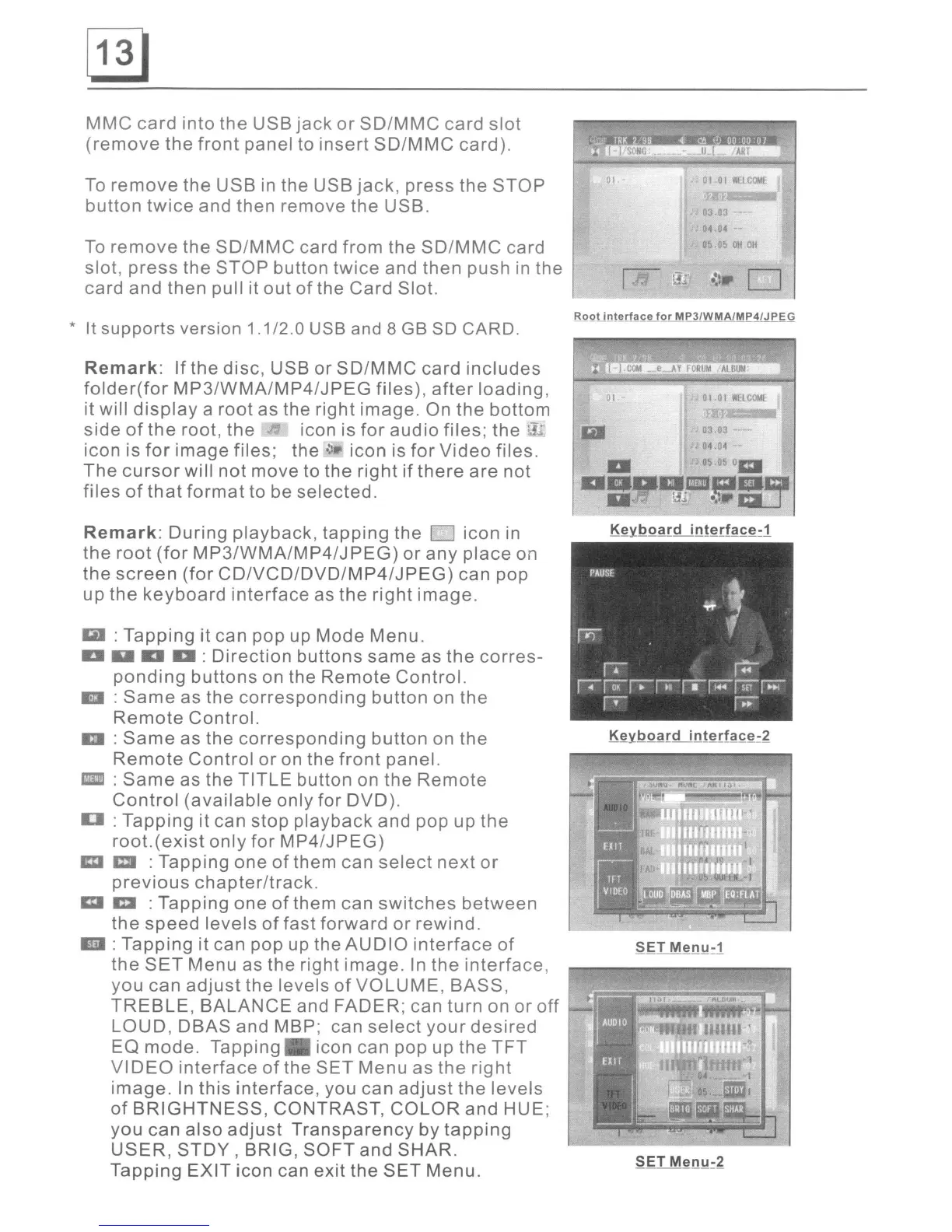
RQQtinterface
for
MP3/WMA/MP4/JPEG
:
Tapping
it can pop up
Mode
Menu.
:
Direction
buttons
same
as
the
corres-
ponding
buttons
on the
Remote
Control.
:
Same
as
the
corresponding
button
on
the
Remote
Control.
:
Same
as
the
corresponding
button
on
the
Remote
Control
or
on the
front
panel.
:
Same
as
the
TITLE
button
on
the
Remote
Control
(available
only
for
DVD).
:
Tapping
it can
stop
playback
and pop up
the
root.(exist
only
for
MP4/JPEG)
:
Tapping
one
of
them can
select
next
or
previous
chapter/track.
:
Tapping
one
of
them can
switches
between
the
speed
levels
of
fast
forward
or
rewind.
:
Tapping
it can pop up the
AUDIO
interface
of
the
SET
Menu
as
the
right
image.
In
the
interface,
you
can
adjust
the
levels
of
VOLUME,
BASS,
TREBLE,
BALANCE
and
FADER;
can
turn
on
or
off
LOUD,
DBAS
and MBP; can
select
your
desired
EO
mode.
Tapping
icon can
pop
up
the
TFT
VIDEO
interface
of
the
SET
Menu
as
the
right
image.
In
this
interface,
you can
adjust
the
levels
of
BRIGHTNESS,
CONTRAST,
COLOR
and
HUE;
you
can
also
adjust
Transparency
by
tapping
USER,
STDY
, BRIG,
SOFT
and
SHAR.
Tapping
EXIT
icon
can
exit
the
SET
Menu.
Remark:
During
playback,
tapping
the
D
icon
in
the
root
(for
MP3/WMA/MP4/JPEG)
or
any
place
on
the
screen
(for
CD/VCD/DVD/MP4/JPEG)
can
pop
up
the
keyboard
interface
as
the
right
image.
* It supports version 1.1/2.0 USB and 8
GB
SO CARD.
Remark:
If
the
disc,
USB
or
SD/MMC
card
includes
folder(for
MP3/WMA/MP4/JPEG
files),
after
loading,
it will
display
a
root
as the
right
image.
On
the
bottom
side
of
the
root,
the
icon is
for
audio
files;
the
.-.
icon is
for
image
files;
the'~
icon
is
for
Video
files.
The
cursor
will
not
move
to
the
right
if
there
are
not
files
of
that
format
to
be
selected.

Related product manuals