EasyManua.ls Logo

Boss BV9974B - Page 24

Boss BV9974B
35 pages
Print Icon
To Next Page IconTo Next Page
To Previous Page IconTo Previous Page
Loading...
HUE
It is
for
adjusting
the hue
of
the
video
output.
SATURATION
It is
for
adjusting
the
saturation
of
the
video
output.
SHARPNESS
It is for
adjusting
the
sharpness
of
the
video
output.
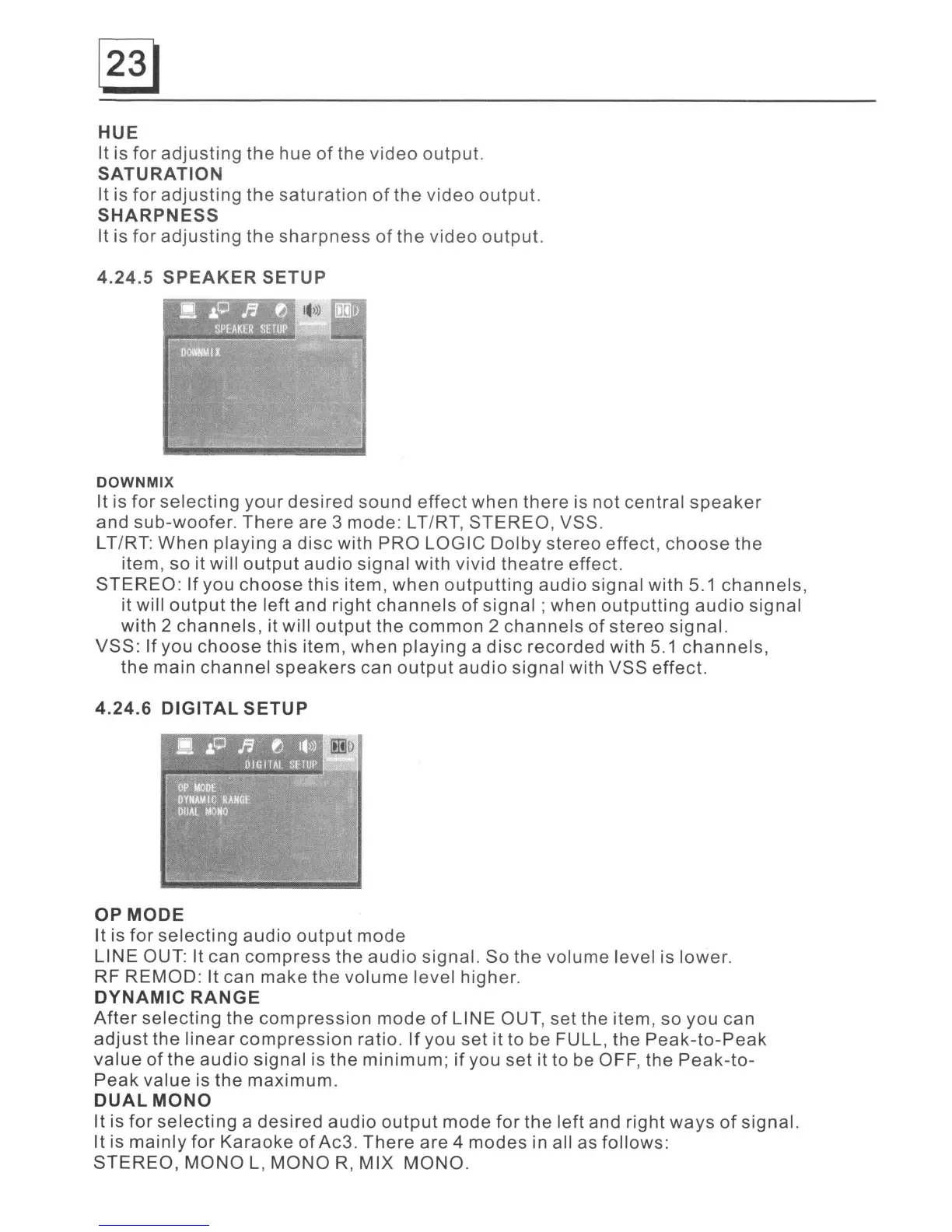
4.24.5
SPEAKER
SETUP
DOWNMIX
It is for
selecting
your
desired
sound
effect
when
there
is not central
speaker
and sub-woofer.
There
are 3 mode: LT/RT,
STEREO,
VSS.
LT/RT: When
playing
a
disc
with PRO LOGIC
Dolby
stereo effect,
choose
the
item, so it will
output
audio
signal with vivid
theatre
effect.
STEREO:
If
you
choose
this
item, when
outputting
audio signal with 5.1
channels,
it will
output
the left and right
channels
of
signal;
when
outputting
audio
signal
with 2
channels,
it will
output
the
common
2
channels
of
stereo
signal.
VSS:
If
you
choose
this item, when
playing
a
disc
recorded with
5.1
channels,
the main
channel
speakers
can
output
audio
signal with VSS effect.
4.24.6
DIGITAL
SETUP
OP
MODE
It is
for
selecting
audio
output
mode
LINE OUT: It can
compress
the
audio
signal. So the volume level is lower.
RF REMOD: It can make the
volume
level higher.
DYNAMIC
RANGE
After
selecting
the
compression
mode
of
LINE OUT,
set
the item, so you can
adjust
the
linear
compression
ratio.
If
you
set
it to be FULL, the
Peak-to-Peak
value
of
the
audio
signal is the
minimum;
if
you set it to be OFF, the
Peak-to-
Peak
value is the maximum.
DUAL
MONO
It is
for
selecting
a
desired
audio
output
mode
for
the left and right
ways
of
signal.
It is
mainly
for
Karaoke
of
Ac3.
There
are 4
modes
in all as follows:
STEREO,
MONO
L,
MONO
R,
MIX MONO.