2.CommonOperation
1.Toturnon/offtheunit
Inpoweroffmode,brieflypressthePOWERbuttontoturnontheunit.
Inpoweronmode,pressandholdthePOWERbuttononthefrontpanel,or
brieflypressthePOWERbuttonontheremotecontroltoturnofftheunit.
2.ToselectanoptimalangleofthemonitoroftheCarAudioSystem
ToselectanoptimalangleofthemonitoroftheCarAudioSystem,presstheANG
buttononthefrontpanelorTILTbuttonontheremotecontrolrepeatedly.
3.Toselectfunctionmode
.
5.Tomutesound
PresstheMUTEbuttonontheremotecontroltoturnon/offMUTEmode.
pressingthePOWERbuttononthefrontpanelbrieflytoturnMUTEmodeon/off.
6.
7.Toselectadesired
.Toturnon/offLOUDmode
PresstheLOUDbuttontoturnon/offLOUDmode.
WhenturningonLOUDmode,itwillenhancebasslevelimmediatelywhenbass
isnotenough.
9.Toresettheplayer
Whenthemonitordisplaywronglyorsomebuttonsarenotavailableorsoundis
distorted,presstheRESETbuttontorestorethedistortedprogram.
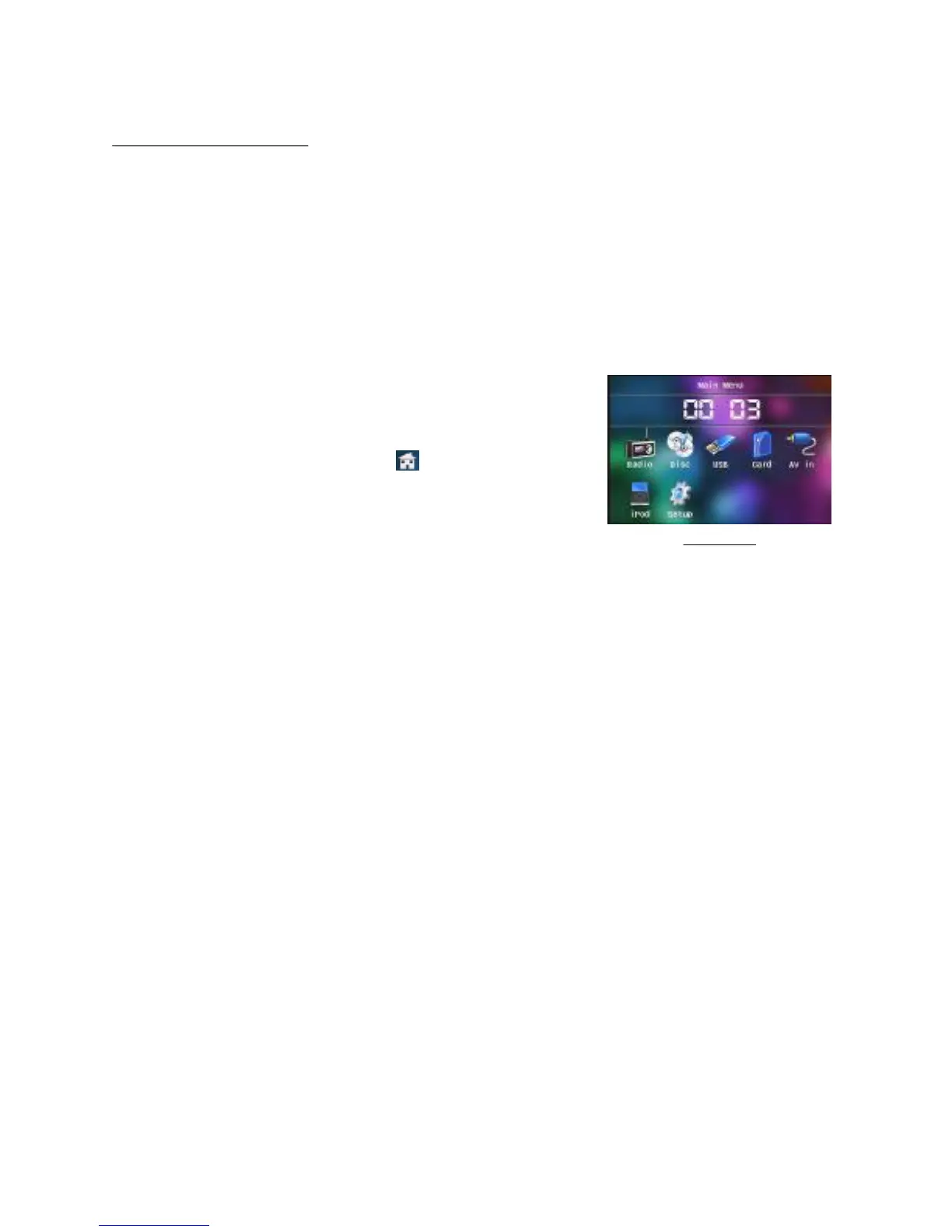
PresstheMODEbuttontoselectRADIO,DISC
(Afterinsertingadisc),USB(AfterinsertingaUSB
storage),CARD(Afterinsertingacard),AUX,
oriPodmode.
Duringplayback,tappingtheiconafterpopping
upKeyboardinterfacecanpopupModeMenuas
right.thentaponeiconinittoselectyourdesired
mode.
4Toadjustsoundlevel
pressorholdthe+or-buttontodirectlyadjustthe
volumelevel.
Todisplayandadjusttheclocktime
PresstheCLKbuttontodisplayclocktimeonthescreenofthemonitor.
PressandholdtheCLKbuttontochangethecolorofthehouroftheclock,then
pressthe+or-buttontoadjustthehour;andthenbrieflypresstheCLKorSEL
buttontochangethecoloroftheminuteoftheclock,thenpressthe+or-button
toadjusttheminute.
EQmode
PresstheEQbuttonontheremotecontroltoselectoneofthepresetmusic
equalizercurves:POP,ROCK,CLAS,FLAT.Thesoundeffectwillbechanged.
8
ModeMenu



 To Next Page