BOSS eBand Training Guide
5
3. EFFECTS
The JS-8 has amazing built-in guitar effects derived from the flagship BOSS GT-10.
“Patches” are groups of effect combinations. There are 130 preset effect patches ready
to go in the JS-8. Here’s how to select them:
1. Connect an instrument or guitar cable from your guitar to the GUITAR/MIC IN
jack on the front of the JS-8.
2. Turn the volume up on your guitar.
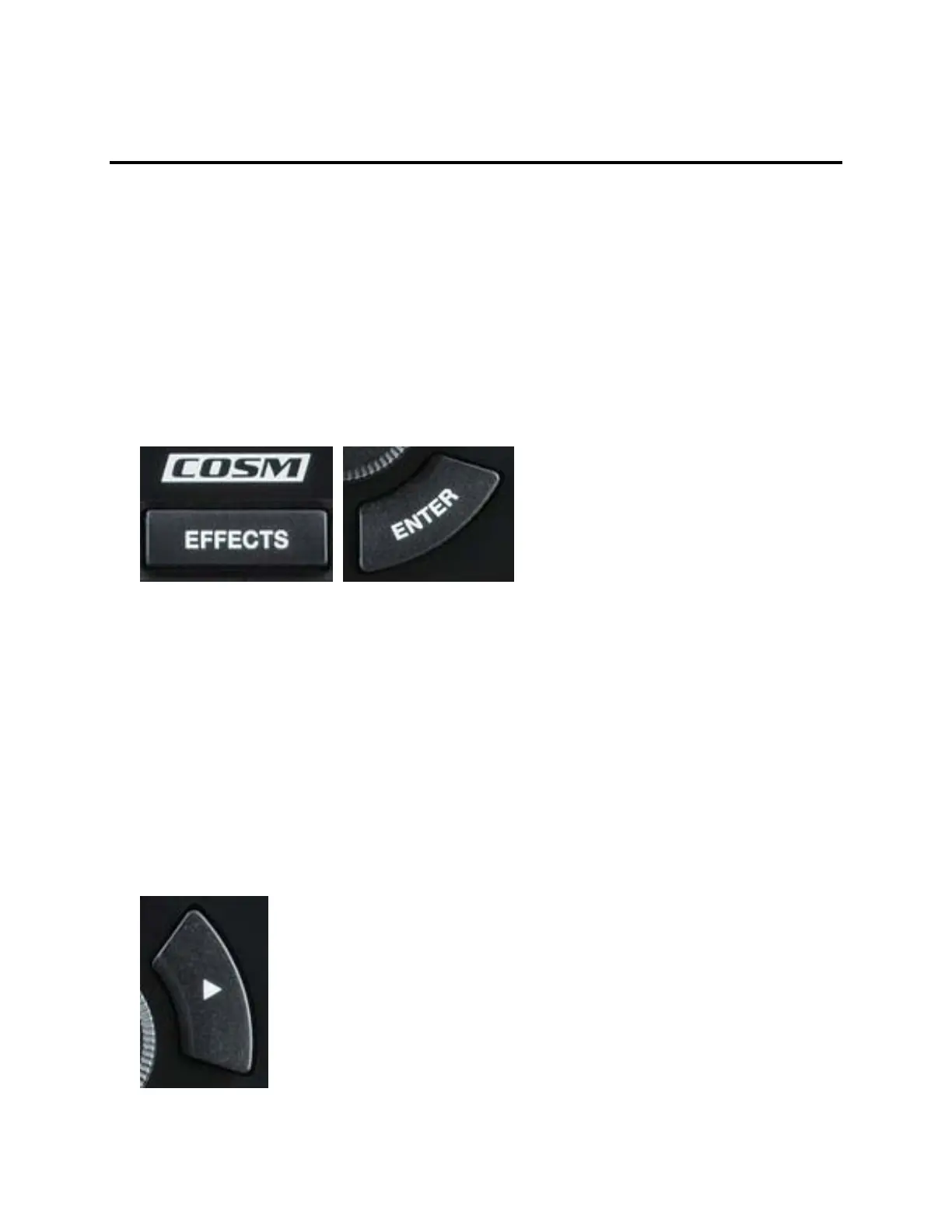
3. Press the EFFECTS button and then the ENTER button.
4. Turn the dial to scroll through the list of effect patches.
5. Play your guitar—turn the GUITAR LEVEL knob to adjust your volume.
6. Turn the dial to select and audition other patches.
EZ EDIT
1. Press the EFFECTS button.
2. Press the left cursor button.



 To Next Page