6
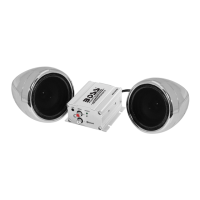
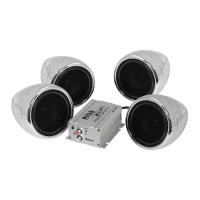
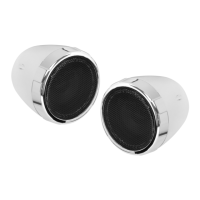
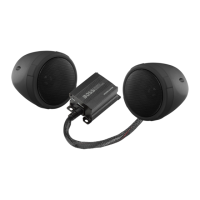
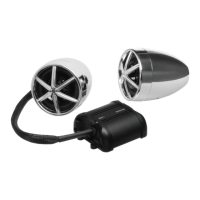
MC600B BLUETOOTH-ENABLED
ALL-TERRAIN SPEAKER AND AMPLIFIER SYSTEM
74 dB
250 Hz - 20 KHz
-1v
MC600B BLUETOOTH-ENABLED
ALL-TERRAIN SPEAKER AND AMPLIFIER SYSTEM
9
800
56
Playing Music
1) Press the “MFB” once to start playing music. The “MFB”
during music playback serves as a “Play/Pause”
2) To skip songs or advance, press the “>>” button
3) To select the previous song, press the “<<” button
Volume Control
1) To raise the volume Press and Hold the “>>” button
2) To lower the volume Press and Hold the “<<” button


 To Next Page