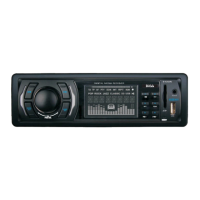
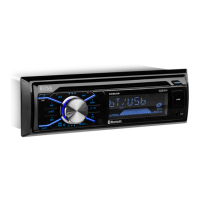
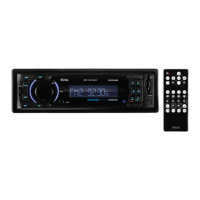
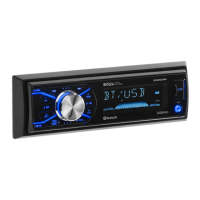
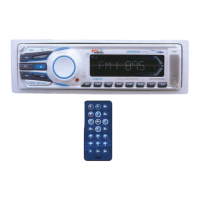
16) SOURCE BUTTON (SOURCE)
Press this button to select Radio and CD modes.
The available selections depends on version:
Radio CD Player
Radio > CD > AUX in
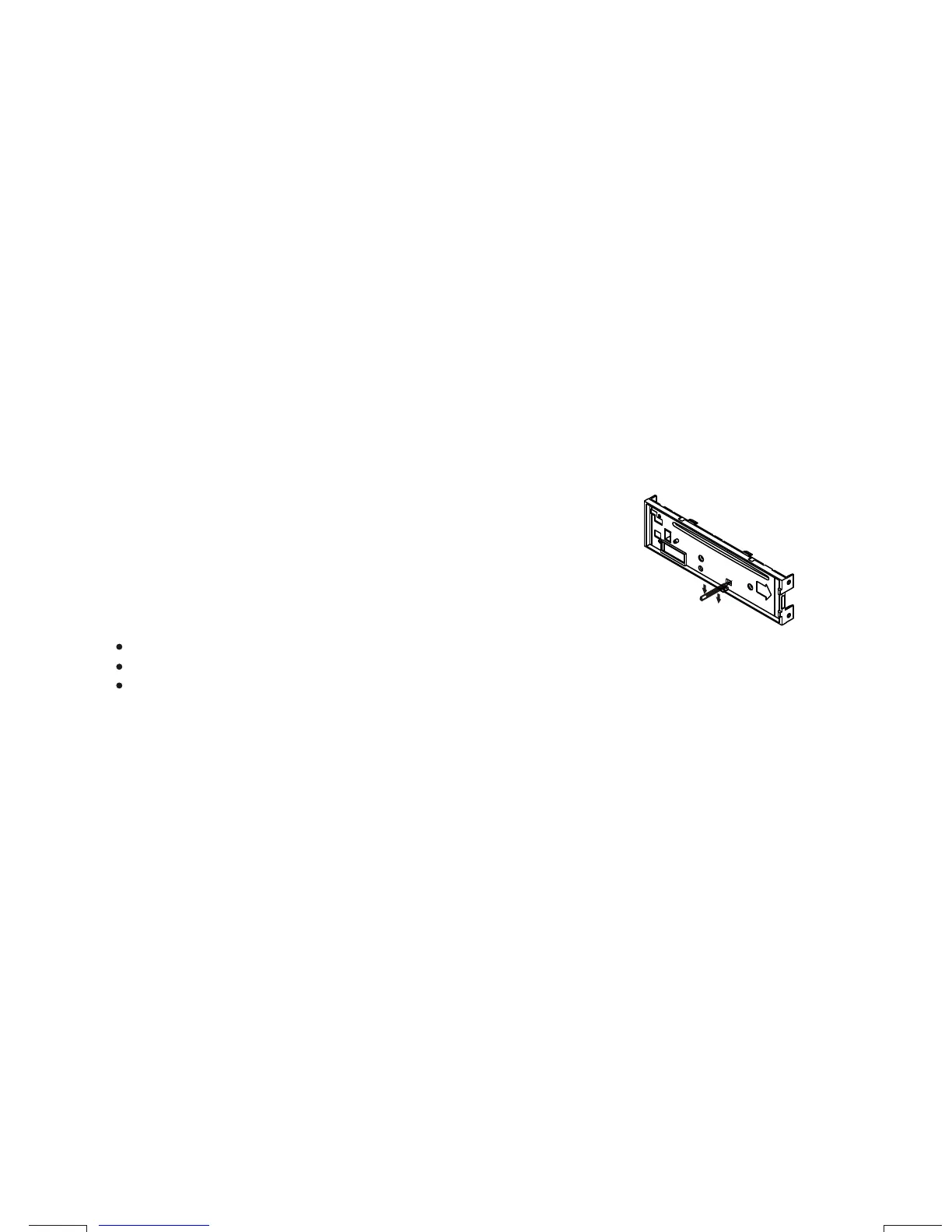
The RESET button is located on the main unit (as shown on the diagram). To press it vertically with a
ballpoint pen or metal object will activate it. The reset button is to be activated for the following reasons:
Initial installation of the unit when all wiring is completed.
All the function buttons do not operate.
Error symbol on the display.
RESET BUTTON
Note: If the unit cannot function normally after reseting, please use a cotton swab soaked in
isopropyl alcohol to clean the socket on the back of the control panel.
Sub-woofer On/Off
Press SOURCE button for more than 3 seconds to activate or turn off the Subwoofer output.
Press this button to remove the control panel.
6. BASIC OPERATIONS
1) PANEL RELEASE BUTTON (REL)
12) POWER ON/OFF BUTTON
5) DISPLAY BUTTON (DISP)
Press this button to turn on or off the power.
Aux Input
Connect the external signal to the auxiliary line in jack located at the rear of the unit , then
press Source button to select Aux mode. Press Source Button again to cancel Aux Mode and
return to previous mode.
E - 7
Press this button to view Clock, Programme Type (PTY), and Frequency of the station in listening.



 To Next Page