EasyManua.ls Logo

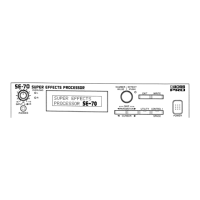
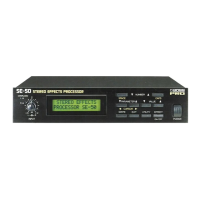
Boss SE-50 - Panel Descriptions; Front Panel Overview

Boss SE-50
144 pages
Print Icon
To Next Page IconTo Next Page
To Previous Page IconTo Previous Page
Loading...
PANEL
DESCRIPTION
PANEL
DESCRIPTIONS
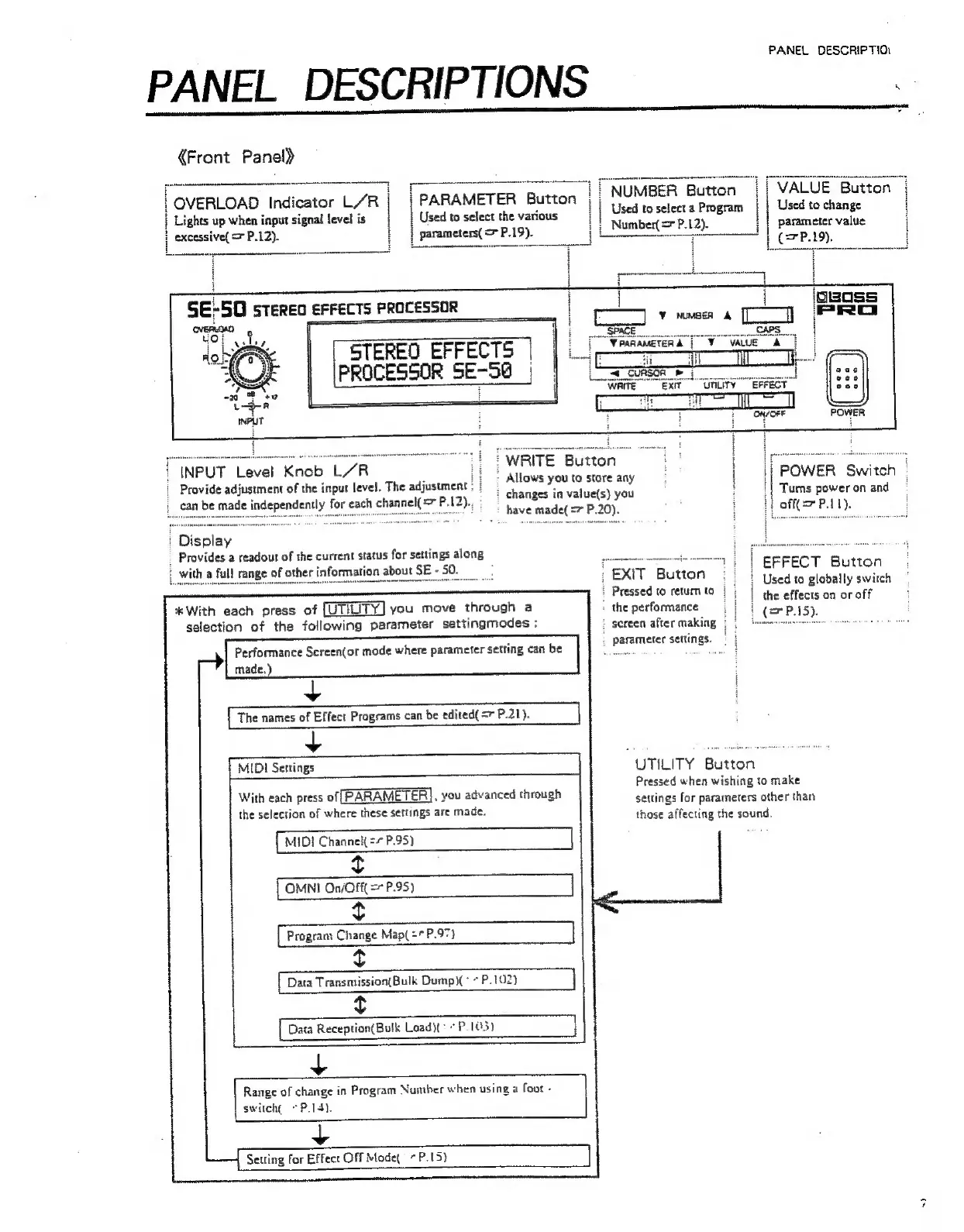
«Front Panel)
[OVERLOAD
Indicator
L’R|
|
PARAMETER
Button
||
NUMBER
Button
|
Button
U
Used
to
select
a
Program
Used
to
change
t
}
i
'
Lights
up
when
input
signal
level
is
sed
to
select
the
various
L
excessive(
=
P.12).
arameters(
=
P.19).
a
_Number(
P.12).
parameter
value
H
i]
STEREO
EFFECTS
|
PROCESSOR
SE-5@
|
WRITE
Button
>
Allows
you
to
store
any
:
changes
in
value(s)
you
have
made(
=7
P.20).
'
INPUT
Level
Knob
L/R
|
Provide
adjustment
of
the
input
level.
The
adjustment
can
be
made
independently
for
each
channel{
=
P.12).
POWER
‘Switch!
|
Turns
power
on
and
:
off(=>
P.11).
»
Display
_
Provides
a
readout
of
the
current
status
for
settings
along
|
EFFECT
Button
i
|
Used
to
globally
switch
|
the
effects
on
or
off
|
(=P).
:
EXIT
Button
i
Pressed
to
retum
to
:
;
the
performance
:
screen
after
making
parameter
settings.
i
with
a
full
range
of
about
SE-50.
%*
With
each
press
of
[UTILITY]
you
move
through
a
selection
of
the
following
parameter
settingmodes
:
Performance
Screen(or
mode
where
parameter
setting
can
be
made.)
The
names
of
Effect
Programs
can
be
edited(
=r
P.21).
[mip
Settings
:
With
each
press
of
PARAMETER],
you
advanced
through
the
selection
of
where
these
settings
are
made.
[MIDI
Channett
=”
P.95)
t
[OMNI
On/Off
=
P.95)
1
t
{
Program
Change
Map(
="
P.97}
t
Data
Transmission(Bulk
Dump)(°
*
P.102)
t
{
Data
Reception(Bulk
Load:
P.103)
+
Range
of
change
in
Program
Number
when
using
a
foot
-
switche
*P.15).
+
Setting
for
Effect
Off
Mode
*
P.15}
UTILITY
Button
Pressed
when
wishing
to
make
settings
for
parameters
other
than
those
affecting
the
sound.

Other manuals for Boss SE-50

Related product manuals