12
Temporary Override:
Hr+ Program Override
• When the device is in either Auto, Once or Off mode, press Hr+ to activate the Hr+ program
override mode.
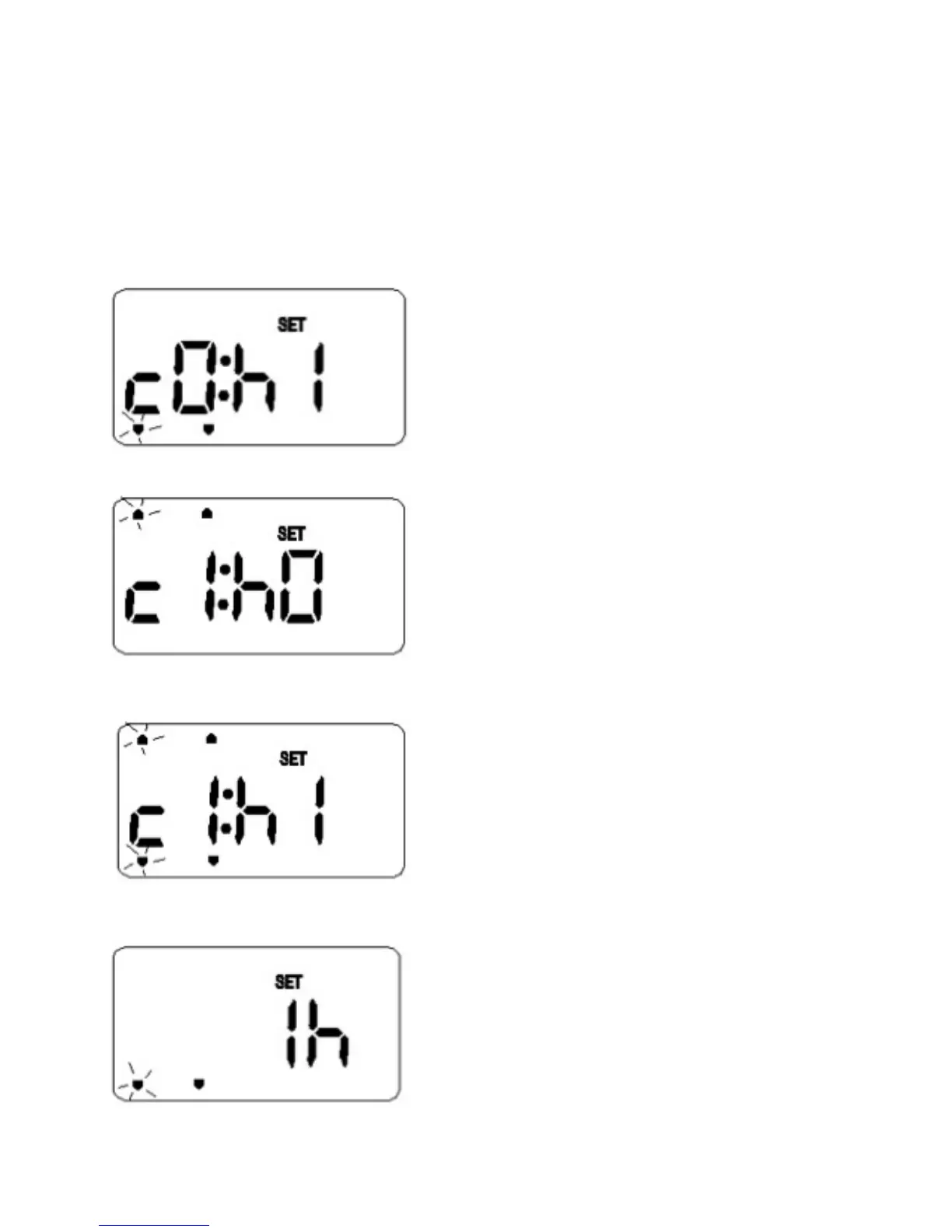
• “SET” will be displayed, and the mode indicator(s) are lit.
• For TPSE201, “c1” is displayed on the left side for central heating and/or “h1” is displayed on
the right side for hot water. For TPSE101, “1h” is displayed on the right side only.
For TPSE201 with P selected, for hot water, press Hr+ to activate the Hr+ program override.
For TPSE201 with P selected, for central heating, press Hr+ to activate the Hr+ program
override.
For TPSE201 with G selected, for central heating, press Hr+ to activate the Hr+ program
override.
For TPSE101, press Hr+ to activate the Hr+ program override.



 To Next Page