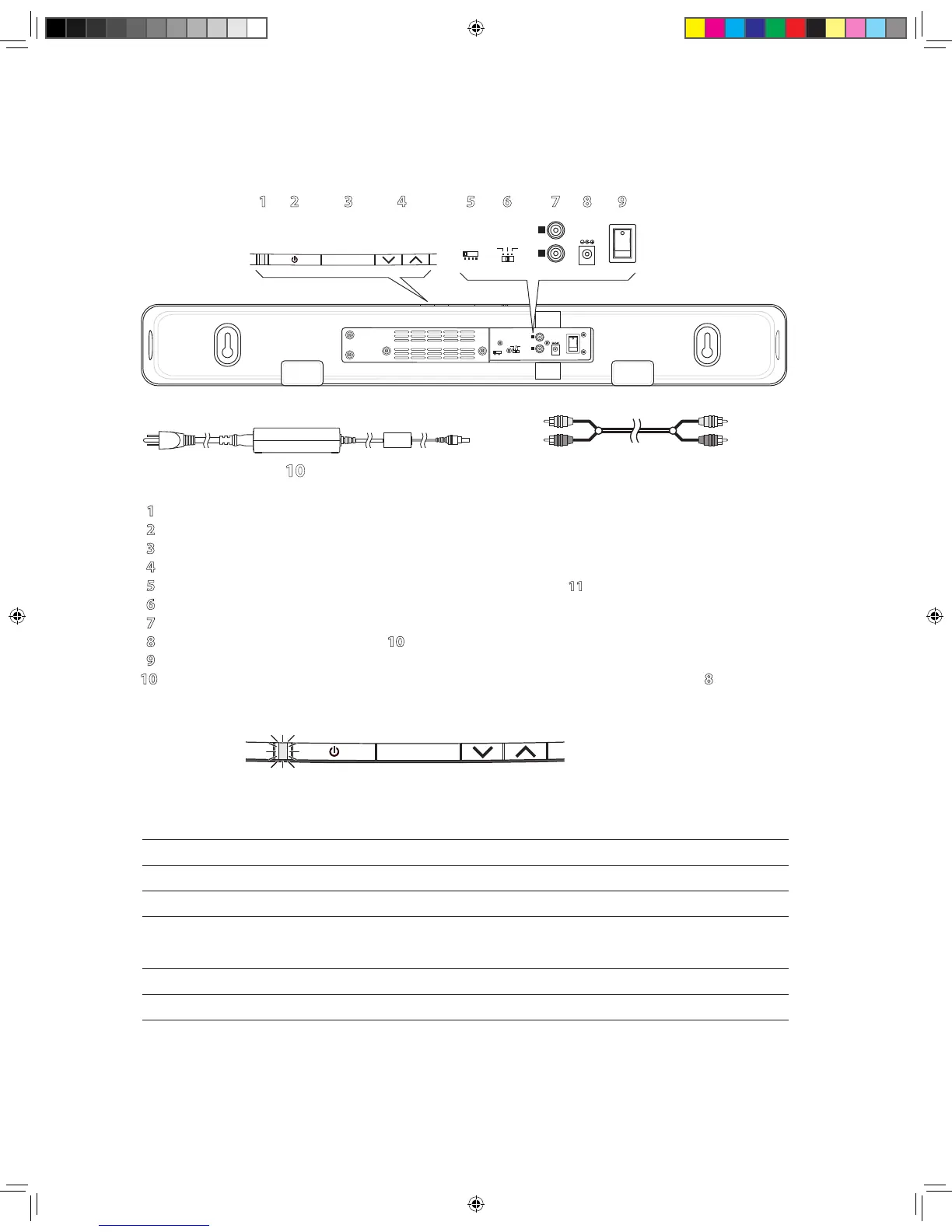
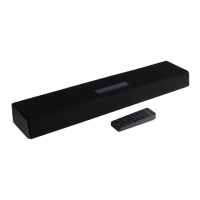
The Parts of TVee
1 Status Indicator – Lights in various colors to indicate operating status. See the table below.
2 Power Button – Lets you manually activate TVee or put it in standby mode.
3 Mute Button – Lets you temporarily mute TVee.
4 Volume Up and Down Buttons – Let you manually adjust the volume of the TVee.
5 Wireless ID Switch – Selects the “channel” for the wireless Bass Unit signal. Set 11 in the same position.
6 Trim Level Switch – Adjusts the input sensitivity of TVee.
7 Inputs – Receives the input signal for the TVee. See the “Connect TVee” section for more information.
8 Power Input – Connect the power supply 10 here.
9 Power On/O Switch – Turns the TVee soundbar on or o. Normally it is left on all the time.
10 Power Supply – Provides power to the soundbar. Plug it into the wall and connect it to the power input 8.
Soundbar Status Indicator
Green Steady Normal power-on mode.
Green Blinks Once Shows a remote control signal is being received.
Orange Flashing TVee is ready to learn a remote control command.
Orange Steady The control button that’s learning a control command is selected; TVee waiting
for an IR command to learn.
Flashing Green TVee has successfully learned a remote control command.
Flashing Red TVee has failed to learn a remote control command.
Flashing Red and Orange Indicates learned IR codes successfully erased.


 To Next Page