EasyManua.ls Logo

Boulder 508 - User Manual

Boulder 508
21 pages
Print Icon
To Next Page IconTo Next Page
Loading...
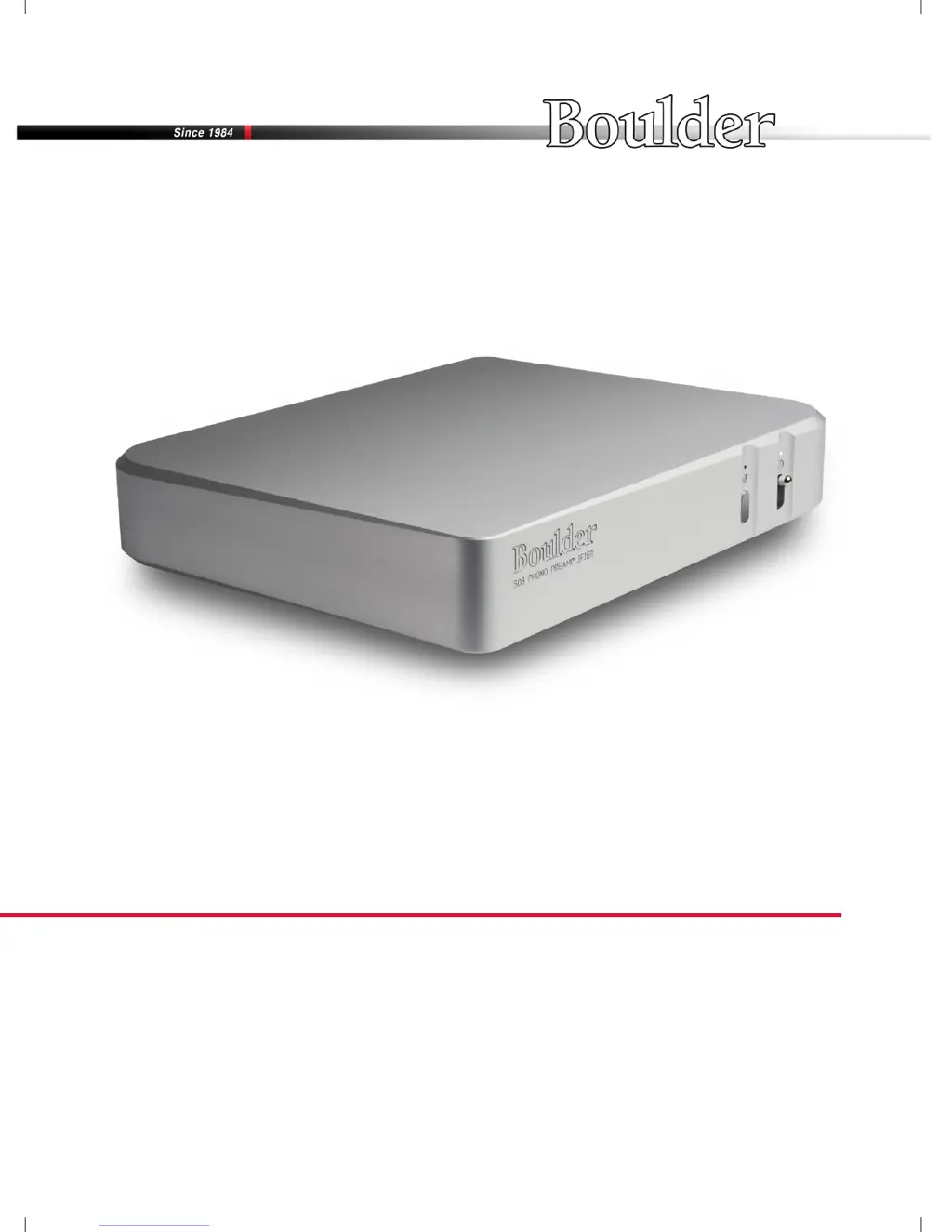
508 Phono Preamplier
Boulder Ampliers, Inc.
255 S. Taylor Ave.
Louisville, CO 80027
(303) 449-8220
www.boulderamp.com
6/1/2018
Rev. 1.0
P/N: 91053

Questions and Answers

  • P
    Peter WhiteJul 27, 2025
    How to troubleshoot no power indication on Boulder Amplifier 508?
    • J
      Julia GriffinJul 28, 2025
      If your Boulder Amplifier 508 shows no power indication, first, ensure the power switch is in the ON position. Then, verify the power cord is securely connected to an AC mains outlet. Check the 508's fuse and replace it if necessary. Also, examine your home circuit breaker and reset it if it has tripped. If the issue persists, have the line voltage and power cable tested. As a last resort, it might be a defective 508, return it to the dealer for service.
  • M
    Melissa GuzmanAug 4, 2025
    Why is the red LED indicator on my Boulder Amplifier 508?
    • B
      Benjamin RiveraAug 4, 2025
      If your Boulder Amplifier 508 shows a red LED indicator, it could be due to several reasons. First, ensure that the 508 is not muted by pressing the Mute button. If that's not the case, the phono preamplifier might be in the process of booting up; wait until this process completes. If the red LED persists, it might indicate a defective power supply, in which case you should return the 508 to the dealer for service.
  • M
    Meghan WilsonAug 11, 2025
    What to do if there is hum through loudspeakers with Boulder 508?
    • J
      Jessica StevensAug 12, 2025
      If you have hum through loudspeakers with your Boulder Amplifier 508, it might be due to grounding issues. Check for a missing ground connection and install a ground wire if necessary. Alternatively, if there's a duplicate ground connection, use only one ground wire to the turntable or utilize the ground in a balanced cable. Also, the 508 or turntable might be too close to another component's power supply; try moving them away.
  • R
    Rebecca MilesAug 19, 2025
    What to do if Boulder 508 Amplifier has white power indication, but no sound?
    • S
      Sherri FullerAug 19, 2025
      If your Boulder Amplifier has a white power indication but no sound, the issue might stem from the turntable signal. Check the turntable cables and connections to ensure a signal is being sent from at least one channel. Also, check the cables and connections to the preamplifier to ensure a signal is being sent out.

Summary

Getting Started

Connecting a Turntable

Detailed instructions for connecting turntables, emphasizing balanced connections and hum prevention.

Moving Coil or Moving Magnet Selection

How to select the correct input setting for Moving Coil or Moving Magnet cartridges.

Operation

Power

Steps for turning the preamplifier ON and OFF, including LED indicators.

Mute

Explains the preamplifier's mute function and how to activate/deactivate it.

Appendix

Technical Specifications

Comprehensive list of the preamplifier's electrical and performance specifications.

Troubleshooting

Common issues, their causes, and recommended solutions for the preamplifier.

Boulder 508 Specifications

General IconGeneral
BrandBoulder
Model508
CategoryAmplifier
LanguageEnglish

Related product manuals