EasyManua.ls Logo

Boulder 3050 - User Manual

Boulder 3050
31 pages
Print Icon
To Next Page IconTo Next Page
Loading...
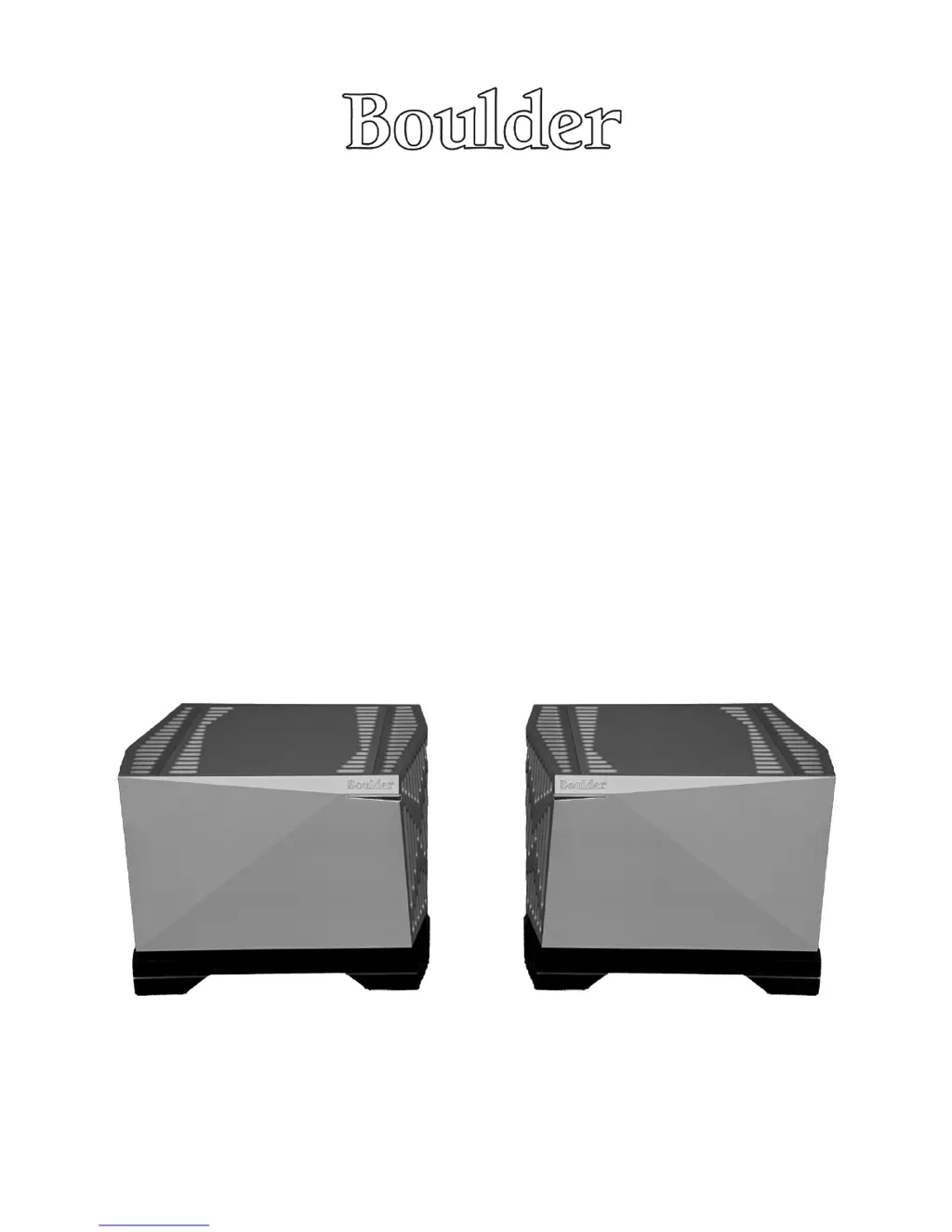
3050 Mono Power Amplier
Owners Manual
11/21/2011
Boulder Ampliers, Inc.
3235 Prairie Ave.
Boulder, CO 80301
www.boulderamp.com

Questions and Answers

  • G
    greenchristopherJul 27, 2025
    How to fix Boulder 3050 Amplifier with no power indication?
    • J
      julieadamsJul 27, 2025
      If your Boulder Amplifier shows no power indication, there are several potential causes: * The power switch might not be turned on, in this case, turn on the power switch. * The power amplifier might not be plugged in. Ensure it's connected to an AC outlet. * The home circuit breaker could be tripped. If this is the case, have the line voltage checked.
  • A
    Alexandra SmithAug 5, 2025
    What to do if my Boulder 3050 has amber power indication, but I can't hear from one channel?
    • A
      Ashley SharpAug 5, 2025
      If your Boulder Amplifier has an amber power indication but you're not hearing sound from one channel, consider these possibilities: * There may be no signal from one channel of the source. Check the source controls, cables, and connections. * One channel might be muted by the balance control. Re-center the balance on the preamp. * There might be no signal going out to the power amplifier. In this case, check the connections to the power amp.
  • B
    Brent VillarrealAug 16, 2025
    Why is the power indication red on my Boulder Amplifier?
    • K
      kathleenwallAug 16, 2025
      A red power indication on your Boulder Amplifier can indicate a few issues: * Low line voltage might be the problem. Try resetting the breakers on the rear panel. * There could be defective power supply cables. Have the cables tested. * A defective power supply or preamp might be the cause. In this case, return to dealer for service.

Summary

Getting Started

Connecting To The Mains Outlet

Instructions for connecting the 3050 Mono Power Amplifier to the mains power outlet safely and correctly.

Connecting Your Loudspeakers

Detailed guide on connecting loudspeakers to the 3050 Mono Power Amplifier, including terminal types and warnings.

Operation

Powering Up

Step-by-step instructions on how to safely turn on the Boulder 3050 Mono Power Amplifier and its warm-up sequence.

Boulderlink

Setting Boulderlink Switches

Guide to setting the MASTER/SLAVE switches and ID numbers for proper Boulderlink system configuration.

Setting Boulderlink ID Numbers

Instructions on assigning unique ID numbers to each component for proper Boulderlink network operation and turn-on sequence.

Fault Conditions

Fatal Errors

Describes fatal errors indicated by blinking white and red lights, requiring contact with a Boulder technician.

Appendix

Troubleshooting

A guide to common symptoms, their causes, and remedies for troubleshooting issues with the Boulder 3050 Mono Power Amplifier.

Boulder 3050 Specifications

General IconGeneral
BrandBoulder
Model3050
CategoryAmplifier
LanguageEnglish

Related product manuals