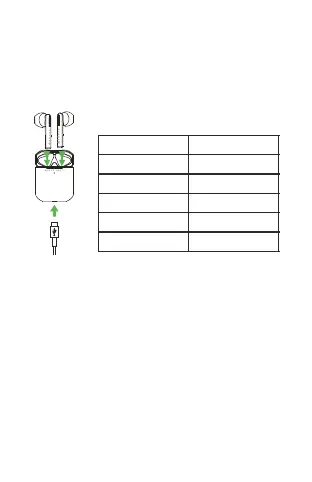
Charging Case:
Plug the attached Type-C cable in the Computer or charger,
the green light indicator ashes when the charging case is
being charged, and will keep green light after being fully
charged.
Battery of Charging case
Indicator Light
One Flash
Two Flash
Three Flash
Four Flash
Green light on
Battery Status
0-25%
26-50%
51-75%
76-99%
100%
Please charge for the case with DC5V/1A charger or
Computer USB; As the charging and discharging of the
earphones increases, the battery performance will
decrease, which is normal for all rechargeable batteries
(Don’t press the contact of the spring pin hard to avoid
improper use.)
Note:


 To Next Page