17
Android Function
6. Screen Freezing
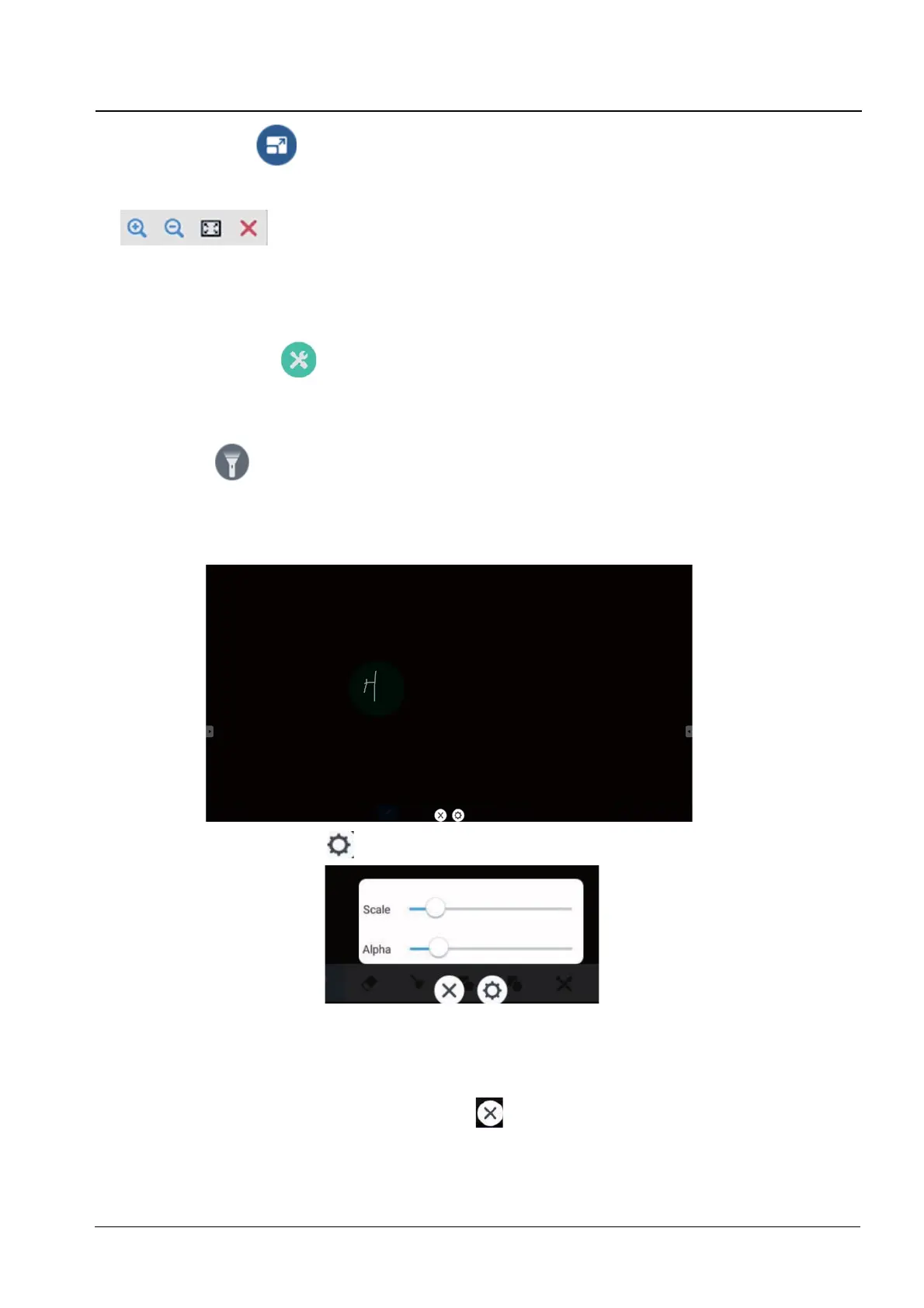
To pop out the screen freezing tools. You can freeze the screen, and at the same time
zoom in or out the current screen.
- Zoom in click : to zoom in the current screen.
- Zoom out Click: to zoom out the current screen.
- Return Click : to return to the original size of the screen.
- Exit : to exit the screen freezing.
8. More Tool Function
To pop out the tool choice box, including spotlight, count down, stop watch, and air
class.
- Sport light
To open the spotlight, as shown in right picture. The spotlight can be used to make
audience focus their attention on the location you need to emphasize.
Drag in the black area to move the location emphasized by the spotlight.
Setting. Click
to pop out the window, as shown below:
> Scale: Drag the slider to adjust the range of the spotlight. You also can adjust
WKHUDQJHRIWKHVSRWOLJKWE\WZR¿QJHUV
> Alpha: Drag the slider to set the transparency of the part sheltered by the
spotlight.
Turn off the spotlight. Click
to turn off the spotlight.


 To Next Page