28
Android Function
(3) Right Bottom Corner Menu
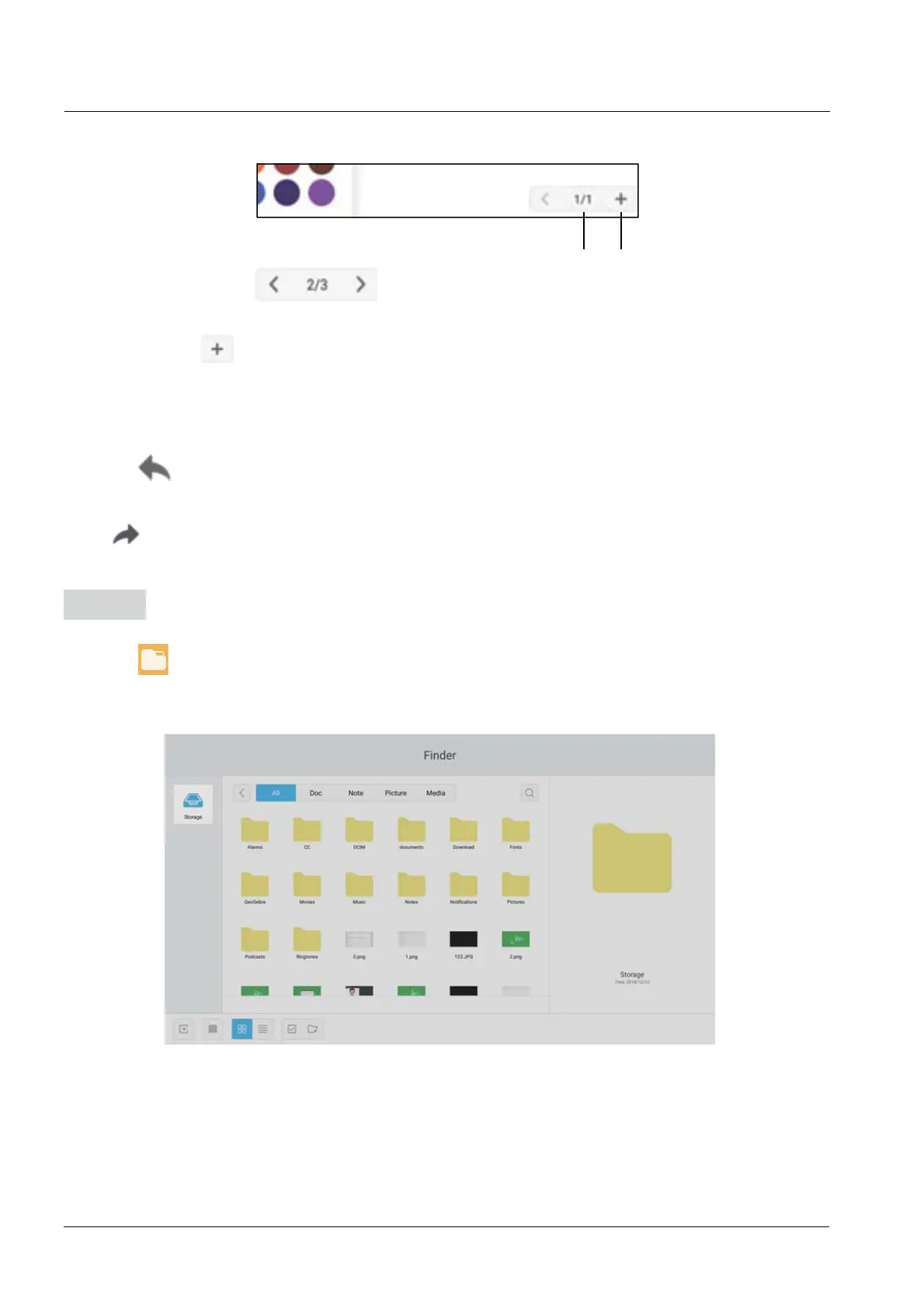
(3-1) Page Navigation
The backward and forward button help you navigate the pages you drew.
(3-2) New Page
This button only appear when you have navigated to the last page.
New page is only allowed to be inserted after the last page.
3-1 3-2
8. Withdrawing
Click the
withdrawing button to withdraw the previous operation.
9. Recover
Click
to recover the previous withdrawing operation. This button is in hidden status before
any withdrawing operation is done.
Finder
Click the SRSRXWWKH¿OHEURZVLQJDVVKRZQ,WFDQEURZVHWKH¿OHVVDYHGLQWKHV\VWHPVXFK
as document, whiteboard writing, video, picture, and audio. In addition, it can automatically identify
H[WHUQDO86%GHYLFHEURZVH¿OHVDFFRUGLQJWRFDWHJRU\VHDUFKIRUWKH¿OHVHWF
Users can browse resources stored in the local storage according to category, including document,
whiteboard writing (pages saved by the whiteboard and quick screenshot), video, picture, and
audio.


 To Next Page