30
Android Function
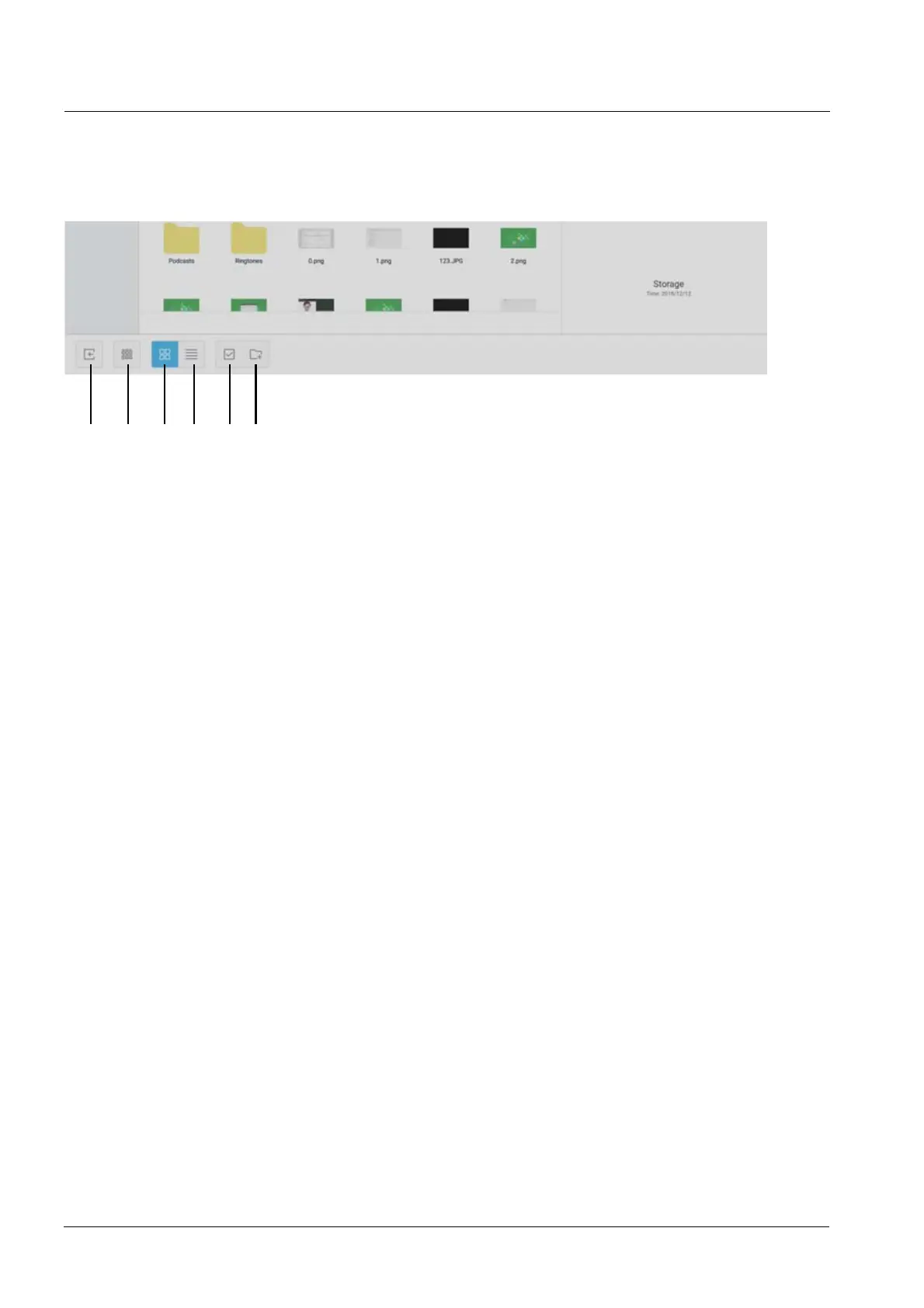
8 9 10 11 12 13
8. Exit
7RH[LWWKH¿OHEURZVLQJDQGUHWXUQWRWKHKRPHSDJH
9. Order
To pop out the menu as shown in picture. You can order the resources, including ordering
according to the name, type, o size, and time. Resources are ordered according to name by
default.
10. Icon Display
To display the resources in the form of icon. The resources are displayed in the form of icon by
default.
11. Form Display
To switch to display the resources in the form of detailed information.
12. Select
Selecting box pops out on the left upper corner of the resources. Then you can select
resources as required.
13. New Folder
To create new folders under the current directory.



 To Next Page