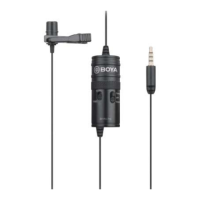
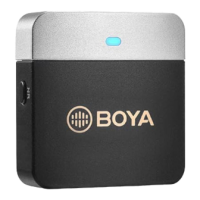
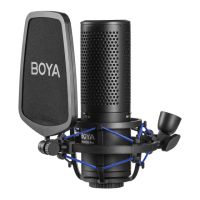
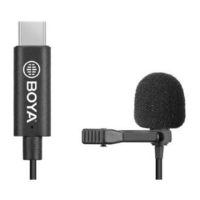
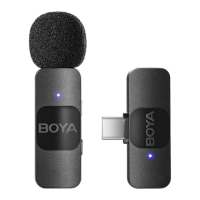
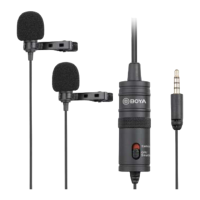
Omni-directional
microphone
Picks up sound. The sound enters through the holes in
the top of the capsule.
2
Provides power for the microphone for use with cameras
and other devices requiring a powered mic.
Turns the power on to the microphone for use with
cameras and other devices requiring a powered mic.
setting
Turns the power off to the microphone. For use with
Smartphones and other devices requiring an unpowered
mic.
Note: Keep the device on this mode when not in use to
Connects the microphone to the Smartphone, camera,
camcorder, or other recording device.
Features
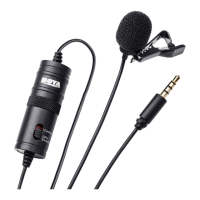
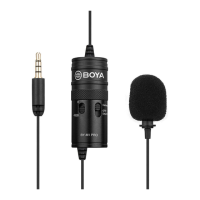
• Clip-on lapel microphone for Smartphones, cameras, camcorders, audio recorders,
PCs, and other audio/video recording devices
• Omni-directional Condenser Microphone
• Excellent for interviews
• Each Mic Routes to Discrete Channel
• Improved Sensitivity and Signal-to-Noise
• Includes Carrying Pouch
•
Using the microphone
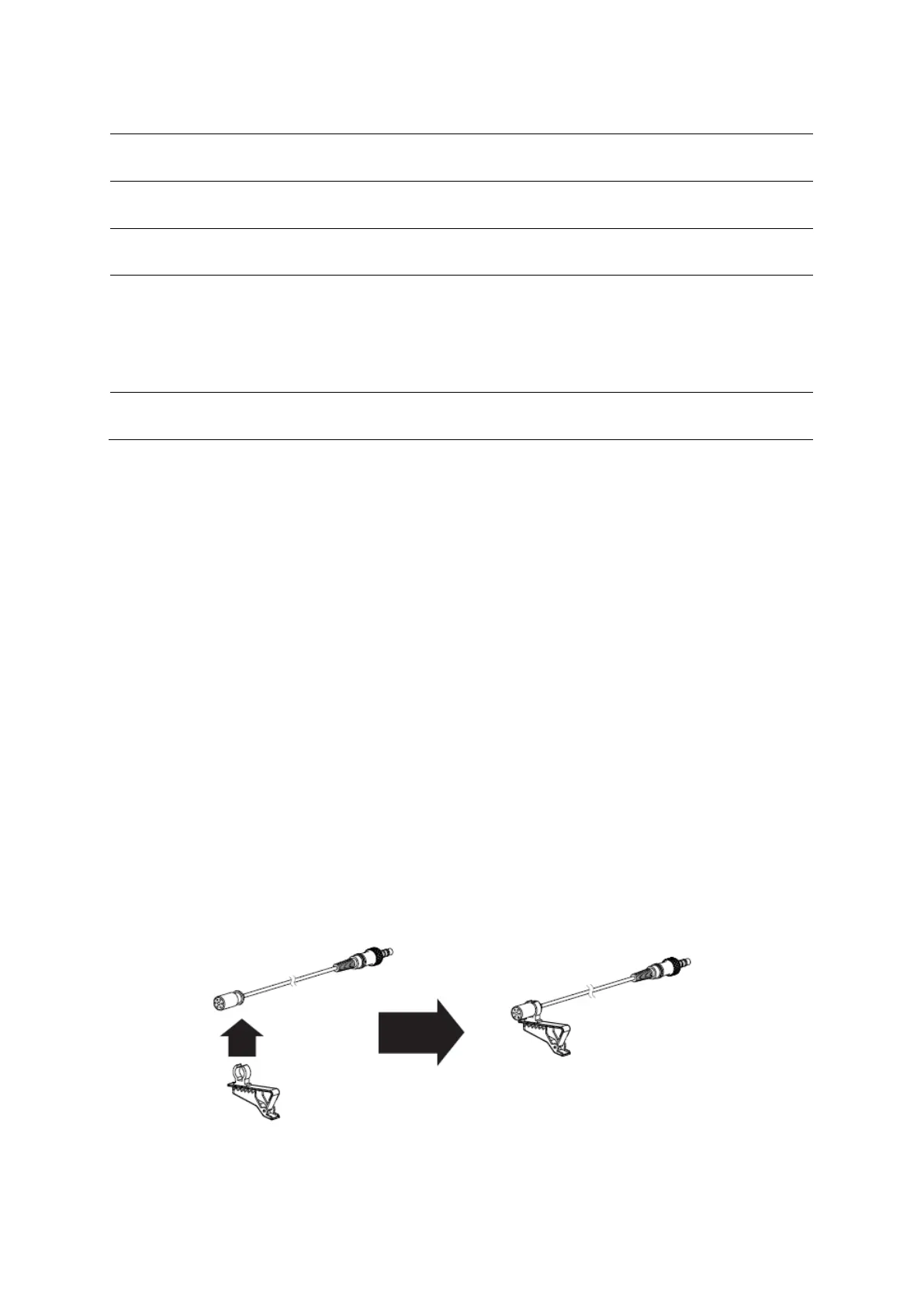
Attaching the microphone to the clothing clip
• Insert the microphone into the plastic loop on the clothing clip.


 To Next Page