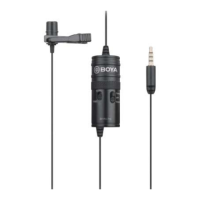
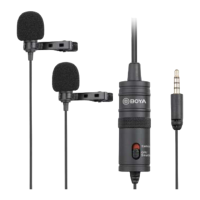
Mounting the microphone to your clothing
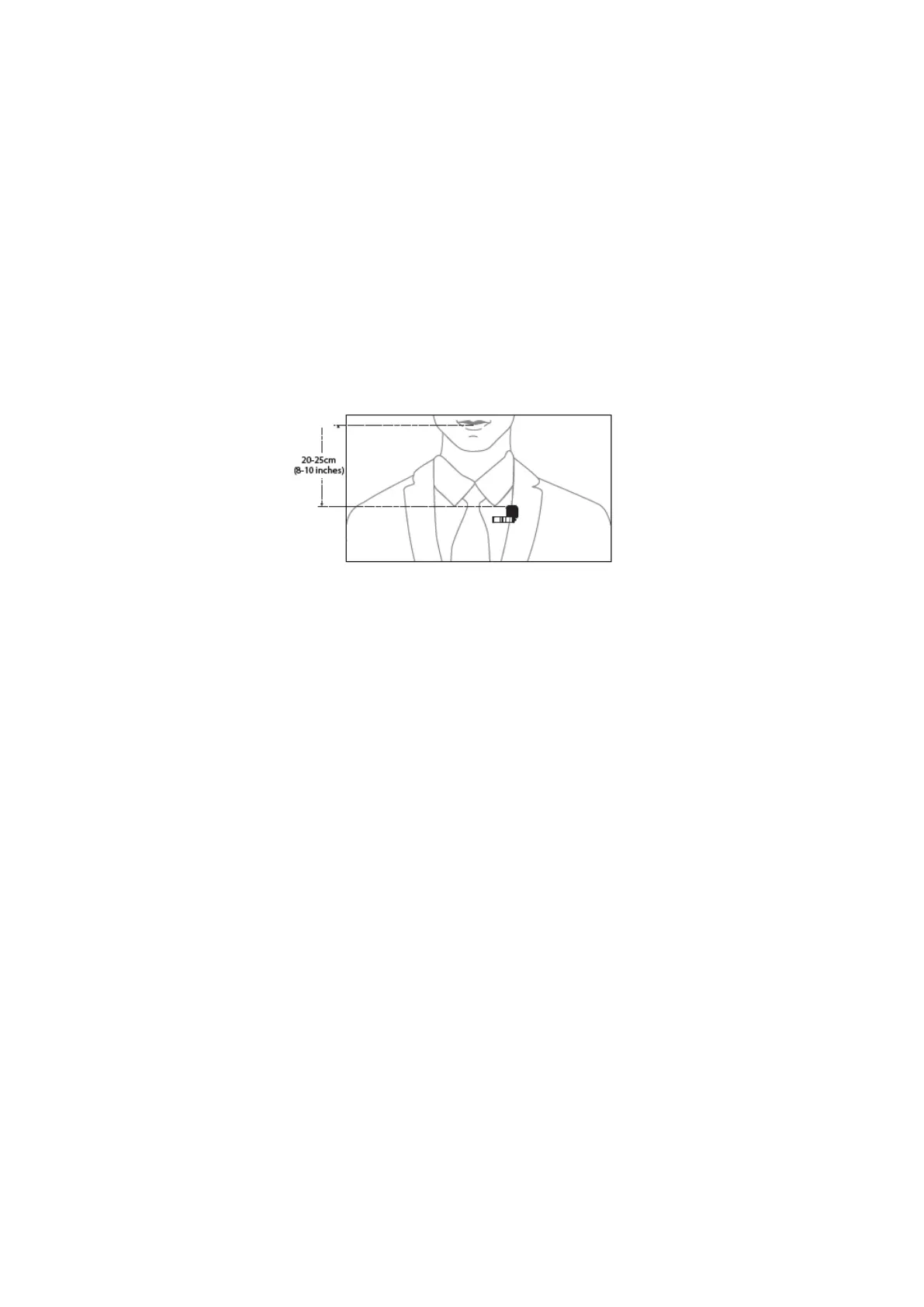
Attach the microphone to the front of your clothing with the clothing clip, about 20-25
cm (8-10 inches) from your face.
1) Attach the microphone upside down to reduce excessive breath noises and tonal
inconsistencies due to head movements.
2) It is recommended that you always use the foam wind screen to avoid wind noise,
even when recording inside.
Tips and Notes:
• Tape a loose loop of the microphone cord to the inside of your clothing. This provides
additional strain relief for the microphone cord and isolation from unwanted noise.
• Before recording an important event, record and play back a short test clip with the
microphone attached to ensure audio recording is functioning properly.
Using the microphone with a Smartphone
Caution
No need to instal
battery when using with Smartphone.
1. Attach the microphone to your clothing (see previous instructions).
2. Move the switch on the power pack to the OFF/Smartphone.
3. Plug the 3.5mm connector into the audio jack of your smartphone.
4. Open the audio-only or video recording app and begin recording.


 To Next Page