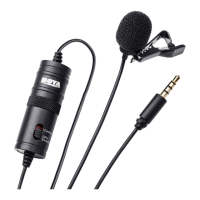
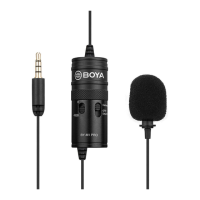
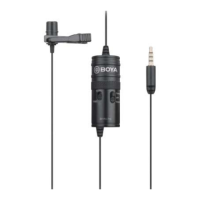
Using the microphone with a camera
1. Install battery in right polarities.
2. Attach the microphone to your clothing (see previous instructions).
3. Move the switch on the power pack to the Camera (on) setting.
4. Plug the 3.5mm connector into the audio input jack of your DSLR, Point and Shot
camera, or camcorder, and begun filming.
Note:
Not all cameras have a microphone input. Verify this with your camera manufacturer.
Many cameras have headphone, remote control, and other ports that look like a
microphone input. Make sure that you are using the correct one.
Using the microphone with a laptop
Note:
1) BOYA BY-M1DM can only use laptop whose headphone jack and microphone jack is
combined.
2) No need to install battery.
1. Attach the microphone to your clothing (see previous instructions).
2. Move the switch on the power rack to the OFF/Smartphone.
3. Plug the 3.5mm connector into the audio jack of your laptop.
4. Open the audio app and begin recording.
Using the microphone with other devices
1. Install battery in right polarities.
2. Attach the microphone to your clothing (see previous instructions).
3. Move the switch on the power rack to the Camera (on) setting.
4. Plug the 3.5mm connector into the audio input jack of your device (audio recorder,
amplifier etc.), any begin recording.
Note:
1) When move switch on the power pack to the Camera (on), make sure to install battery
in right polarities.
2) No need to install battery when OFF/Smartphone setting.
3) Make sure set the switch first, then connect microphone with your equipment.


 To Next Page