6
How to Use
Note: Due to 2.4GHz wireless frequency, signal can be easily attenuated. Please try to
avoid obstacles, such as walls and buildings, and avoid close proximity to devices with
2.4GHz signal, such as high-power Wi-Fi antennas, radios, etc.
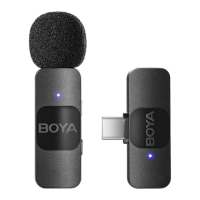
For the kit of BY-V1 / BY-V10
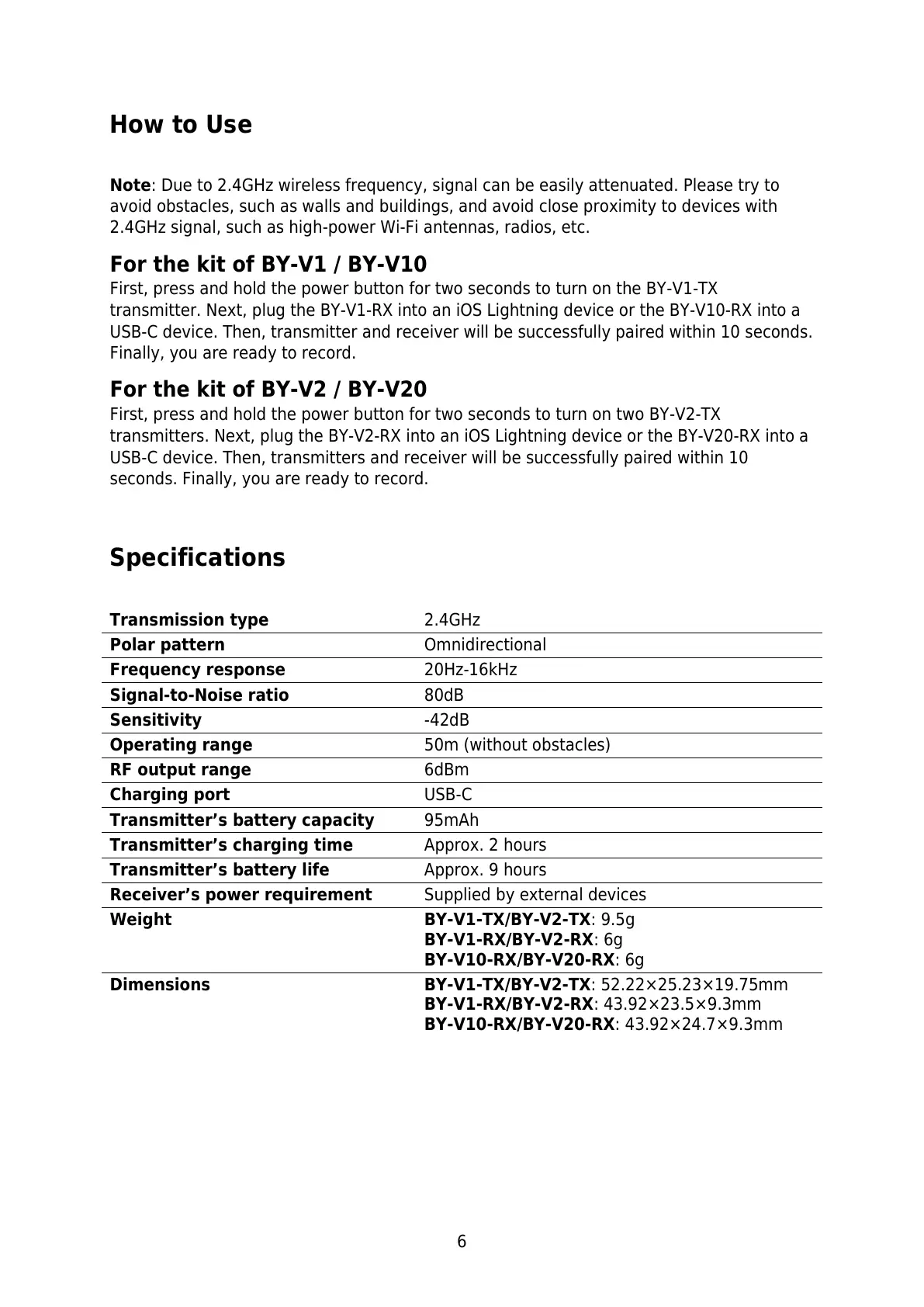
First, press and hold the power button for two seconds to turn on the BY-V1-TX
transmitter. Next, plug the BY-V1-RX into an iOS Lightning device or the BY-V10-RX into a
USB-C device. Then, transmitter and receiver will be successfully paired within 10 seconds.
Finally, you are ready to record.
For the kit of BY-V2 / BY-V20
First, press and hold the power button for two seconds to turn on two BY-V2-TX
transmitters. Next, plug the BY-V2-RX into an iOS Lightning device or the BY-V20-RX into a
USB-C device. Then, transmitters and receiver will be successfully paired within 10
seconds. Finally, you are ready to record.
Specifications
Transmitter’s battery capacity
Transmitter’s charging time
Transmitter’s battery life
Receiver’s power requirement
Supplied by external devices
BY-V1-TX/BY-V2-TX: 9.5g
BY-V1-RX/BY-V2-RX: 6g
BY-V10-RX/BY-V20-RX: 6g
BY-V1-TX/BY-V2-TX: 52.22×25.23×19.75mm
BY-V1-RX/BY-V2-RX: 43.92×23.5×9.3mm
BY-V10-RX/BY-V20-RX: 43.92×24.7×9.3mm



 To Next Page