3.1. Use the “voice assistant” as much as possible.
VTHUDpro supports voice control. Press the “Voice assistant” button
to activate the voice assistant.
Then say a command.
For example, “call Charles”, “send massage ‘give me a call’ to Ester”
or “start Waze” to make a phone or to start Waze app. etc.
3.2. Using the remote control buttons
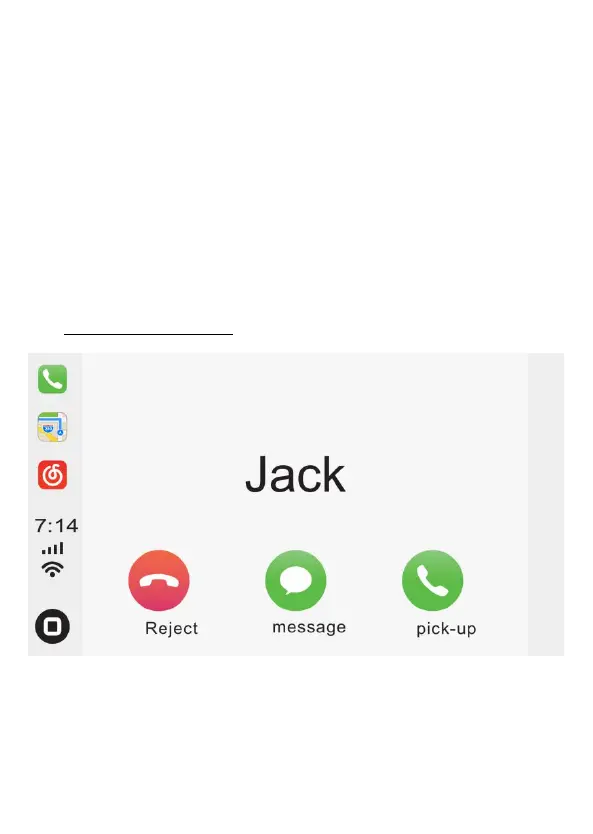
Apple CarPlay Interface
Use remote control buttons, “Previous item” and “Next item” and “OK”
to select from displayed options.


 To Next Page