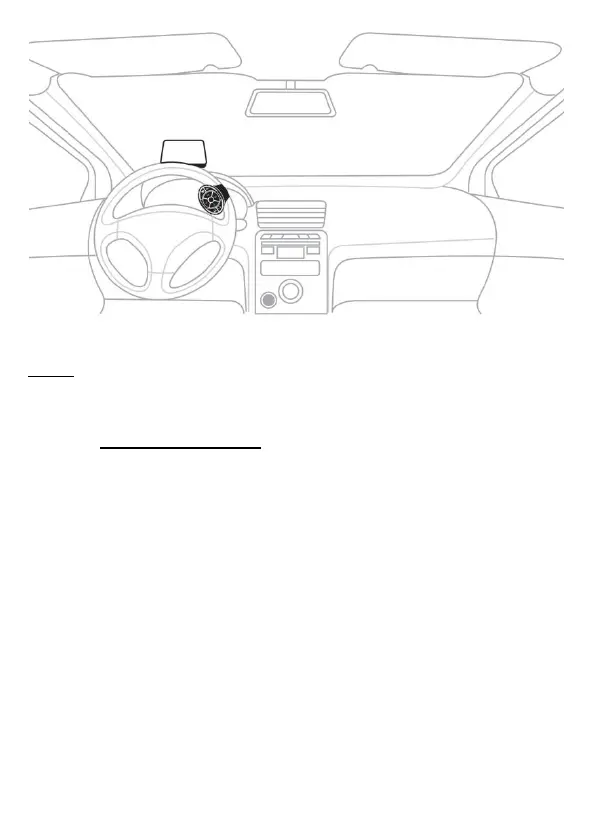
Step 4. Connect iOS mobile device with CarPlay or Android mobile
device with Android Auto to VTHUDpro. USB connection is on
the right side of the main unit.
For Google Auto users: For some mobile phones, you may also
be asked to install supporting Apps.
Apps for Android Auto are available from the Google Play store.
Please go to the Google App market place and search
for ”Android Auto-...” and download.


 To Next Page