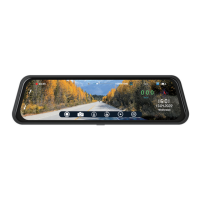
VTR93MHD Streaming Media Rear-View Mirror Monitor
8
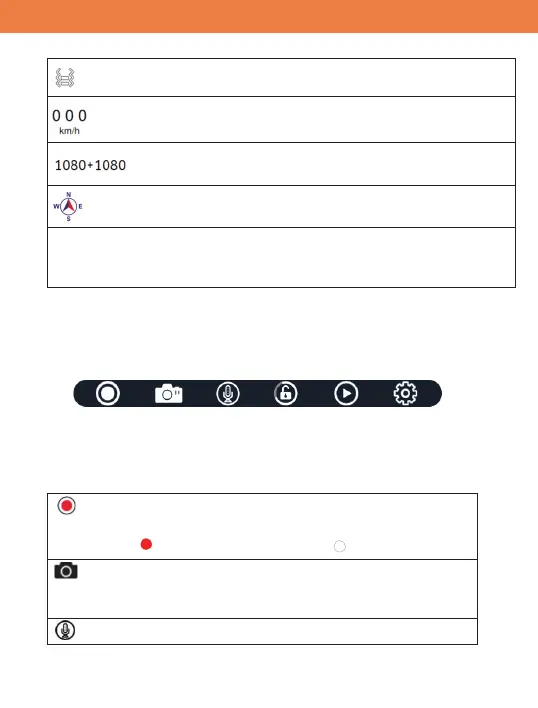
“Impact Sensor” – If shown, the impact sensor is turned on
“Vehicle Speed” shows the current travelling speed.
“Video Resolution” Current video resolution settings for
the front and rear cameras.
“Compass” - The arrow will show the real-time driving direction of
the vehicle.
ABCDEFG
“Vehicle ID” – The vehicle identification number will be displa
yed
if it is turned on in the settings
Operation: Switching between Front and Rear Camera Display
Ɣ Swipe screen from left to right.
Quick Menu Bar:
It is a quick menu bar. If no operations within 10 seconds, this bar will
disappear, but touch anywhere on the screen, it will appear again.
Quick Menu Bar Buttons
RECORD / PAUSE button
:
Toggle between “recording” and “pause”.
RED: Recording WHITE: Paused
Camera Shutter button
:
A short press to take a single photo. A long press
will take a picture in a burst mode.
Microphone ON/OFF button:


 To Next Page