Time setting
Touch this button to access time setting interface.
Repeat play
In playing state, touch this button to start repeat play function:
Chapter repeat → Title repeat →Repeat All → Off.
During VCD playing, this function only works when PBC is off.
Access next menu
Touch it to access the next menu interface.
Stereo on/off
Touch it so as to turn on/off stereo.
Return to root menu
Touch this icon, it shall return to root menu of disk in DVD state and
access PBC menu playing in VCD state. All chapters in the disk shall be
displayed on the interface, touch the chapter icon directly for playing.
Access title menu
Press this button to return to title menu of the disk. Directly click menu
bar at title menu interface for playing.
Language selection
Touch this button to select language.
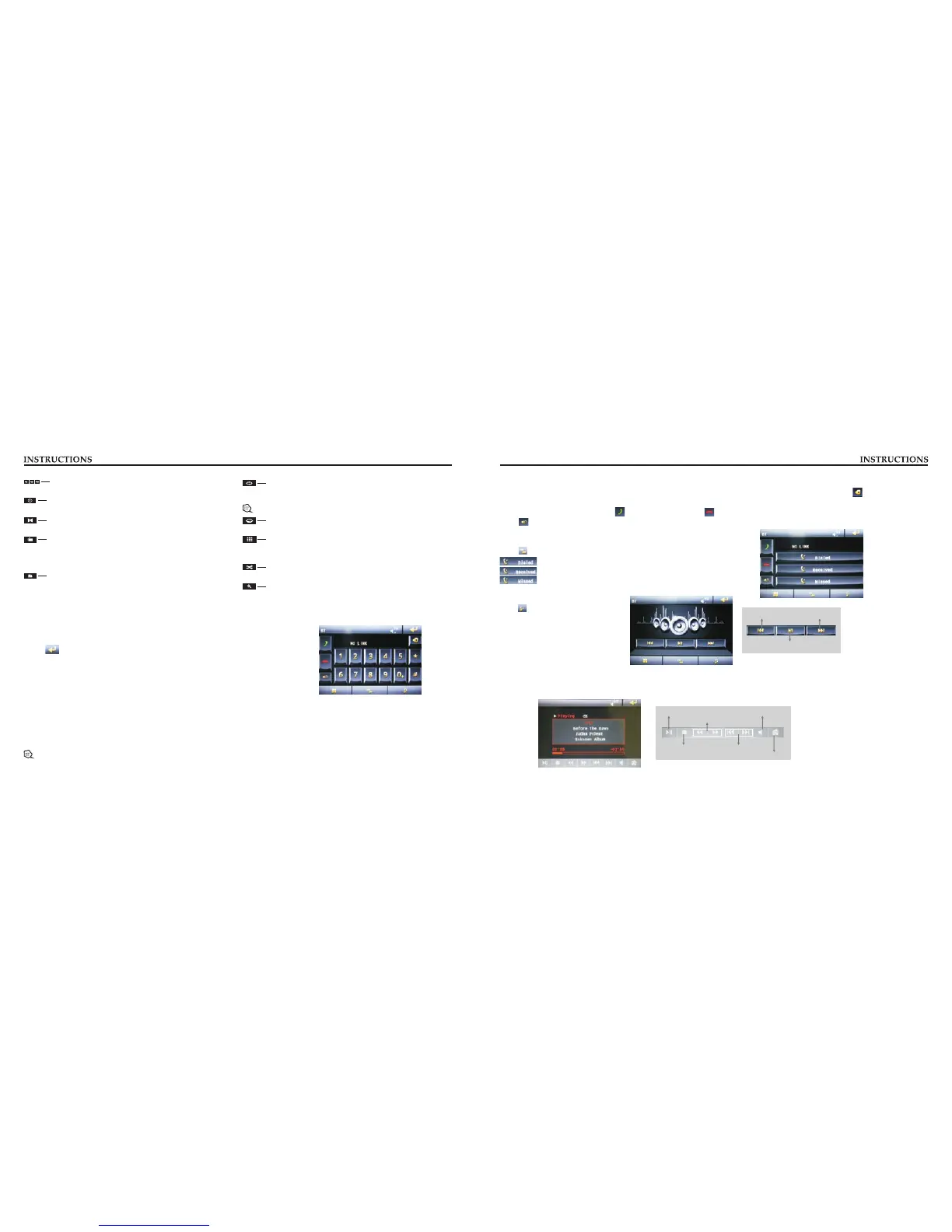
Digit keyboard
Touch this button and digit keyboard shall appear, click number
buttons directly to select tracks for playing.
Switch play order
Touch this button to switch the play order.
Zoom in/Zoom out image
Touch this button to zoom in /zoom out the image.
BT Function Operation
1. Enter/exit
Touch [ BT ] icon in the main interface to enter the BT interface.
Touch icon to exit BT interface.
2. Pair/link
To use BT hand-free function, make connection first, i.e. match the host with the BT mobile
phone.
Operation methods:
Set the host to be matching state, and open the BT of your mobile phone and use the mobile phone to search device, the mobile phone
shall prompt to match password with the BT when it has searched the BT device.
Input BT password (0000) to the mobile phone and confirm. The mobile phone shall prompt whether authorize to this device, please
select [Yes]. Phone and BT shall automatically connect within 20 seconds. Under any working mode, the host shall convert to BT state
if there is an incoming call. And the host shall restore to current mode after hanging up.
When the BT device matches with this device, the connection status shall display “ LINK OK ”, otherwise, it shall display “ NO
LINK ”.
4. Call records
Click to access call records interface.
Touch this button to check all the dialed phone numbers.
Touch this button to check all the phone numbers of received calls.
Touch this button to check all the phone numbers of missed calls.
5. BT music
Click to access BT music interface.
Previous song
Play/Pause
Next song
3. Dialing
You can dial on mobile phone directly or input phone number through the number buttons on the screen, click to delete if there is
input error.
After input the phone number, click to make a call, and click to hang up the phone.
Click during a call so as to switch the voice between car speaker and mobile phone.
MUSIC function operation
Connect to Music first, touch [Music] icon on main interface to access M interface, as usic shown in below diagram:
Play/Pause
Fast forward play/ Fast backward play
Stop
Volume adjustment knob
Back to the main interface
Previous Song/Next Song
BOYO SENSORS
BACK UP SENSOR SYSTEMS



 To Previous Page
 Loading...