Display Reference
35
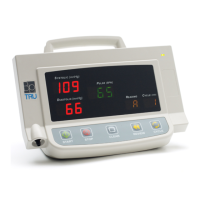
Systolic display
shows software
version number (e.g.,
1.53) and Pulse and
Reading displays
show varying
numbers.
BpTRU is set to BP
Zero Calibration Check
or BP Reference Gauge
Calibration Check.
Exit BP Zero
Calibration Check or
BP Reference Gauge
Calibration Check by
turning power off and
then on again.
Monitor enters low-
power state often or
turns off automatically
( BPM200 & BPM300).
Charge battery for 12
hours.
Replace battery (part #
BPM20036).
Battery charging
indicator remains on
for longer than 24
hours during charging.
BP System Errors (E0 to E15)
If a BP system error occurs during operation, an error
code will be displayed in the Systolic display only. All
other displays remain blank.
Press the BP Start button to resume measurements.
User-cancelled
measurement.
Check patient for pulse. Tighten cuff
on arm and check BpTRU for leaks in
tubing or cuff.
Loss of calibration
data.
Contact BpTRU Customer Support.


 To Next Page