BR 750 PROFESSIONAL – Water Detector Page 6
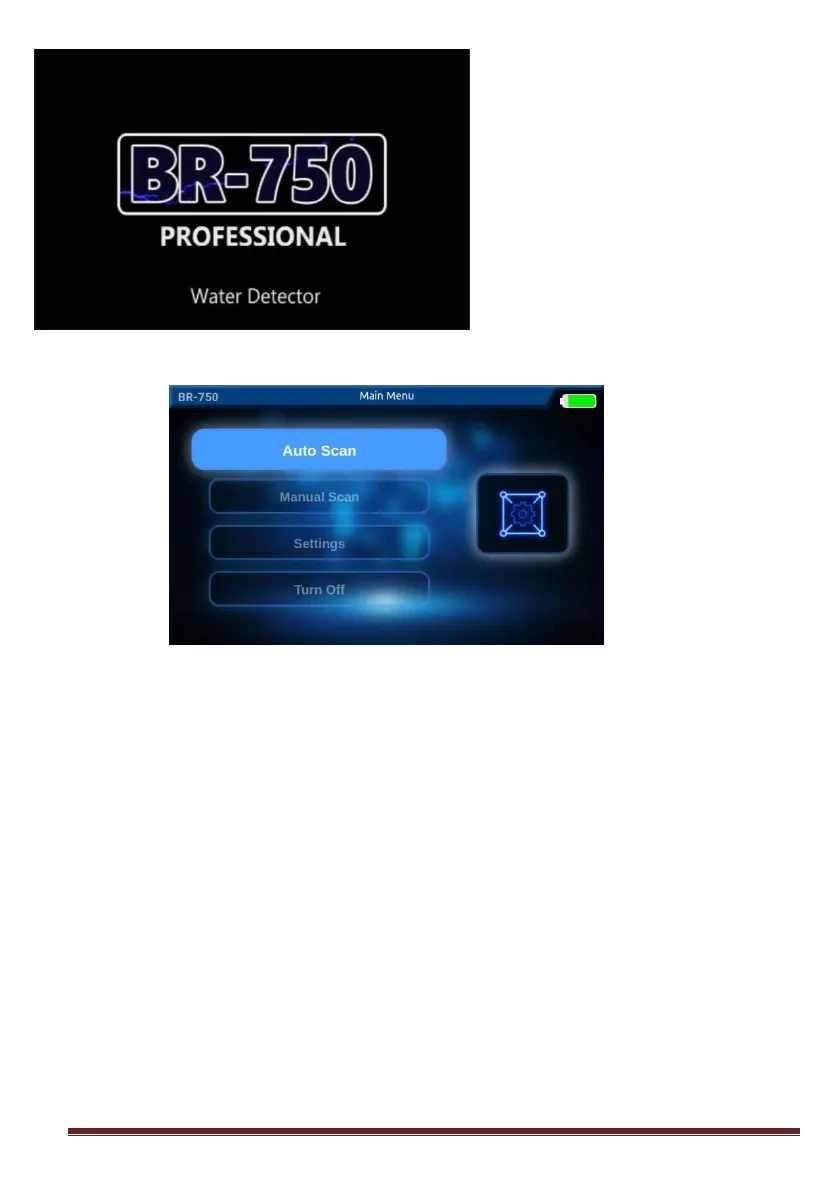
When you turn on the device, first
you will see the logo on the
screen. After the logo screen your
device will wait on the main menu
to make a selection.
You can start scanning by selecting one of the scanning options in the main
menu. In the main menu, you can make general settings and turn off your
device.
You can select either AUTO or MANUAL scanning options on this search
screen.
On the device scan screen, there is a battery indicator in the upper right corner.
Before you start scanning, you must be sure that your battery is fully charged.
20% or less battery level will result making mistakes.



 To Next Page