BR 750 PROFESSIONAL – Water Detector Page 9
1.3 MANUAL SCAN
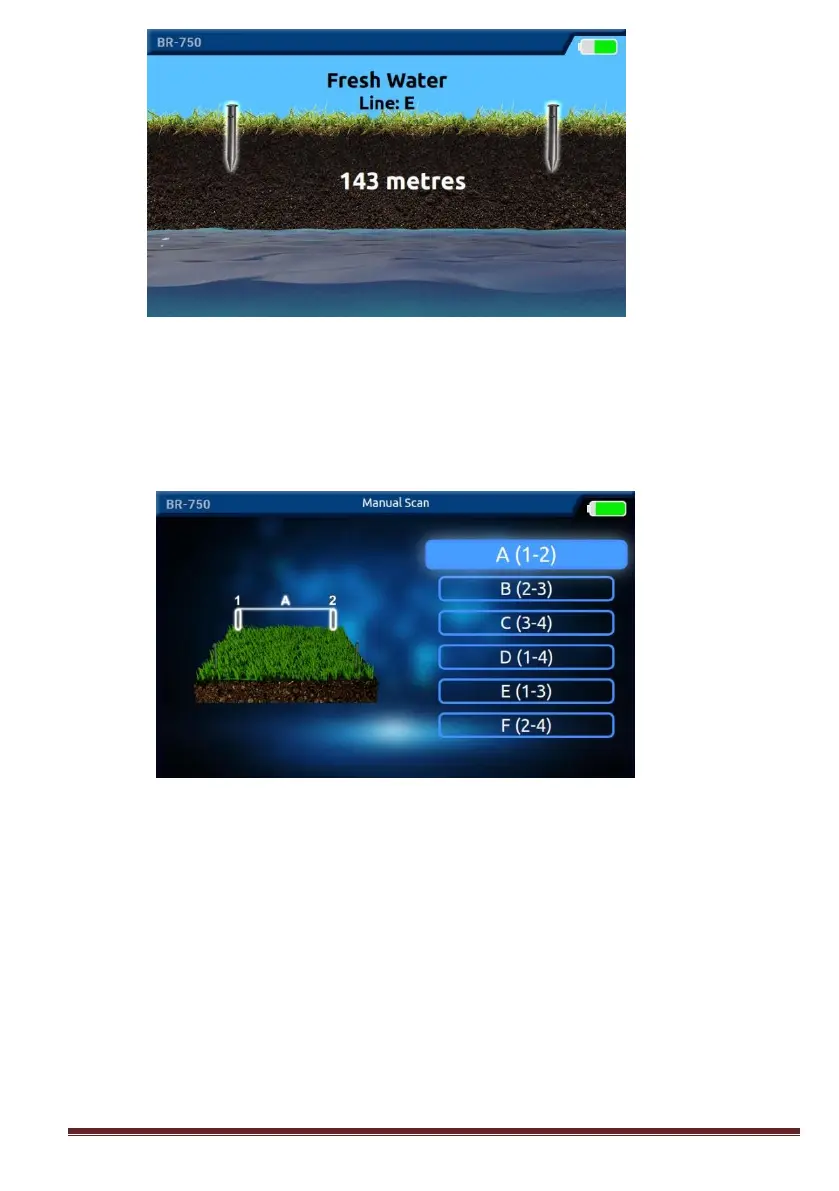
On the scan screen, press the OK button on the MANUAL search option. Press
the OK Button on the line you want to take the measurement.
The measurement will start between the probes you have selected. Between
which probes are being scanned, the LED lambs those belongs to these probes are
on. At the same time, on the device screen it is shown that between which probes
are being scanned. Please see the images below.



 To Next Page