EasyManua.ls Logo

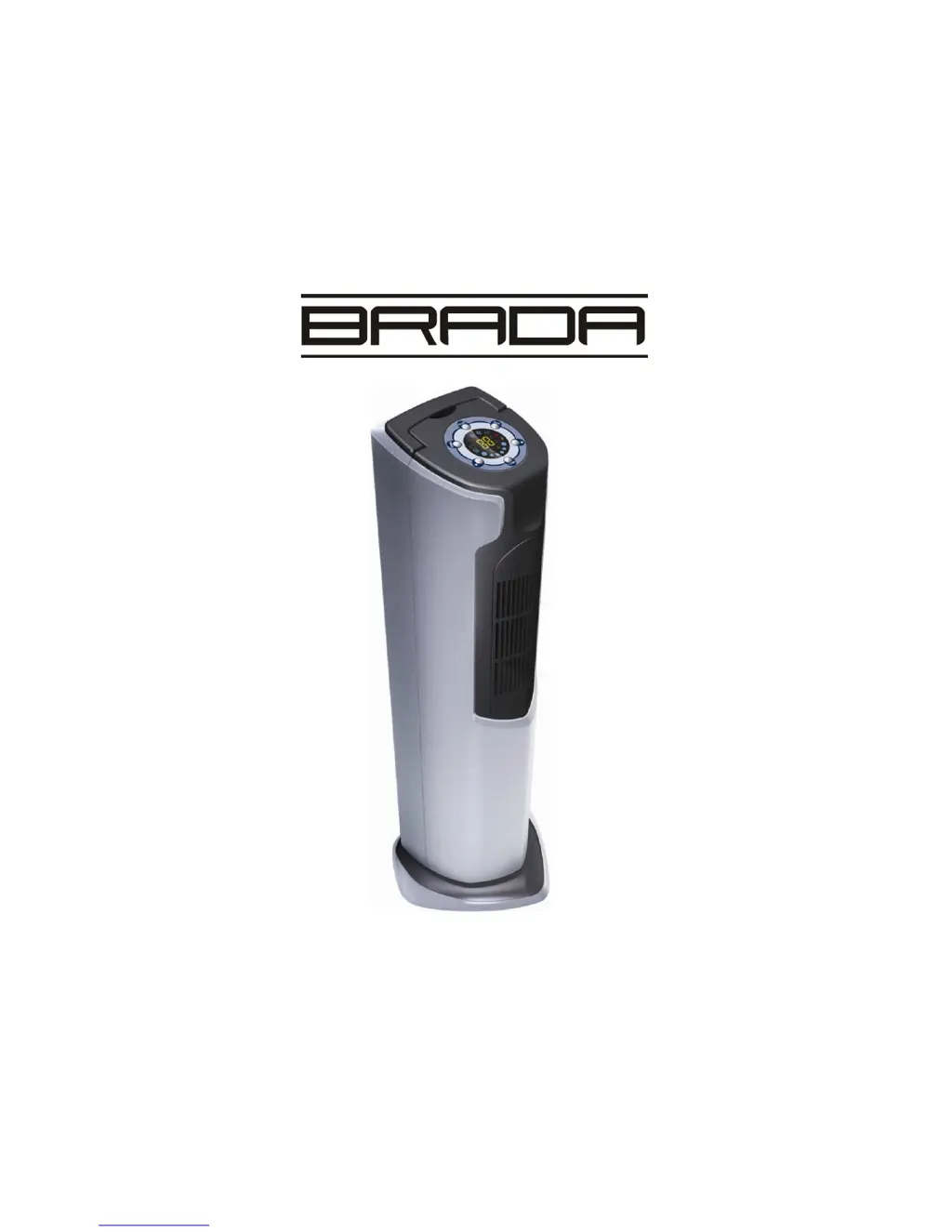
Brada Appliances YPM-06C - User Manual

Default Icon
14 pages
Print Icon
To Next Page IconTo Next Page
Loading...
P
P
O
O
R
R
T
T
A
A
B
B
L
L
E
E
A
A
I
I
R
R
C
C
O
O
N
N
D
D
I
I
T
T
I
I
O
O
N
N
E
E
R
R
Instruction Manual
Please read the instructions completely before using this product
This product is designed for household use only.
YPM-06C

Questions and Answers

  • Z
    Zachary AcevedoJul 30, 2025
    What to do if my Brada Appliances Air Conditioner doesn’t work?
    • M
      Matthew AndersonJul 30, 2025
      If your Brada Appliances Air Conditioner isn’t working, check the following: * Ensure it's plugged in and turned on. * If the water tank is full, drain it and restart the unit. * Make sure the room temperature is between 5-40 degrees. * Deactivate the Timer function if it's on.
  • V
    Virginia SparksAug 5, 2025
    Why my Brada Appliances Air Conditioner does not seem to perform well?
    • K
      Karen GarciaAug 5, 2025
      If your Brada Appliances Air Conditioner isn't performing well, here's what to check: * Pull the curtains if the unit is in direct sunlight. * Close any open doors or windows, and turn off or move any heat sources. * Clean or replace the air filter if it's dirty. * Clear any blockages from the air inlet or outlet. * Adjust the setting temperature if the room is cooler than the setting.
  • B
    Brian BakerAug 11, 2025
    Why is my Brada Appliances YPM-06C Air Conditioner making so much noise?
    • M
      Matthew MillerAug 11, 2025
      If your Brada Appliances Air Conditioner is making a lot of noise, make sure that the unit is placed on a flat and hard surface.
  • D
    dhobbsAug 17, 2025
    What to do if the remote control for my Brada Appliances YPM-06C Air Conditioner isn’t working?
    • D
      Danielle CisnerosAug 17, 2025
      If the remote control for your Brada Appliances Air Conditioner isn’t working, try these steps: * Use the remote control closer to the unit, aiming at the remote control receiver. * Replace the battery with a new one.
  • B
    Brandon SmithAug 22, 2025
    What to do if the compressor doesn’t work on my Brada Appliances YPM-06C Air Conditioner?
    • L
      louisrichardAug 22, 2025
      If the compressor on your Brada Appliances Air Conditioner isn’t working, it might be due to overheat protection being activated. Try restarting the unit after 3 minutes to allow the compressor to cool down.

Summary

Introduction to Portable Air Conditioner

Important Safety Safeguards

LCDI Power Cord and Plug

Parts Identification

Installation Guide

Select Proper Installation Location

Choose a suitable place for the air conditioner to ensure optimal performance and ventilation.

Assemble Air Exhaust Hose

Connect the exhaust hose and adapter securely to the unit for proper hot air expulsion.

Connect Hot Air Exhaust Hose

Guide the exhaust hose through the window kit and secure it to vent hot air outside.

Install Window Kits

Fit the window kit into the window frame to seal the opening and direct exhaust.

Operating Instructions

Control Panel Overview

Overview of the buttons and functions on the unit's control panel for operation.

LED Indicator Functions

Explanation of the various indicator lights on the LED display for mode and status.

Remote Control Operation

Details on the functions of each button on the remote control for convenient operation.

Cooling Mode Operation

Basic instructions for operating the air conditioner in cooling mode.

Setting the Timer

Guide on how to set the timer for automatic on/off operation or delay start/stop.

Setting Operating Modes

Instructions for selecting between Cooling, Fan, and Dehumidifying modes.

Setting Temperature

How to adjust the desired temperature setting for the cooling mode.

Setting Fan Speed

Instructions for selecting the fan speed (high, medium, low) for different modes.

Auto Mode Function

Explanation of the automatic mode which adjusts operation based on room temperature.

Auto Defrost Function

Information on the automatic defrost function and when it activates.

Sleep Function

How to activate the sleep function for quieter operation and gradual temperature adjustment.

Dehumidify Mode

Instructions for operating the unit in dehumidifying mode.

Water Drainage Procedure

Maintenance and Storage

Cleaning Steps

Steps for cleaning the exterior surface and the air filters.

After Season Maintenance

Steps to prepare the unit for long-term storage, including draining and cleaning.

Troubleshooting Common Issues

Appendix: Technical Specifications

Brada Appliances YPM-06C Specifications

General IconGeneral
BrandBrada Appliances
ModelYPM-06C
CategoryAir Conditioner
LanguageEnglish

Related product manuals