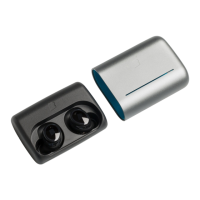
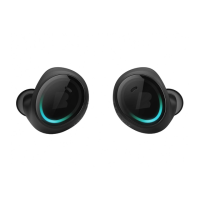
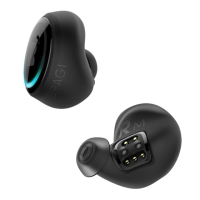
Before you get started –
Activate The Dash.
!
To activate the Dash connect
the Charger including Dash
to a USB power source.
Disconnect the USB Power and
your Dash is a ctive.
Download the Bragi Developer App
on developer.bragi.com
Register your Dash through the
developer app to get full suppo rt.
Here we go.
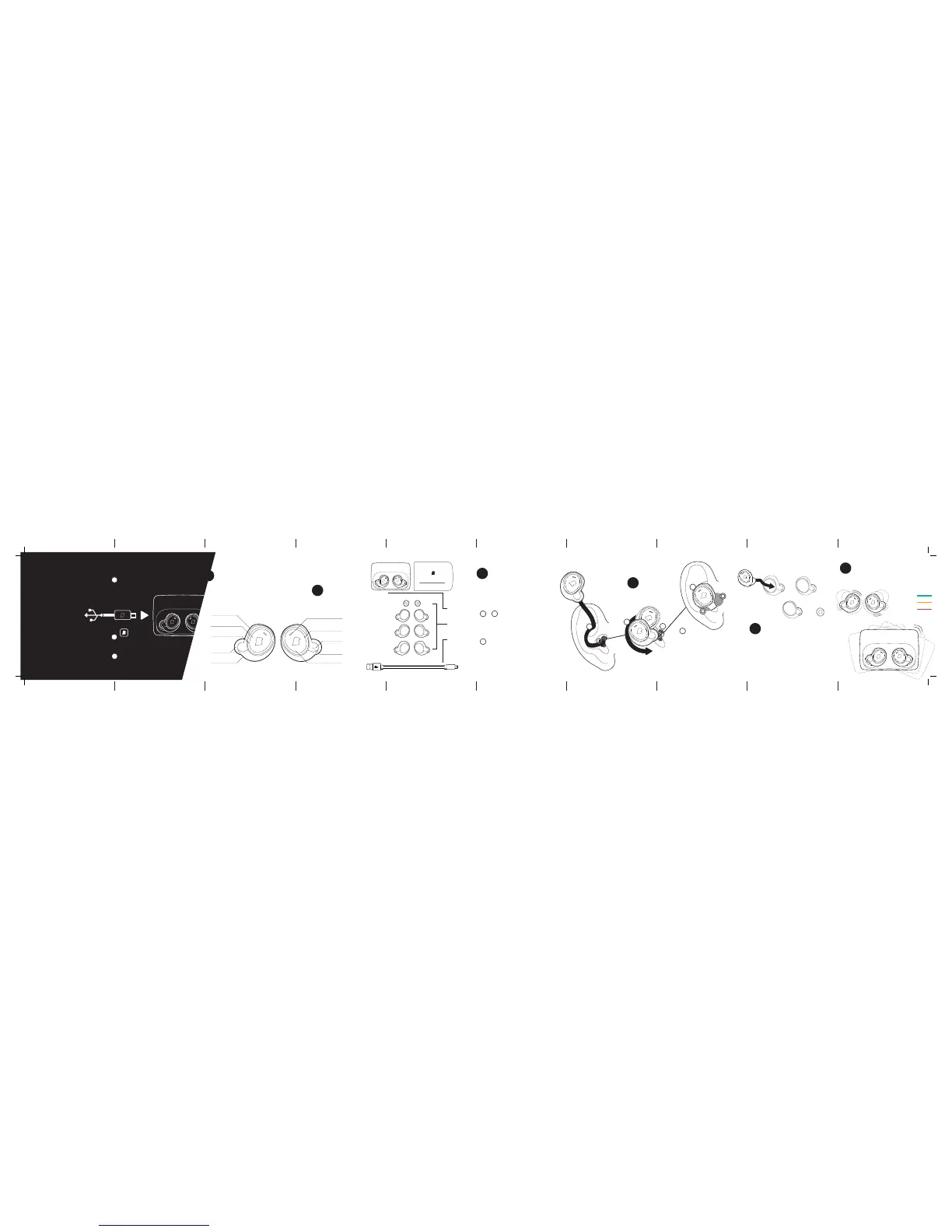
What’s inside?
Introducing the Dash
FitSleeves
(XS/S/M/L)
Ambient Microphone
Balanced
Armature Drivers
Accelerometer
4GB Flash storage
Optical Touch Sur face
LED Lightring
Passive Noise
Cancellation
Pulse Oximitre &
Health Sensors
... and a lot more .
1
Position th e „R“ Dash with LED li ghtring in a
vertical position as shown in diagram „Ins ert the
Dash“. Insert the tip of t he Dash
firmly into your ear canal a nd rotate backwards.
To finish installing the Dash, gently pull the top
portio n of your ear upwa rds, while using your
free hand to ad just the Dash for a comfor table
fit within your ear canal and outer ea r cartilage.
To achieve a good se al, you shou ld
feel the tip of the sleeve close
off your ear ca nal. Check t hat
The Dash is f irmly se ated withi n
the portion of your ea r.
Experiment with th e Perfec t Fit
by tryin g the diffe rent sizes: larg e
sleeve to the e xtra sma ll tip.
Try different s leeve sizes unt il
it feels comfortable an d secure.
You will need the Pe rfect Fit to maximi se
performance and accuracy of the d evice.
2
2
3
&
3
1
1
What’s inside the box?
The Developers Kit
2
3
How to insert
The Dash
The Dash
the Charger &
the Slide
FitSleeves
XS / S / M / L
USB to
Micro-USB Cable
4
How to wear
The Perfect Fit
4


 To Next Page
 Loading...