Next, you’ll want to Personalize and Calibrate your Dash. These steps are
important if you want to realize the full potential of The Dash, including fitness
tracking capabilities.
A lot of new user issues can be solved by understanding the differences between
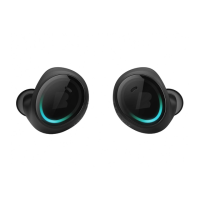
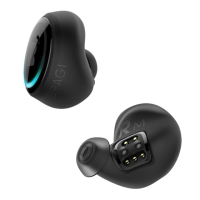
the functions of the right Dash and the left Dash. Make yourself aware how to !
Pair & Connect The Dash for Audio and Telephony and how to Bond & Connect !
The Dash for Activity Tracking and Data Transfer. Please look at the other articles
in the Setup & Connect section to fully understand your microcomputer.
Usage & Care
Even a smart earphone needs some help from time to time.
The functionality of The Dash can be affected by environmental influences. !
For example, The Dash can be Influenced by External Materials such as dirt !
or shampoo.
Are you experiencing decreased volume or sound quality of after a few days/weeks
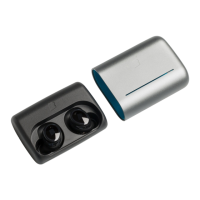
of usage? You can clean The Dash by Using a Toothbrush. In doing so you’ll probably
remove ear wax, or other external items from the speaker grill.
For more information, please click through the articles in Usage & Care Section.
They will help you understand your Dash and to maximize the daily experience !
with it.
For issues regarding playing or streaming music, please check out the information
in the section Listen to Music.


 To Next Page