EasyManua.ls Logo

Brainstorm SR-112 - 7. Menu Navigation; 7.1. SELECTING A MENU; 7.2. CHANGING VALUES

Brainstorm SR-112
24 pages
Print Icon
To Next Page IconTo Next Page
To Previous Page IconTo Previous Page
Loading...
Page 8
SR-112 User Manual (Rev 4.01)
7. Menu Navigation






updown


right] left] 

up] down] 

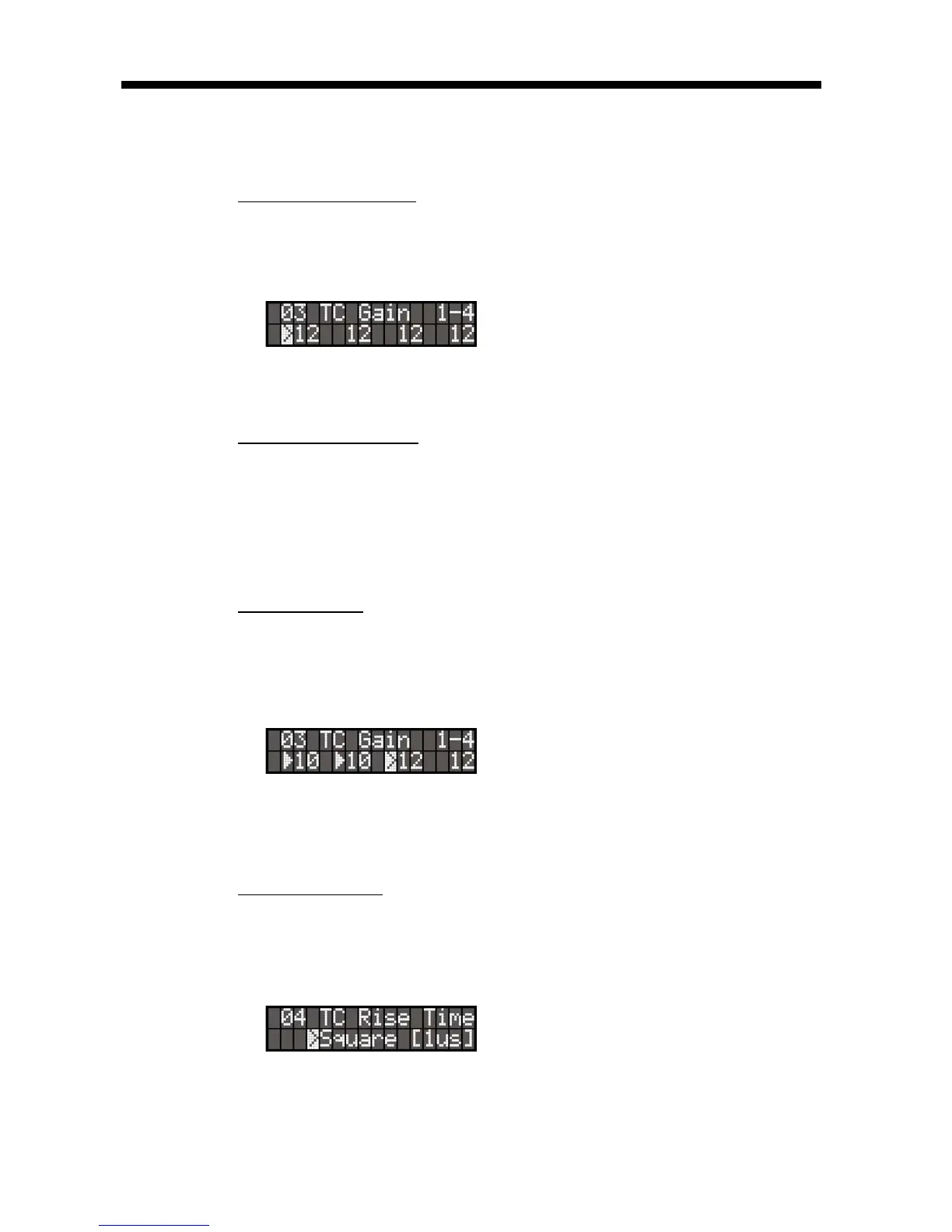
Note that no change will take effect until the [
enter] key is pressed. When exit-
ing a menu without pressing the [
enter] key, the changes are lost.





enter] 

made but not entered yet.




.

Other manuals for Brainstorm SR-112