24
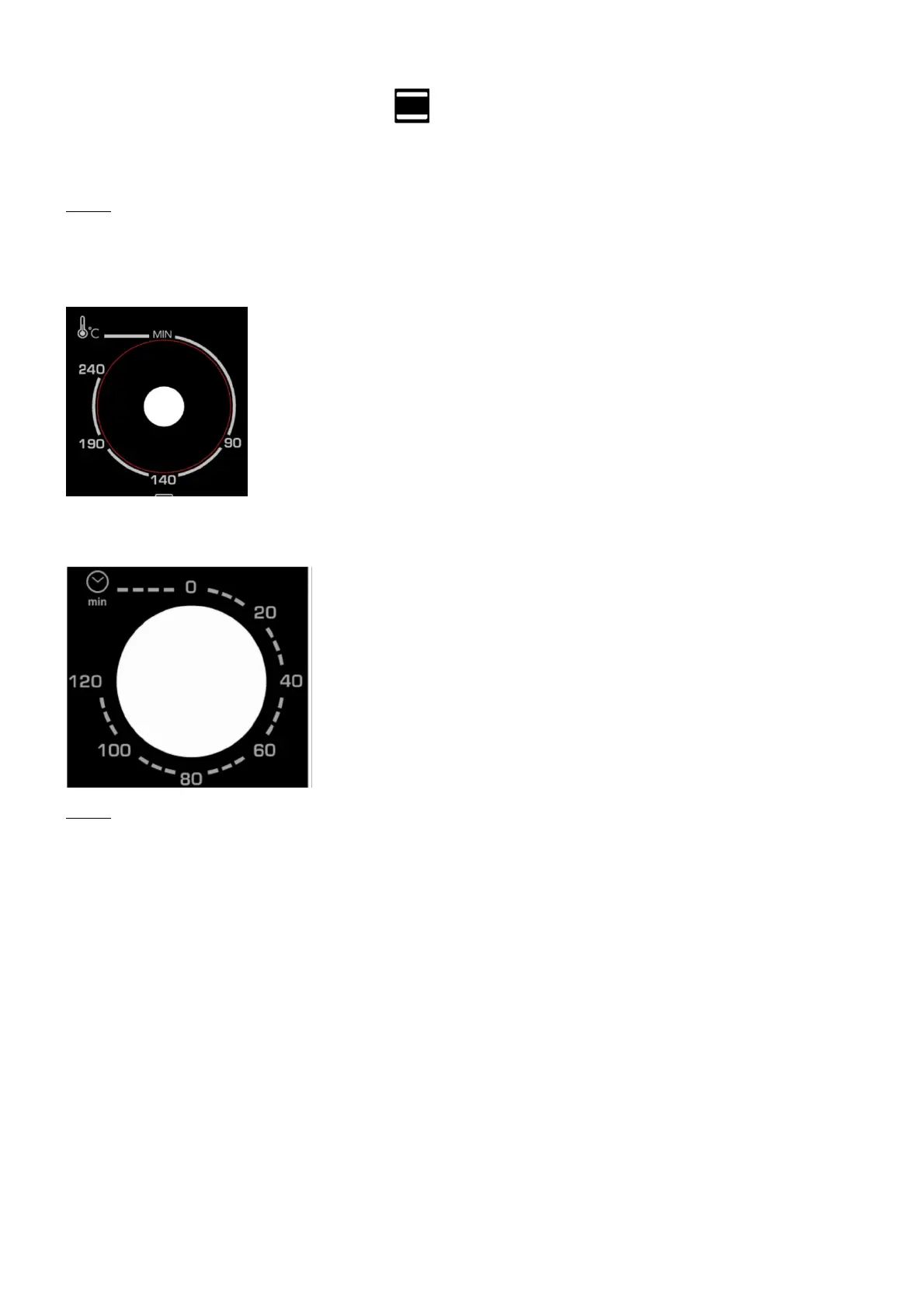
Adjust the cooking mode selector and put the thermostat on "240°C" and then heat
the oven empty for about 10 minutes.
After leaving it to cool unplug and clean the spare parts again.
Note:
It is possible that there is a smell of smoke and burning. However, this is normal.
b) Setting the temperature
Adjust the "temperature control" by turning it clockwise to select
the appropriate temperature for the dish you are going to cook
(Temperatures between 70°C and 240°C).
c) Setting the cooking duration
Adjust the timer to the appropriate cooking duration (in
minutes) for the dish you are going to cook by turning it
clockwise.
The indicator light enables you to check the heating elements
are functioning correctly. The oven will turn off automatically
at the end of the selected cooking time and an alarm will
sound,
You can turn off the oven manually during cooking by turning
the timer anticlockwise to Position "0".
Note:
If the inside of the oven is dirty it may be that cooking has taken longer than usual.


 To Next Page